
Managing PDF is now easy because there are several software programs. But not everyone wants to download dedicated software for occasional usage. So, Adobe is releasing Acrobat Chrome extension that lets you access PDF tools directly through your browser. Microsoft’s Edge is based on Chromium. So, this extension will also work on Edge.
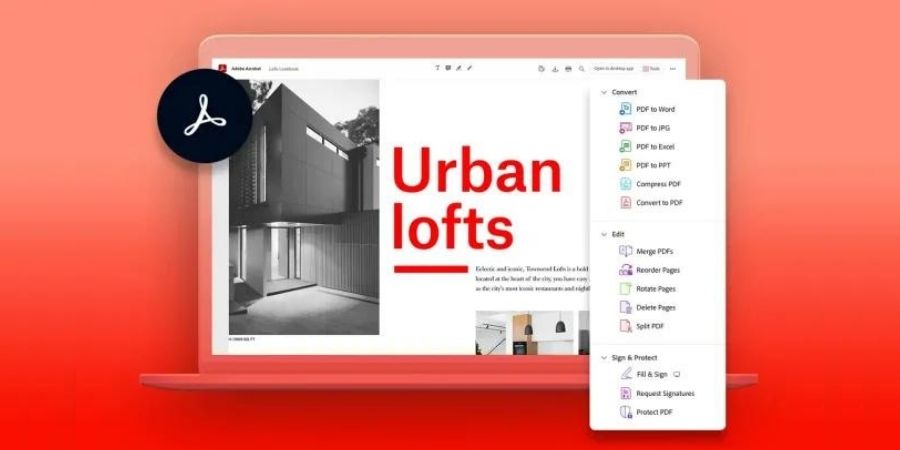
This Google Chrome extension lets users view, convert, compress and sign PDFs directly from the browse. It also lets you organize, or combine files. You can also convert web pages into PDFs.

This extension will save time and energy both by filling out, signing, and marking up your documents quickly. You will not have to switch to Acrobat software for these things.
Acrobat extension offers several tools for free, no subscription is necessary. You also get access to a free 7-day trial for more features.
Download Acrobat Chrome extension
Also see
- Best Online PDF Editors
- How to convert a PDF to JPG
- How to convert a PDF to EPUB
- How to combine PDF files: Merge PDF
- How to convert JPG to PDF
- How to Rotate PDF Files
- How to convert PDF to Word document for free