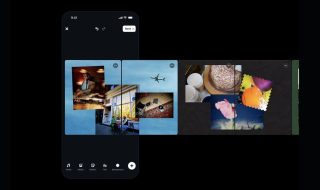

After adding effects and backgrounds for video calls, WhatsApp for Android is now testing the same effects and filters for photos. Users can add effects and replace backgrounds while using the camera in a WhatsApp conversation.
When you want to share a photo or video on WhatsApp, you can either use the camera to capture a photo or select one from your phone’s gallery. Now if you select camera to capture a photo, you can add filters or backgrounds to make the photo or video even more interesting. To see available filters and backgrounds, tap the Filters icon.

After you tap the effects icon, you see the filters. Select any filter to capture a photo or video with the selected filter.

You can also replace the background to make the photo even more interesting. Tap the backgrounds tab and select from available backgrounds.

Like video call effects, WhatsApp has also added a low-light mode to capture improved photos or videos in low light. The Touch-Up mode is also there to improve and smoothen your skin tone.
I found these effects and backgrounds on WhatsApp for Android, but not on WhatsApp for iPhone. I am not sure if the company has rolled it out only for Android, or it is getting gradual rollout to all platforms.
Also see:
- Snapchat Planets Order and Meaning
- Snapchat Emoji Meanings
- What is Snap Score and How to Increase
- How to Delete Snapchat Account Permanently