

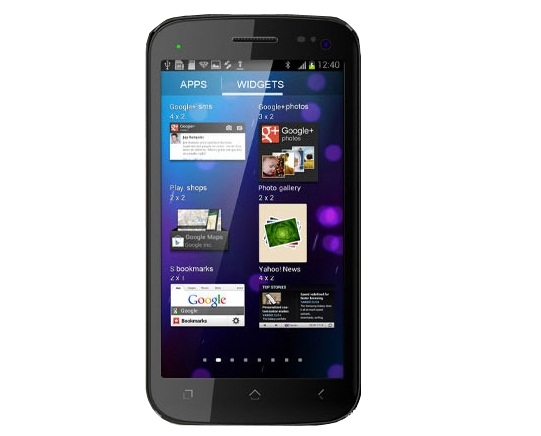
Micromax A110 Canvas 2 is an amazing smartphone for the price around Rs. 10,000. It is one of the best-selling smartphones last year. But some users are complaining about minor issues. If you are also one of the those A110 users who are facing problem with it, you can try a hard reset and see whether the problem is solved or not. See below how to perform hard reset in Micromax A110 Canvas 2.
Note: Backup your contacts and other important data before proceeding. Otherwise, you will lost your data stored in the smartphone.
Follow these steps
Switch off the phone.
Now you need to press Volume up (+), volume down (-) and power keys simultaneously until you get two options on the screen.

Now you will get Recovery mode and Factory mode options. To enter into the recovery more, press volume up (+) and to enter in factory reset mode press volume down (-) key.
To hard reset the phone, we need to enter in the recovery mode. Here use volume up and down keys to navigate. Press Menu button to select an option.
After factory reset, phone will reboot automatically.
In case you are facing any problem with the whole process, comment below.
Read: How to Hard Reset HTC One X



I am completely not able to restore or reboot after my screen has freezed, I tried the way as mentioned but the buttons too not supporting the screen to synch
my phone doesnt indicate any menu after entering the recovery mode. help me
My screen touch isn’t working so its not possible to use the home button to reboot.What i should do?