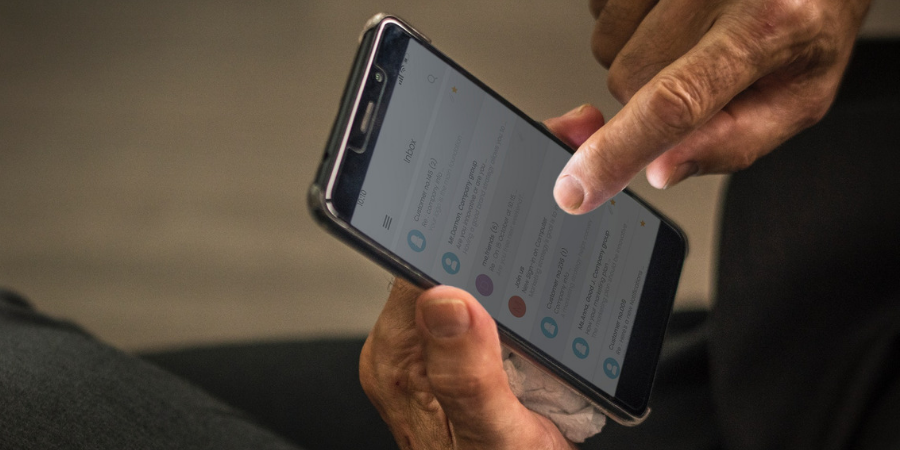

Email is an important part of professional life. Now that emails are accessible using the smartphone, we hardly miss any important emails. In recent years, email apps for mobile have evolved. There are lots of email apps claiming to offer different kinds of features, organized inboxes, and more. Some apps just allow a single email account, while a few apps allow you to manage multiple email accounts on the app. When you set up a new Android phone, you get Gmail. You need a Google account to set up a new Android phone. So, Gmail automatically adds the Google account. If you want to use your other email address separately in an organized manner, you can either add it to Gmail or install any other email app. I have tested several email apps and prepared a list of the best email apps for Android.
Also see:
Features to look for in an email app
When choosing an email app, features matter more than the app name. A good email app should make daily email use simple, fast, and secure. One of the first things to look for is a clean and easy-to-use interface. You should be able to read, reply, and manage emails without confusion or extra steps. Strong security and privacy features are also important. This includes spam filtering, phishing protection, and support for encryption where possible. If the app offers biometric lock or app-level password protection, that is a big plus.
Another key feature is support for multiple email accounts. A good email app should let you manage Gmail, Outlook, Yahoo, and custom domain emails in one place. Smart notifications are also useful, as they help you stay alert without being disturbed by unnecessary alerts. Search and organization tools play a big role in productivity. Features like advanced search, folders, labels, and filters help you find important emails quickly. Offline access is another useful feature, especially if you travel or have an unstable internet connection.
Finally, customization options can improve the experience. Things like dark mode, swipe actions, and adjustable notification settings help you tailor the app to your needs. A good email app should adapt to your workflow, not force you to change how you work.
Here is the list of the best email clients for Android. Check the app email apps for Android and download one based on your requirements.
Best Email Apps for Android
These are the best email apps for Android to manage your inbox.
1. Gmail
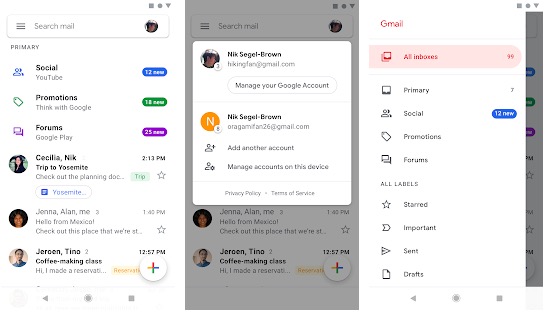
Gmail comes pre-installed on most Android devices. It is a Google product, hence it is also one of the best Android email apps you can try. Not just access to Gmail, it also allows you to configure non-Gmail addresses. It offers an organized inbox where Social and promotional messages are sorted into categories. So that you don’t miss any important emails.
Gmail’s spam filter is really powerful and it also marks if there is a virus attached to an attachment. Other notable features include group discussions, bookmarking of messages, customizable push notifications, and more.
2. Outlook
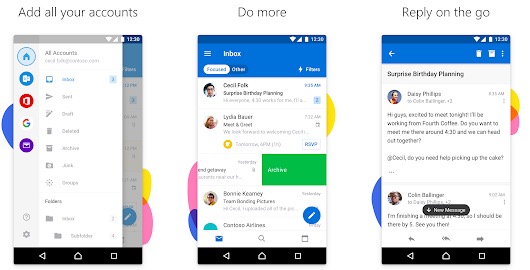
The outlook is the email app by Microsoft. The app lets you manage your email accounts easily. It comes with a clean and user-friendly interface. Not just an Outlook email, but you can also manage emails from other services like Outlook, Gmail, iCloud or Yahoo Mail, and more. You can also configure POP and IMAP. The app keeps your important emails at the top and filters spam emails. You can also manage multiple email accounts at the same time.
The app also comes with Word, Excel, and PowerPoint integrations. It also gives easy access to calendars and files right from your inbox.
3. Blue Mail
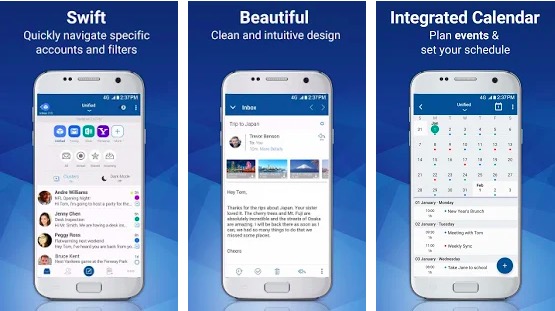
Blue Mail is one of the most popular email apps you shouldn’t miss. This email client for Android lets you configure any email address, including Gmail, Yahoo, Outlook, and POP3, IMAP, or Exchange clients. It syncs multiple mailboxes and provides Instant Push Mail notifications for all. You get full control over notifications.
You can manage your emails and make a group based on your choice. If you have an Android Wear-powered smartwatch, you get notifications right on your watch. It shows senders’ images, unread count, ability to color-code emails, and more.
4. ProtonMail
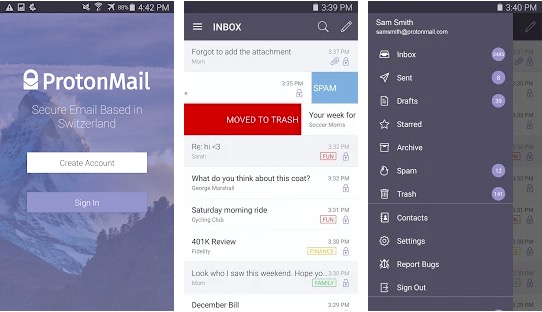
ProtonMail is also a popular email client for Android devices. The app claims to offer end-to-end email encryption for keeping your conversations private. The app also comes with OpenPGP support, self-destructing emails, labels, and push notifications. Several security experts have praised the app for its encryption and security. The app is 100% free and respects your privacy.
The app comes with a modern user interface with customizable swipe gestures. You can also send expiring emails. You can also send password-protected encrypted emails to those email addresses that don’t support expiring emails.
5. Aqua Mail
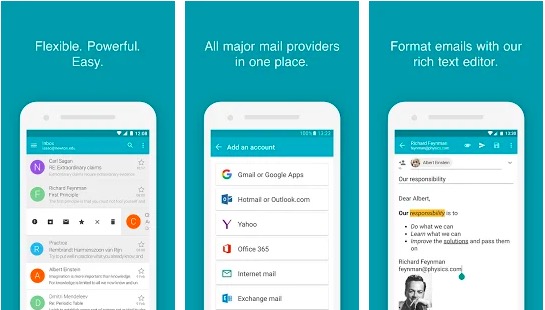
Aqua Mail is also a notable email app that supports multiple email providers such as Gmail, Yahoo, Hotmail, Apple, AOL, etc. it also supports popular email protocols like IMAP, POP3, and SMTP. It supports push mail for most mail services. The app has lots of good features, but the most important features are only available on the pro version. The free version of the app also displays an ad after every email. This is the reason, I am keeping it at the end of the list.
You can manage multiple email addresses at the same time. It also offers a backup and restores feature. The app also comes with Calendar sync for Exchange and Office 365 options. It has a rich text editor for creating beautiful HTML emails.
The app also sends Notifications on Android wear watches. You can also reply directly from the watch. It also comes with several themes and lets you customize the theme.
6. Spark Email
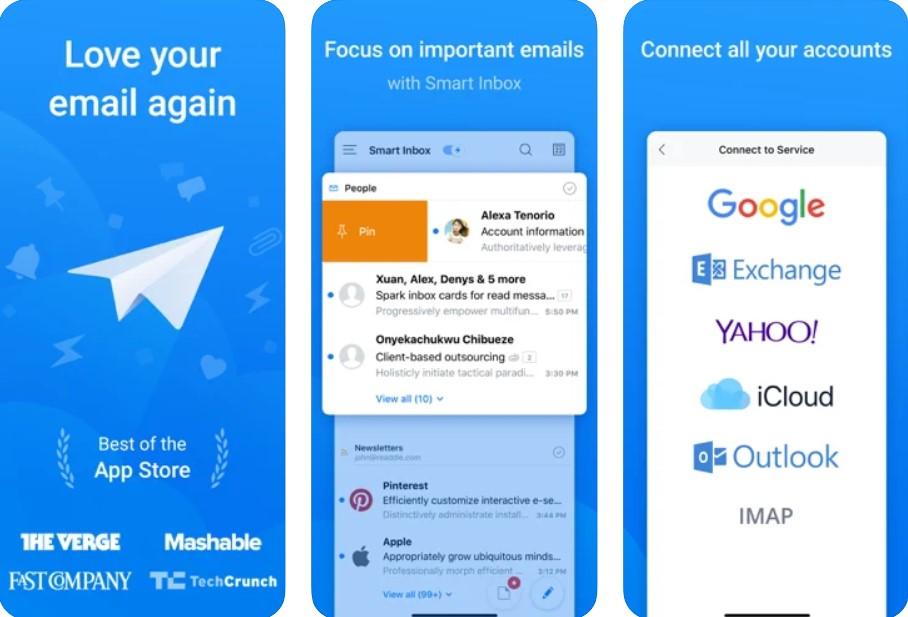
Spark Email is a smart and user-friendly email app for Android. It is designed to help you manage your inbox with ease. Spark automatically sorts your emails into categories like personal, notifications, and newsletters. This makes it easier to see what matters most without scrolling through everything.
The app supports multiple email accounts from providers like Gmail, Outlook, Yahoo, and others. You can also add custom email services. Spark has useful features such as a built-in email search, quick reply templates, and smart notifications. These features help you save time and stay organized.
One of Spark’s highlights is its focus on teamwork. If you use email for work, you can share drafts with others, discuss emails privately, and collaborate in real time. The app also lets you schedule emails to send later, snooze messages, and pin important emails.
7. TypeApp Email
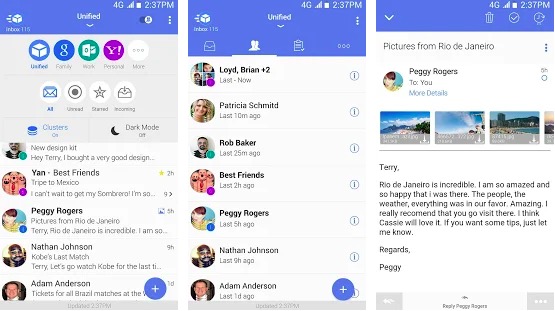
TypeApp is also a good email client that offers everything you expect from an email app. The app is beautifully designed and lets you manage all your email accounts. It offers smart push notifications so you don’t miss any important emails. The app supports IMAP, POP3 as well as all Exchange protocols. So, you can manage all your email addresses. The app also supports Android Wear, so you also get notifications on your Android Wear-powered smartwatch.
It also comes with Beautiful Dark Modes & Themes for a customized experience. It also has Rich Text support, Smart Conversations, Unread and Scrollable Widgets, Color Coding, and more features.
8. K-9 Mail
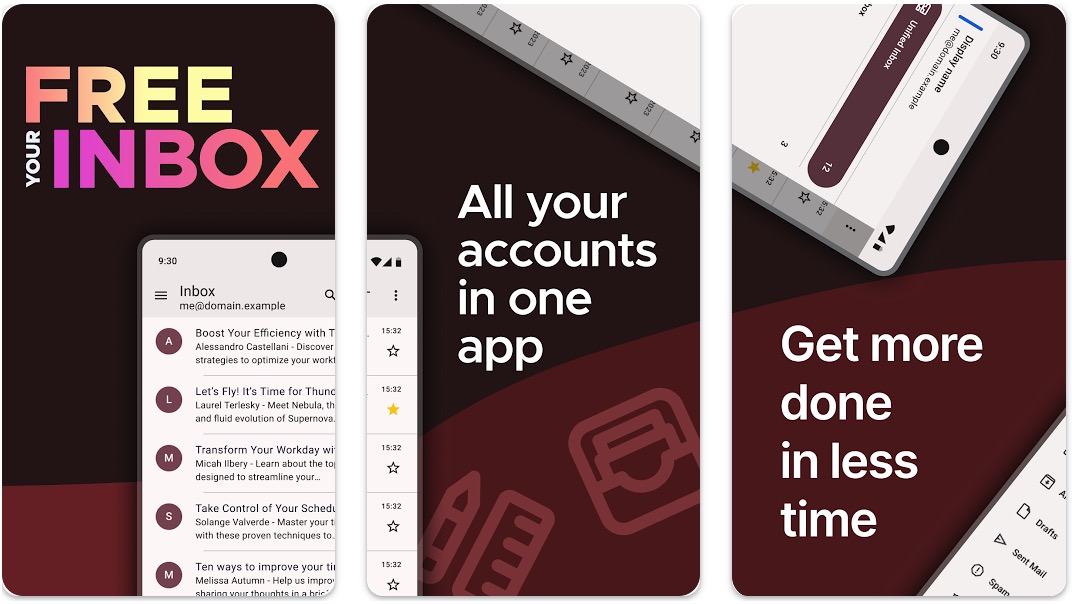
K-9 Mail is a free and open source email app designed for users who value control and transparency. It is known for its strong focus on privacy and does not rely on trackers or ads. The app supports multiple email accounts, including IMAP and POP3, making it suitable for both personal and work use.
The interface is simple and functional rather than flashy. This makes it a good choice for users who prefer speed and reliability over heavy design elements. K-9 Mail also offers powerful features like message filtering, local search, and push email support.
Another major advantage of K-9 Mail is its integration with OpenPGP for encrypted emails. This makes it popular among privacy-conscious users and developers. While it may take some time to set up and get used to, K-9 Mail is a solid option for anyone who wants a lightweight, secure, and no-nonsense email experience on Android. If you are a developer, you can also contribute to the community via GitHub.
9. Edison Mail
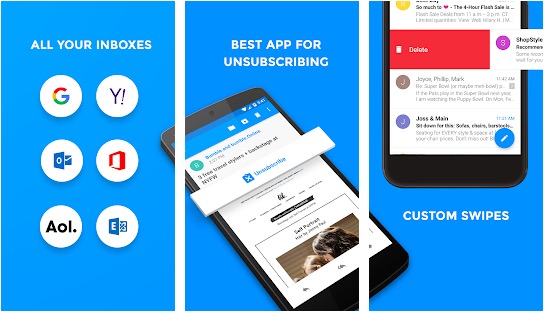
Email app by Edison is also a reliable email client for Android that supports a variety of email providers. You can manage unlimited mail accounts. The app also comes with a built-in intelligent assistant for a better email experience. It also offers real-time notifications, controls, auto-sorting of emails by categories, and more features.
It also supports the Android Wear platform for offering notifications to your watch. It also blocks read receipts from being sent back and preserves your privacy. It fetches emails and keeps them locally on the phone.
10. Cleanfox
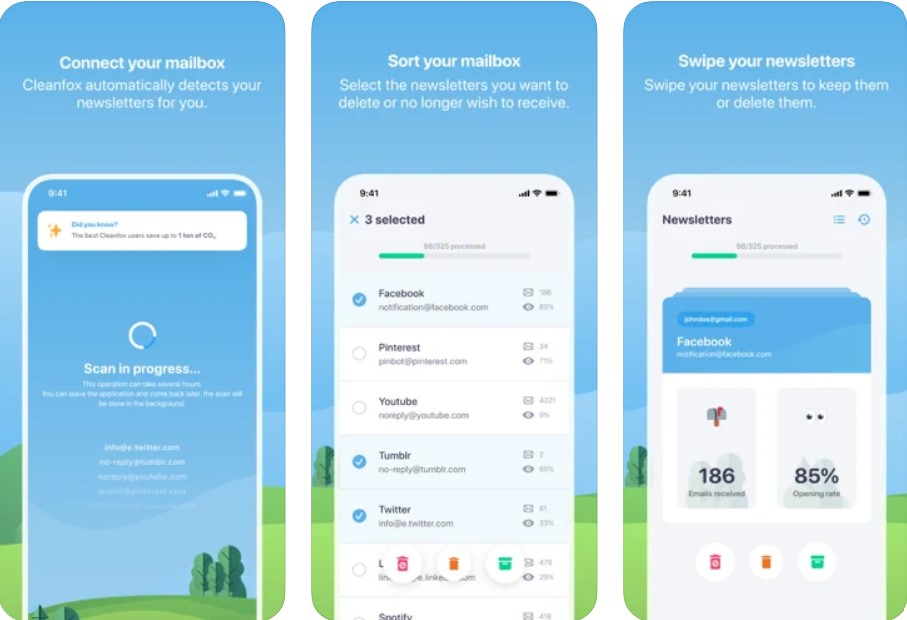
Cleanfox is a free anti-spam tool to get rid of newsletters/spam/advertising emails with just one click. With the help of Cleanfox, you can clean emails you don’t want in your mailbox very easily. Based on your rate of opening emails and the number of emails received, this app allows you to show your newsletters. You can unsubscribe, keep your subscription and the old emails, or stay subscribed and delete the old emails as per this feature. Don’t worry about any wrong action, as you can reverse any action you did on Cleanfox.
Cleanfox is available for free for all email services.
Also, see:
Final Words
Most people use Gmail by default. But there is one risk involved with Gmail. It scans your email for targeting ads. If you want to manage your professional emails, you should look for a good Gmail alternative app. I have included the best Android Email apps along with their details. Read about all the apps and pick one. Few apps offer a clean UI, but few focus on security. Based on your priority, download one.
This list covers different types of email users. Gmail and Outlook are best for users who want a reliable and familiar experience. Blue Mail and Aqua Mail are good choices for managing multiple accounts with more control. ProtonMail and K-9 Mail focus on privacy and security. Spark Email and TypeApp Email are designed for productivity and smart inbox management. Edison Mail offers helpful features like package tracking, while Cleanfox is useful for cleaning newsletters and reducing inbox clutter.
If you know of any other good email apps for Android, let us know using the comments section below.
This list includes 10+ email apps for Android. Check all the email apps and compare their features. You will surely get a good email app for your Android phone.
Outlook and Proton apps are good email apps and somewhere offer better features than Gmail.
Proton Mail offers encrypted emails and is said to be the most secure email app for Android
Proton Mail is known for offering a secure email app.
Proton mail is considered a secure option for an email app. It offers encrypted emails and is safer than Gmail.
ProtonMail is definitely more secure because it offers encrypted emails.
Gmail, Blue Mail, Outlook, Proton Mail are some good email apps to for personal use.