Countdown timers are useful in many ways. While working on computer, we can use it to count time while solving some puzzle or remainder for upcoming tasks. Whatever may be the reason, there are many web apps are available that lets users create online countdown timers in browser. Now, Google has a bad news for all those countdown timer web apps. Now, Google has added an online timer in search.
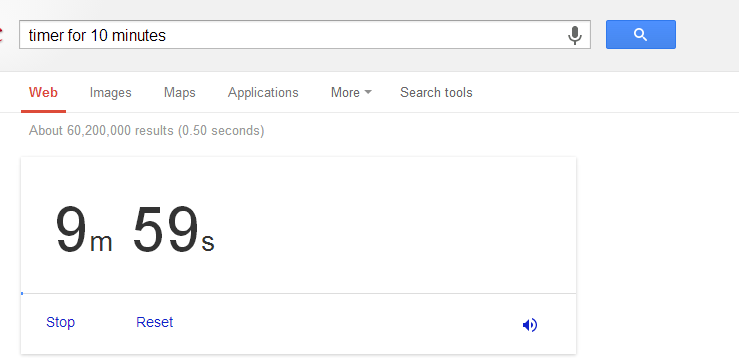
Like other Google special searches, it is also a unique kind of Google search tool that lets users set a countdown timer. To set a timer in Google, you only need to write a simple search query. See the format below:
timer for <countdown time> OR set timer for <countdown time>
Ex: Timer for 10 minutes
After setting up time, it will start. After the time has passed, your browser will start beeping to remind you.
Also Read: Few Google Special Search Tools
Also Read: 10 Less Known Facts About Google
At the bottom of the timer, you will also see few control links. Stop link stops the countdown timer. Clicking on Reset link will reset the timer to start again. If you want to mute the remainder alarm, click on the speaker icon.
Use this countdown timer and share your thoughts below in comments.