

Snap introduced Snapchat Web back in July 2022 and made it available to all in September 2022. It allows desktop users access their Snapchat account and messages using the web browser. So, you do not need to install a separate desktop app. You just open it in a web browser.
Snapchat Web lets you send messages, reply to chats, and make voice or video calls directly from your computer. It syncs with your mobile app. That means your chats stay updated on both devices.
How to Use Snapchat Web
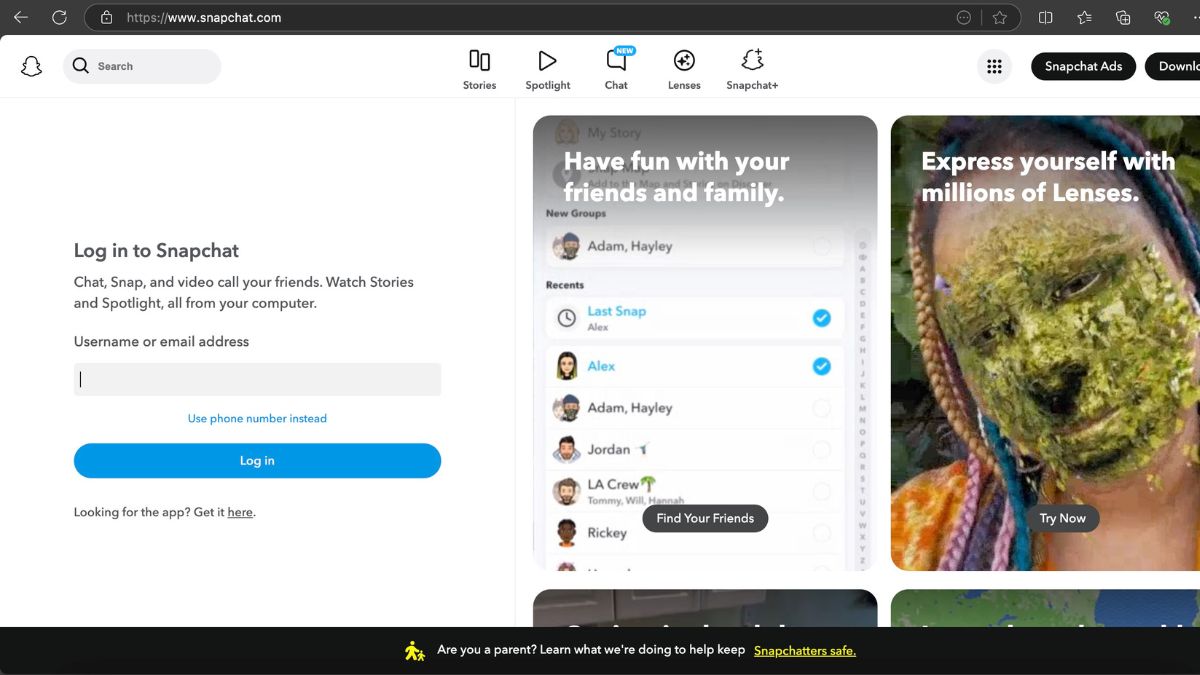
It is very easy to use Snapchat Web. You only need your Snapchat account and a browser. First, open your browser and go to snapchat.com. Log in using your Snapchat username and password.
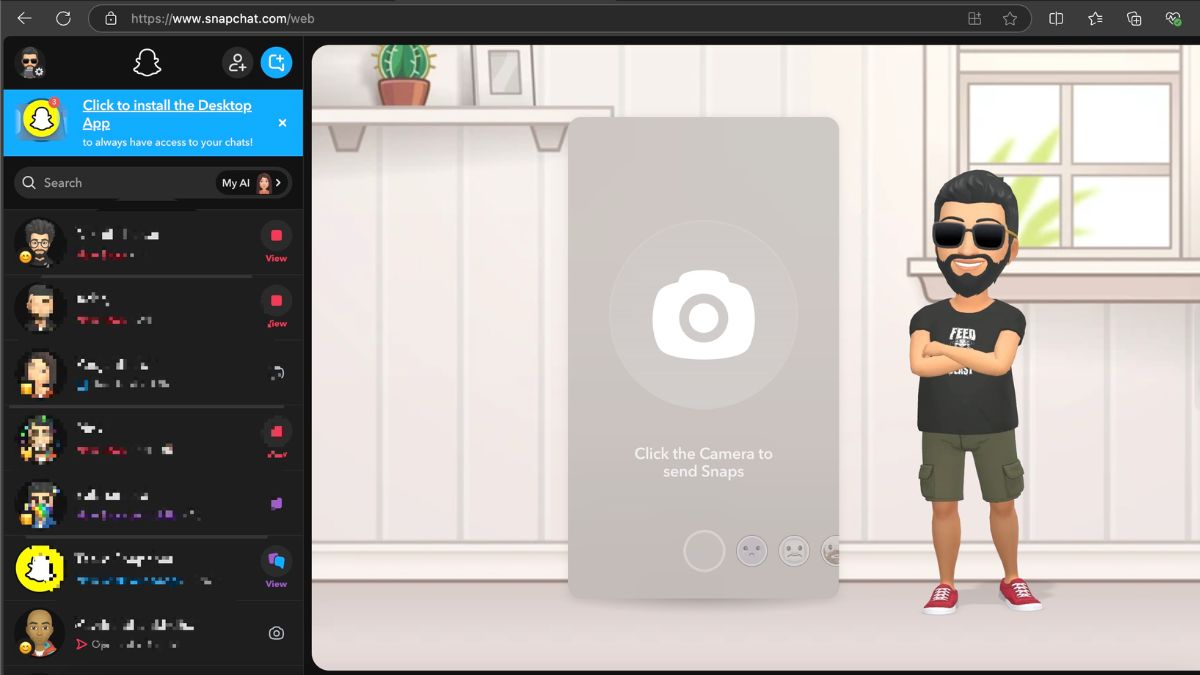
Once you log in, you will see your chat list on the left side. The layout is clean and easy to understand. If you already use Snapchat on your phone, you will not feel confused.
Click on any conversation to start chatting.
You can:
- Access Chats
- Send text messages
- Send emojis and stickers
- Make voice calls
- Start video calls
- View and reply to snaps in chat
Snapchat Web mainly focuses on messaging and calling. It does not fully replace the mobile app. Features like advanced camera lenses and Stories are still better on the phone.
Key Features of Snapchat Web
Snapchat Web focuses on communication. Here are the main features that users care about:
- You can chat with friends using your keyboard, which is faster than typing on a phone.
- You can make voice and video calls on a larger screen. This is helpful for long conversations.
- Your chats sync in real time with your mobile app.
- You can use it while working on your laptop without switching devices again and again.
For people who spend hours on a computer, this makes Snapchat more practical.
Who Should Use Snapchat Web
Snapchat Web is not for everyone. But it is very useful for some users. For people who spend hours on a computer, this makes Snapchat more practical. Students who attend online classes can keep Snapchat open in another tab and reply quickly. Content creators and social media managers can reply to messages faster using a keyboard.
People who make long video calls to Snapchat friends can use it for a bigger screen and better webcam setup.
If you mostly use Snapchat only for camera filters and quick snaps, the mobile app is still better.
Is Snapchat Web Safe?
Snapchat Web uses login verification to protect your account. Sometimes it asks for confirmation from your phone before allowing access. This adds an extra layer of security. However, you should avoid logging in on public computers. Always log out after using it on shared devices. Security is similar to the mobile app, but you must follow basic safety practices.
Wrap Up
It is important to understand that Snapchat Web is not a replacement for the Snapchat mobile app. It is an extension. It brings chat and calls to your desktop. If you spend a lot of time on your laptop, it makes life easier. If you mainly use Snapchat for filters and quick snaps, your phone is still the better option.
Also Read
- How to Hide Chat in Snapchat
- Snapchat Planets Order and Meaning
- How to Delete Snapchat Account
- Snapchat Emoji Meanings
- Fix Snapchat Not Loading Snaps
- How Does a SnapScore Go Up