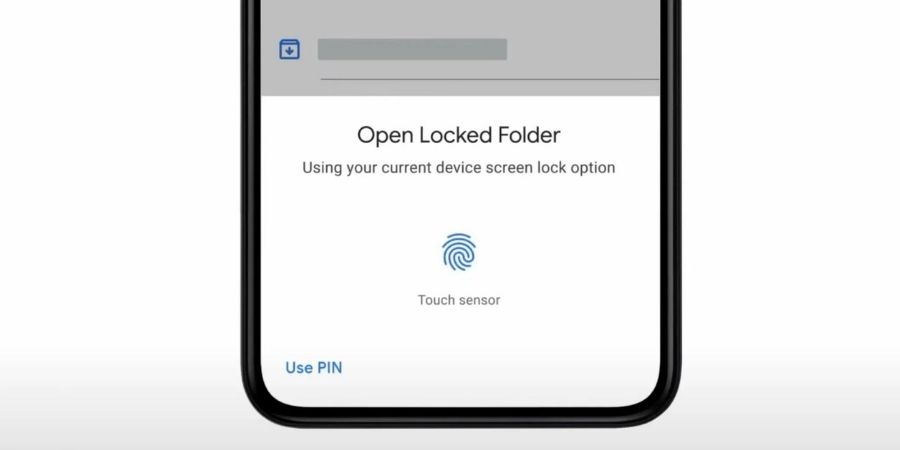

Google has updated the Google Photos app for iOS and added support for Locked Folders. So, iPhone users can now keep their sensitive photos and videos saved in a passcode-protected folder on Google Photos. This feature was previously available only for Android users.
Photos and videos uploaded to the Locked Folder remain hidden and don’t appear in the Google Photos collection. These photos will also not be shown in Google Photos search.

You can setup the Locked Folder by going to Utilities section in the Google Photos app. Here you can create a Locked Folder and select photos that you want to keep in this folder. You can also choose whether to back up the folder or not. All the photos saved to Locked Folder will inaccisble to other devices and you can only access them on the device after the password or biometric authenticaiton.
Also see: Best Cloud Storage Services For Photos
Google has begun rolling out the feature starting today and it should arrive to all iOS users within a week. The company has not confirmed when the feature will be available to the web browser.