Previously Google updated Hangouts with many features regarding video calls and many more features. But, it does not stop till there. Hangouts for desktop are now updated with notifications features. Now, you can receive the chrome notifications on the desktop even when the Hangouts app is not on top. It provided the minimize option, if you do not want it to stay on top, but you will still receive the notifications from your contacts.
New Features in the Updated Hangouts:
Gives notifications of new messages and calls:
Now Hangouts gives you the animated notifications whenever you get the new message or calls from your contacts. You can pin it to the task bar or can be launched from the Start Menu. But, animated notifications plays the key role for the new updated version of Hangouts.
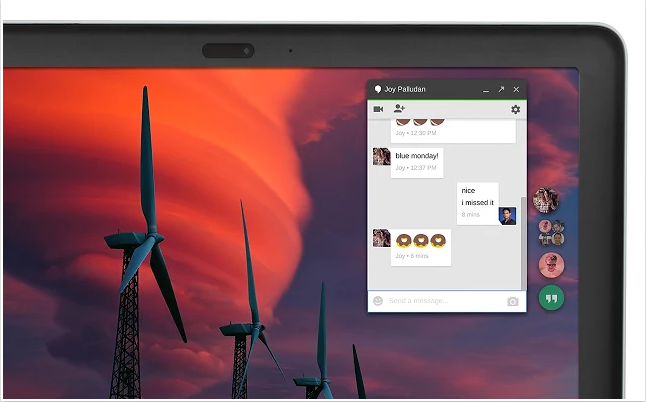
Shows recent avatars:
As in “Inbox from Google”, we see the recent avatars with whom we have sent or received messages recently. They are arranged one by one on the top. You will see notifications as numbers, on the avatars itself, when you receive a new message.
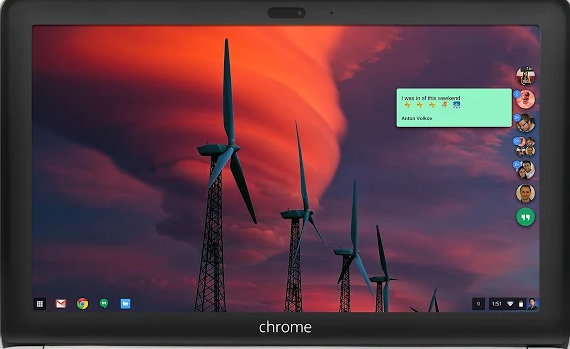
Just hover your cursor on it and you can see the message there itself and can reply to it. Chat Windows minimizes automatically, when you are not using your desktop for long time.
Drag and Drop:
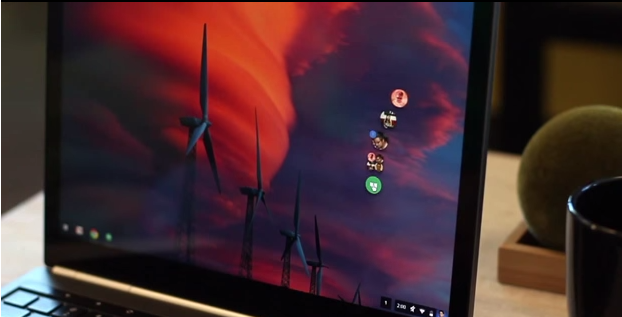
This is really an interesting feature. You can even move the Hangout app anywhere on the desktop and can place it anywhere on the screen. It provides you the best animation while moving the app here and there on the screen. You can even pin the important conversations.
Apart from these updates, you can easily navigate through chat windows using the basic chrome shortcuts. It also added the new phone tab to make a call to your contacts very quickly. Zoom levels are also got updated.
So, after updating Hangouts before, now it is with more new features for Chromebook and Windows desktops as we discussed as above. If you have used it before let us know your experience and if you have any more information, please do share with us through comments.
Source: Chrome Web Store