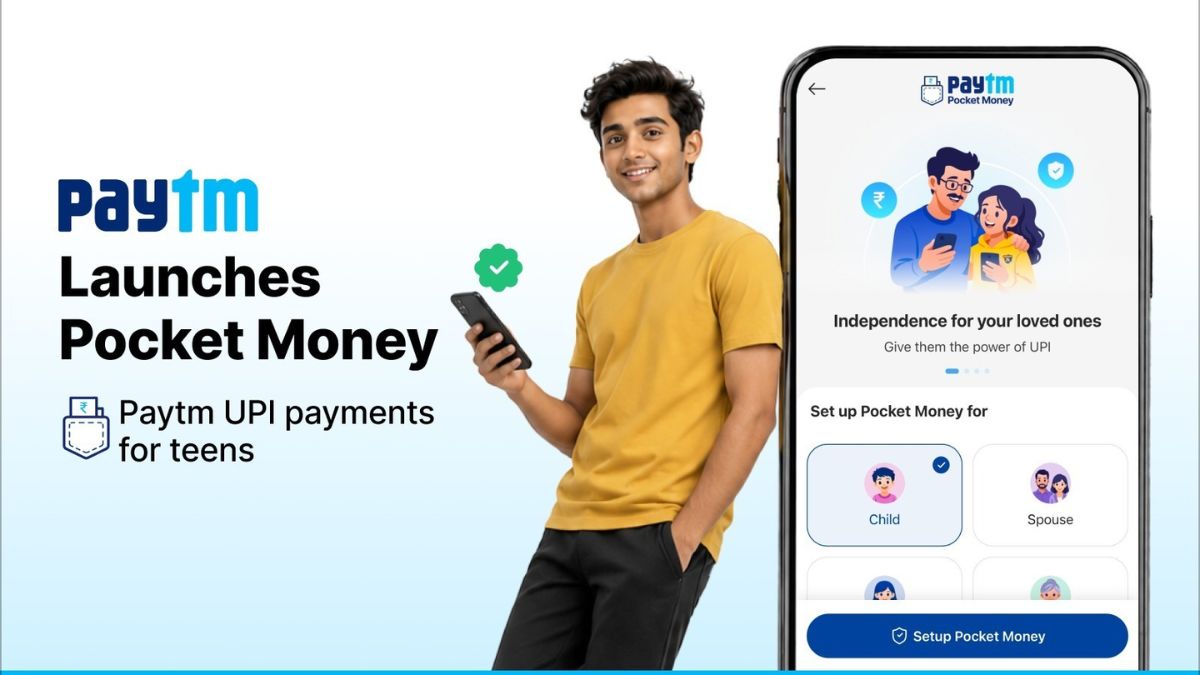

Paytm has launched a new feature called Paytm Pocket Money that allows teenagers to make UPI payments without needing their own bank account.
The new feature is built on National Payments Corporation of India’s UPI Circle framework and is designed to give parents controlled spending access for teenagers while maintaining full visibility over transactions.
With Paytm Pocket Money, parents or trusted family members can invite teenagers through UPI Circle, assign spending limits, and monitor payments directly through the Paytm app in real time.
The feature is aimed at teenagers who often depend on cash, borrow their parents’ phones for payments, or ask parents to scan QR codes for purchases like metro rides, school canteen payments, mobile recharges, cabs, and online shopping.
How Paytm Pocket Money Works
Parents can set up Pocket Money directly from the Paytm app and connect it to their own savings or current bank account. Once enabled, the teenager gets access to Paytm UPI payments without needing a separate bank account.
Paytm says several restrictions and security layers have been added for safer usage. Individual UPI transactions are limited to Rs. 5,000, while the total monthly spending limit across the UPI network is capped at Rs. 15,000.
The company has also added additional safety measures for newly activated accounts:
- Payments are limited to Rs. 500 during the first 30 minutes after setup
- Transactions are capped at Rs. 5,000 during the first 24 hours
- Device lock is mandatory
- Parents can instantly modify spending limits or revoke access using their Paytm UPI PIN
International transactions and cash withdrawals are not supported under the feature.
The new feature is also integrated with Paytm Spend Summary, which automatically categorizes transactions and spending activity. This allows parents to review spending habits and manage allowances more efficiently over time. The company says the feature is designed to help teenagers build better money management habits while still giving parents full payment visibility.
Payment history remains accessible to parents at all times through the Paytm app.
How to Enable Paytm Pocket Money
Paytm has shared the following setup process for enabling the feature:
- Update the Paytm app from the Play Store or App Store
- Open the app and tap on “To Mobile / Contact”
- Select “Pocket Money”
- Enter or select the contact for setup
- Scan their UPI QR code or enter their UPI ID
- Complete verification using required document details
- Set a monthly spending limit
- Select the primary bank account and enter the Paytm UPI PIN
- The invited user must accept the invitation to activate the feature
Paytm says users may need to update the app to the latest version if the Pocket Money option is not visible.