
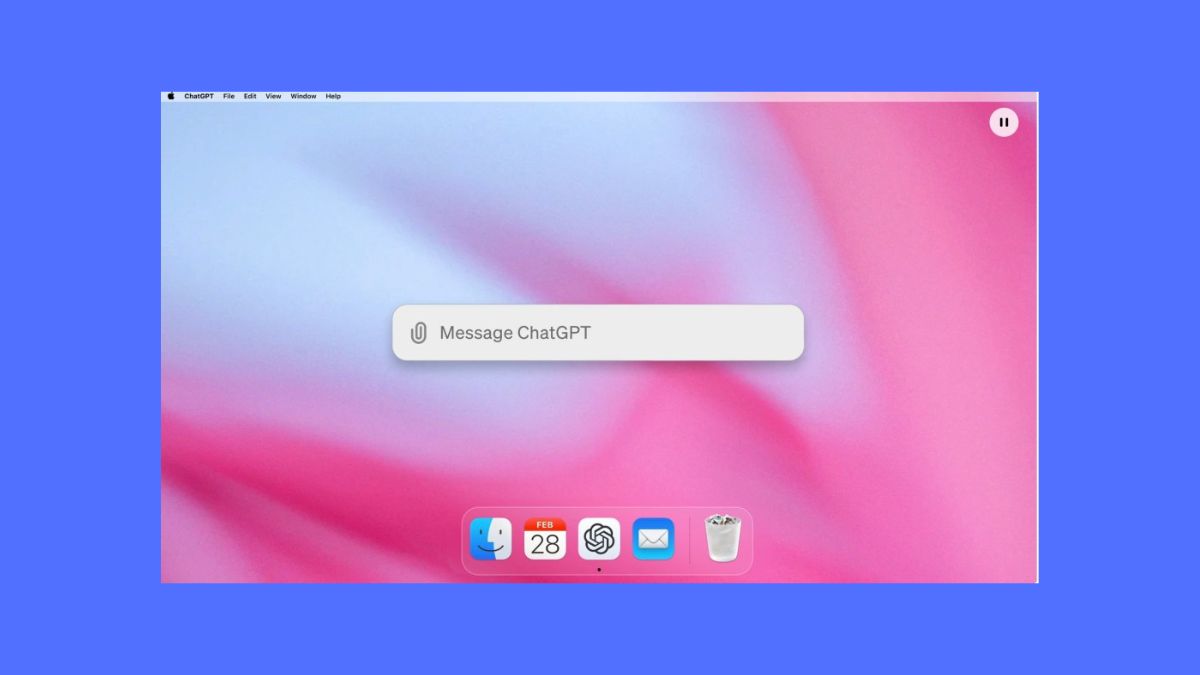

OpenAI has announced a set of small but useful updates for ChatGPT and Codex. The biggest change is a new Apple Messages integration that allows ChatGPT to search, summarize and respond to conversations stored in Apple’s Messages app on Mac.
The new integration is available through the ChatGPT desktop app for macOS. Once enabled, ChatGPT Work and Codex can access iMessage, SMS and RCS conversations available on the Mac. This means users can ask ChatGPT to find a specific conversation, summarize messages, draft a response or send a message through Apple’s Messages app.
This is an interesting addition because Apple has traditionally kept its messaging platform tightly controlled. However, OpenAI’s integration comes with some important limitations.
The Apple Messages integration currently works only with the Apple Silicon version of the ChatGPT desktop app. It is not available through regular ChatGPT conversations, the ChatGPT website, mobile apps, Codex CLI or the IDE extension.
OpenAI has also added controls around sending messages. By default, ChatGPT asks the user to approve both the message and its recipients before sending it. Users can instead give ChatGPT permission for a specific Messages conversation. In that case, it can send future messages in that conversation without asking for approval every time.
The feature is available across all ChatGPT plans, although the Apple Silicon Mac requirement limits who can actually use it.
OpenAI is also expanding its Computer History feature on macOS. The feature was announced last week and is now available to ChatGPT Pro users in the European Economic Area, Switzerland and the UK.
Computer History allows ChatGPT to use information from previous computer activity to help users find or refer back to things they have done on their Mac. The wider rollout gives more Pro users access to the feature while OpenAI continues expanding its computer-use capabilities.
Codex is also getting a new sharing feature. Users can now create read-only snapshots of Codex conversations and share them through a link.
The shared snapshots are designed to let others view a conversation without giving them access to the underlying session. They also do not include tool calls or shell inputs and outputs.
This could be useful for developers who want to share how they solved a coding problem or explain a particular Codex workflow without exposing the complete development session.
OpenAI has also added synchronization for pinned Codex chats. Pinned conversations now sync between the ChatGPT desktop app and iOS when users are signed into the same account. Android is currently not supported for this sync.
OpenAI has also made a small change for ChatGPT Sites owners on Plus and Pro plans. They can now change the URL of a ChatGPT-hosted site without redeploying the site.
The old URL will automatically redirect visitors to the new address. This makes it easier to change a site’s address without having to rebuild or publish the site again.
While none of these changes completely changes how ChatGPT works, the Apple Messages integration stands out. Giving ChatGPT access to iMessage, SMS and RCS conversations moves it closer to becoming an assistant that can actually work across the apps users already use, rather than simply answering questions inside a chatbot window.