Sometimes it happens when you accidentally delete important photos or files from your phone. In that case, you need to recover those files as they are important to you. Start looking for a good tool that can restore them for you can bring you a headache. There are many file recovery apps for Android on Google Play but choosing the best for yourself is tough. We made this list of data recovery apps for Android by doing deep research on every feature and user experience. If you accidentally deleted your files from your mobile and want to recover deleted files, these data recovery apps for Android are for you. Some of these file recovery apps for Android even recover data from factory reset phones. These apps are free to use but some of them also have premium features.
Some of these apps aren’t Android apps, but desktop software, you will have to connect your Android phone to PC and use the data recovery software to recover data.
Also see: How to recover deleted photos on Android
Tips for Successful Data Recovery:
Here are some tips for successful data recovery.
- Act quickly: The sooner you start the recovery process, the higher your chances of successful recovery.
- Avoid using your device: Using your device after data loss can overwrite deleted files. It makes the recovery more difficult.
- Choose a reliable app: Research and select a reputable data recovery app with positive reviews. I have already provided a list of reliable data recovery apps.
Top Data Recovery Apps for Android
These are the best Data Recovery Apps for Android that you can buy to recover deleted photos from your smartphone.
1. Stellar Data Recovery for Android
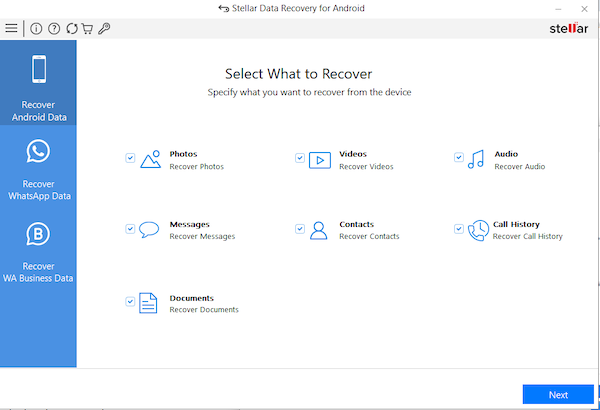
Stellar Data Recovery for Android is an impressive software that can recover lost or deleted data from Android devices. This tool can recover various types of data, such as photos, videos, contacts, messages, call logs, and more. The data recovery software can recover data from both the internal memory and external SD cards. The software also shows the preview of recoverable files. The tool can also recover deleted SMS and call logs. This tool supports WhatsApp Chats recovery. So, you can also recover deleted or lost WhatsApp Chat and attachments.
You need to first enable USB Debugging mode on the Android device. Then connect the Android phone to the computer via a USB cable. Now run the software and start scanning for data recovery.
2. Dr.Fone – Data Recovery
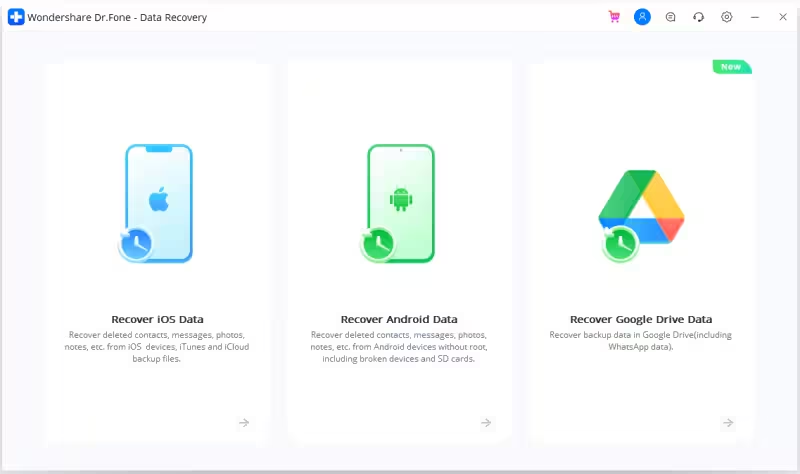
Dr.Fone is another impressive software that can recover lost or deleted photos, videos, music files, messages, contacts, and messages. You can also record WhatsApp messages and attachments. The software can also recover data from devices with damaged displays. Dr.Fone allows users to preview the recoverable files before recovery. It can also recover data from a physically damaged device or the device is stuck on a black screen.
It also works the same way. You need to enable USB debugging on your phone. Then connect it to your PC via a USB cable and start the data recovery.
3. DiskDigger photo recovery
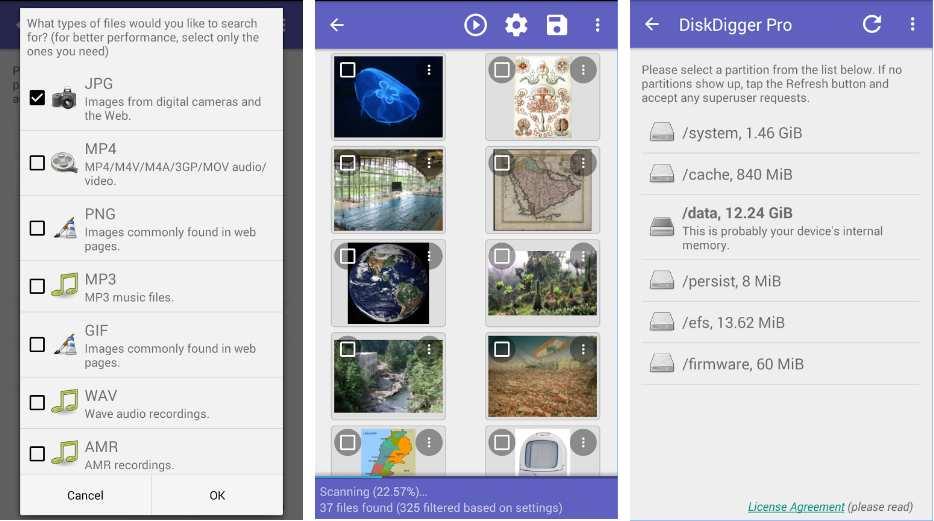
DiskDigger is one of the best data recovery apps for Android that can recover or undelete lost files like photos from your mobile. You can recover lost data from internal storage as well as from memory cards. There is no requirement of rooting your smartphone while using DiskDigger but without rooting, this app will perform a limited scan. So, we recommend you root your device first for full scanning. With the help of this data recovery, you can also upload recovered files directly to Dropbox, or Google Drive, or send them via email. It supports a range of Android devices, including smartphones and tablets from popular brands like Samsung, Xiaomi, OnePlus, Google Pixel, Motorola, and more.
With the help of this data recovery, you can also upload recovered files directly to Dropbox, Google Drive, or send them via email.
4. MobiSaver: Data&Photo Recovery
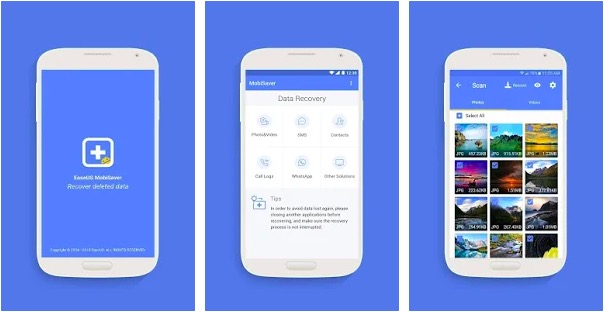
EaseUS is one of the best companies offering software for backup, recovery, and partitioning. The company also has a good Android data recovery app called EaseUS MobiSaver. This Android app can recover deleted images, videos, call logs, contacts, SMS, and WhatsApp messages. This app also works without a root but the deep scanning feature works only with a rooted phone.
This app can recover PNG, JPEG, GIF, BMP, and TIF/TIFF image files and MP4, 3GP, AVI, MOV video formats. This app is free of cost but limited in terms of features. You can only recover limited file formats in the free version. If you want to enjoy all the features, you can purchase the premium version costing $4.
5. Super Backup & Restore
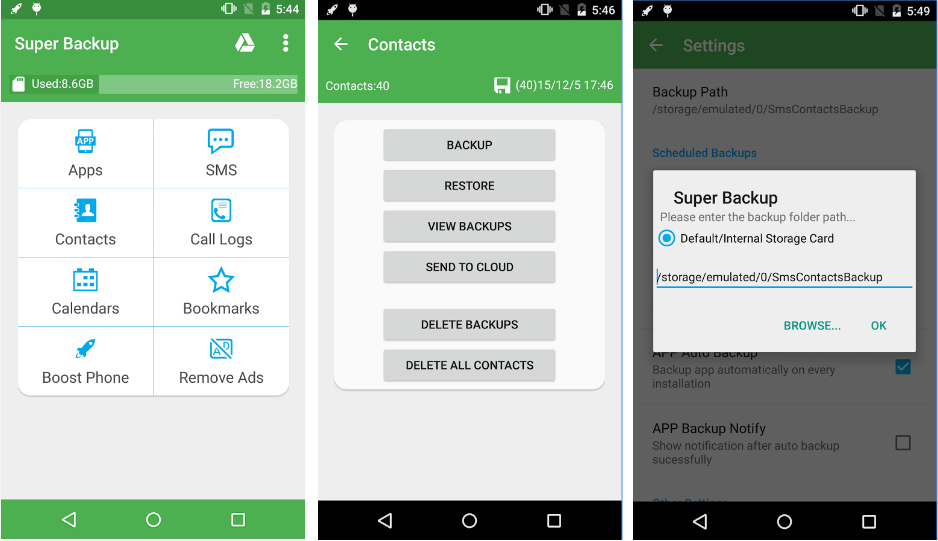
This is the fastest data recovery app for Android. You can easily take a backup of applications, contacts, text messages, call history, bookmarks, and calendars and save data to your SD card, Gmail, or Google Drive. You Can select SMS conversations to backup with this app and auto-upload scheduled backup files to your Google Drive or Gmail. It also supports backup of your voice call recording. It can also perfectly record the phone call voices to mp3 files.
6. Dumpster: Undelete & Restore Pictures and Videos
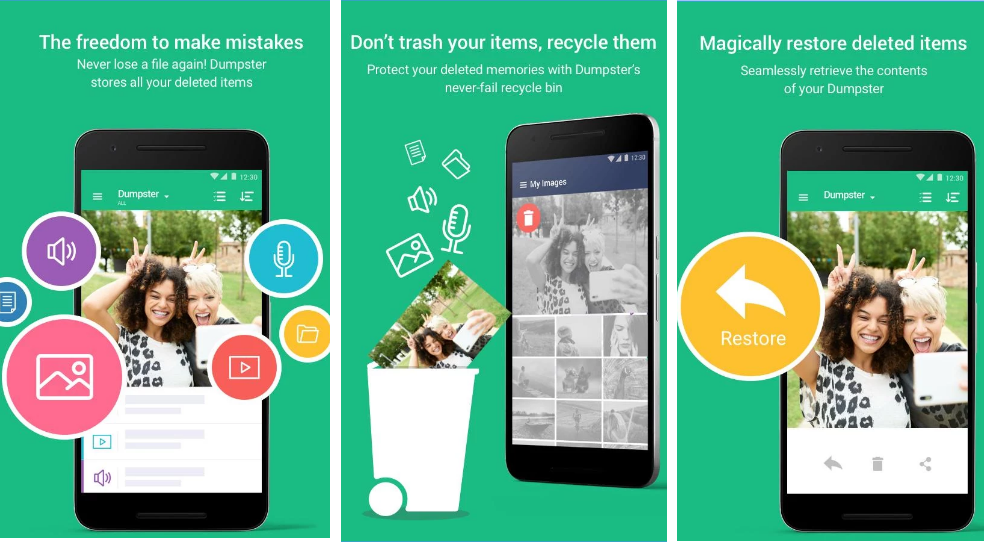
The dumpster is an Android recycle bin. After installation it automatically backs up all the newly deleted data, allowing you to easily undelete pictures and videos, and instantly restore them to your phone. App recovery with a Dumpster is simple and instantaneous. You just enter your Dumpster recycle bin, click on the app you wish to undelete, and voila – it will instantly reappear on your device.
The premium version of this app also has an app lock feature that can keep your data safe from the external viewer.
7. DigDeep Image Recovery

Digdeep is a powerful data recovery app that can easily restore deleted images. It has a nice UI Design and is easy to use. Just download this app and let it Scan all your phone’s internal and external memory. It can Restore all image types like jpg, jpeg, and png. With this Android data recovery app, No need to root the phone.
Conclusion
This is the List of top file recovery apps for Android. I hope you found the solution to your problem here. We have included the best data recovery apps for Android. You can download any of these and recover your lost file. I have included the description of the app, so you can have an idea of the app.
If you know about any other top Data Recovery Apps for Android, tell us in the comments.