Google has quietly rolled out a new update to its Google Play Books Android app. After this update, users are able to upload this own ebooks on the service. This update was first spotted by Android Police.
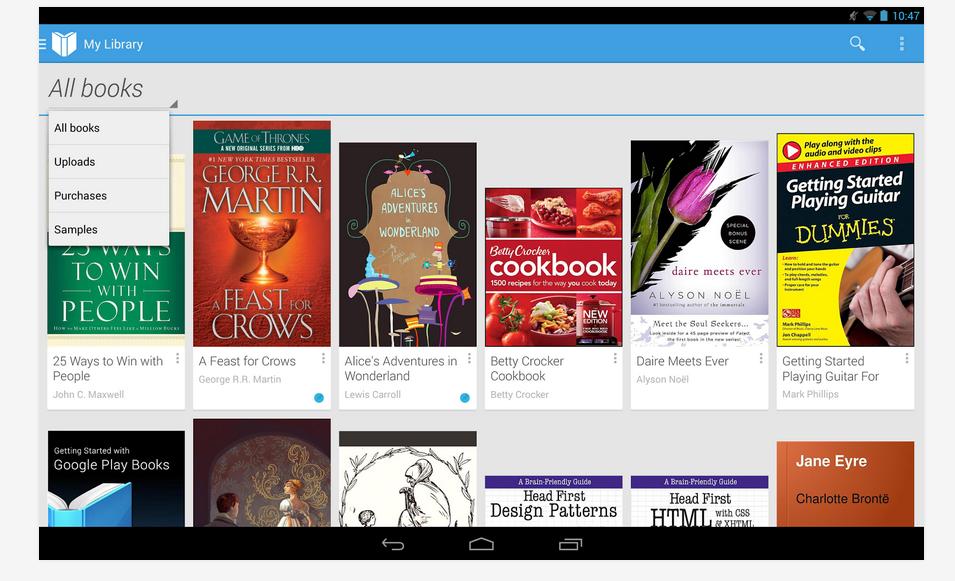
Now, you will see a new option Upload to Play Books in the Google Play Books app. You can upload PDFs and EPUB files using this option. Changelog also says that app will now open books quicker and smoother.
Google Play books offers lower light brightness settings for better low light reading. It also supports landscape view. There are few improvements in UI too. Now you can set note colors and delete them easily.
See the Changelog
- Books open more quickly and smoothly.
- Upload EPUB or PDF files to your library from your phone or tablet. From email or Downloads, touch the file to open it and choose Upload to Play Books.
- Improved look and feel of highlights and notes.
- Lower brightness settings, for better reading in low light.
- Read any book in landscape view.
- Dismiss recommended books in Read Now.
- Additional improvements in performance, stability and accessibility.
The new version of the app is still rolling out. If it has not come to you, wait for few more days.