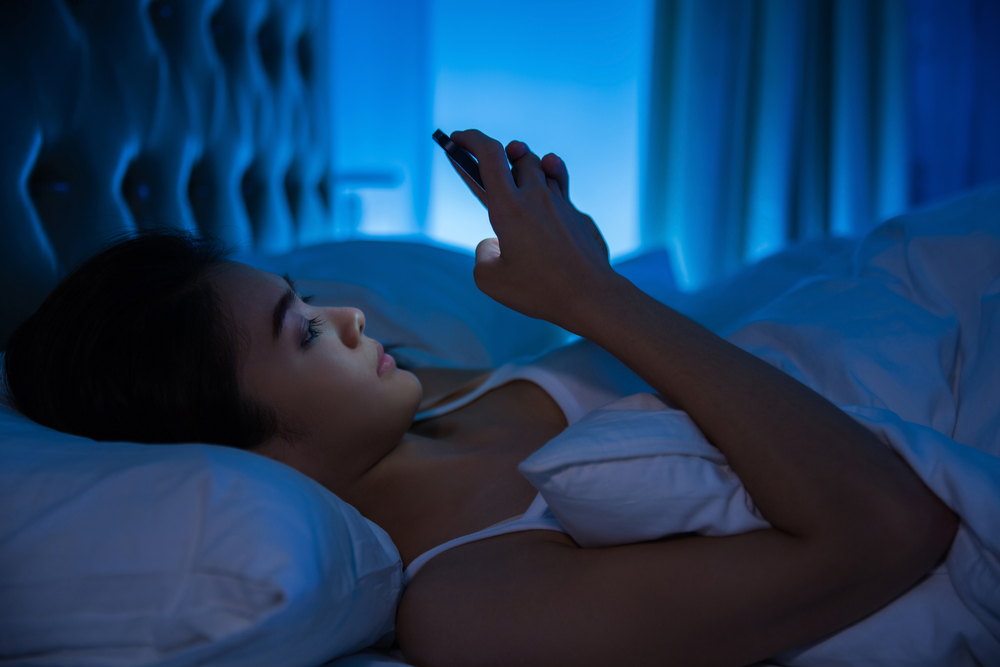

I cannot be sure when the Night Shift Mode or Blue Light fitter was first added to a smartphone. But the feature became popular after Apple added it to iOS. With the iOS 9.3 update, Apple added a ‘Night Shift’ mode in iOS which makes color warmer to use at night. Basically, it is the blue light filter that makes it easier for users to use the phone at night without having any ill effects. After this, several Android manufacturers added the feature to their custom SIM. While few Android device manufacturers already added the same kind of option to their devices, many are yet to get it. Most Android manufacturers including Samsung, OnePlus, Motorola, Asus, Realme, Oppo, Vivo, and more already have this feature.
You can go to display settings on your phone and see the feature Night Shift, Night Light, Blue Light Filter, or Similar Option.
Follow these steps for using Built-in Night Light Feature
- Go to your phone’s Settings menu
- Look for a section called “Display,” “Screen,” or something similar.
- Here, find an option called “Night Light” or “Blue Light Filter.” Tap on it to access the settings.
- Most devices allow you to customize the start and end times for Night Light, as well as adjust the color temperature.
How to get Nigh Shift Mode on Android
If you are an Android user, but your phone’s UI does not come with a blue light filter option, you can still have it with the use of some third-party apps. While searching for similar apps, I found two apps that provide the same kind of blue light filter option. These apps are:
Both apps come with their own set of options but Blue Light Filter is simpler to use than Twilight. Twilight is a much-advanced app that also comes with a pro package. You can use any of these two apps but I recommend you use the Night shift for the easier option. Blue Light Filter is a free app that offers an option to change color during the daytime and nighttime hours. And you need only these options to make everything simple. You can also schedule the filter to change during a specific time, or based on your location and true sunrise or sunset times. Twilight has many complicated options to understand. But, you can still try that before you decide anything.
Try these apps and have the blue light filter on your phone to protect your eyes and health. Blue light filters affect your sleeping habits. So, you should start using any of these apps or avoid using the phone at night when you go to bed.
Featured image: Shutterstock