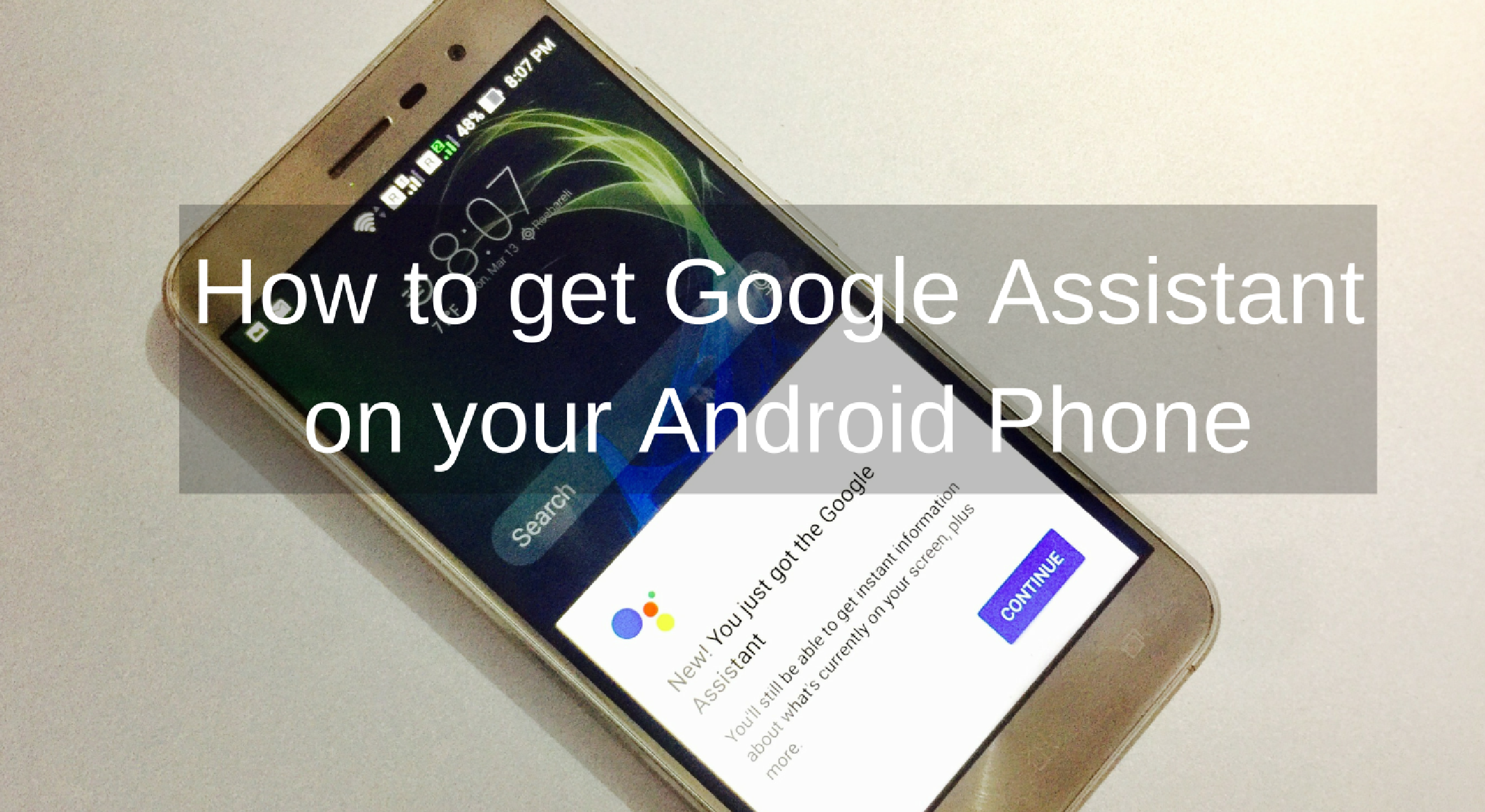

Google Assistant is now available for most of the smartphones running on Android 6.0 Marshmallow of higher. Initially, it was launched with Pixel and Pixel XL as an exclusive feature but it is now available for other Android devices.
Google Assistant is your personal digital assistant to perform various tasks without touching your phone. If you are not sure what is Google Assistant, you can read the previous article on Google Assistant to know everything about it.
How to get Google Assistant on your Android Phone
In this article, I will tell you how to get Google Assistant on your phone.
Before start doing anything, you should make sure that your phone is running on Android 6.0 Marshmallow or higher version of Android. This is the primary condition to get Google Assistant.
Now make sure your Google Play Services is updated to the version 10.2.98 or later. Open Apps to check the installed apps and see the version of the app. If your App is on the mentioned version, clear the cache of the app.
After checking the Google Play Services app, make sure your Google App is also updated to version 6.13.25.21 or higher. If you are on mentioned version, clear the cache of this app as well.
Now check the phone’s language and make sure it is English (US). You can find it under Settings -> Language and Input.
After checking these options and doing recommended changes, tap and hold on the home button of your Android device. You will see something like shown in below screenshot.
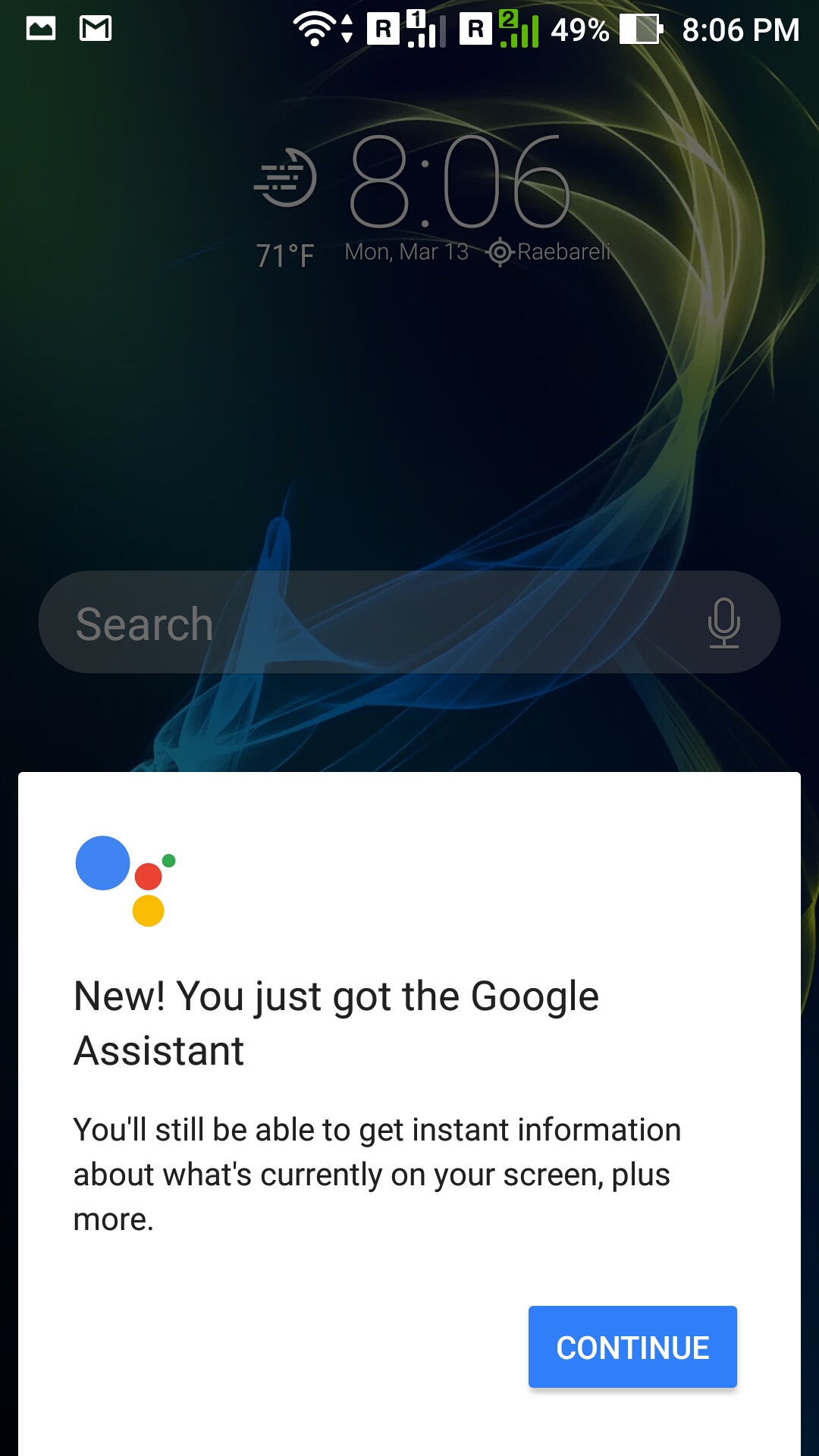
Google Assistant is now working on your phone. Tap on continue and start setting your phone to use Google Assistant.


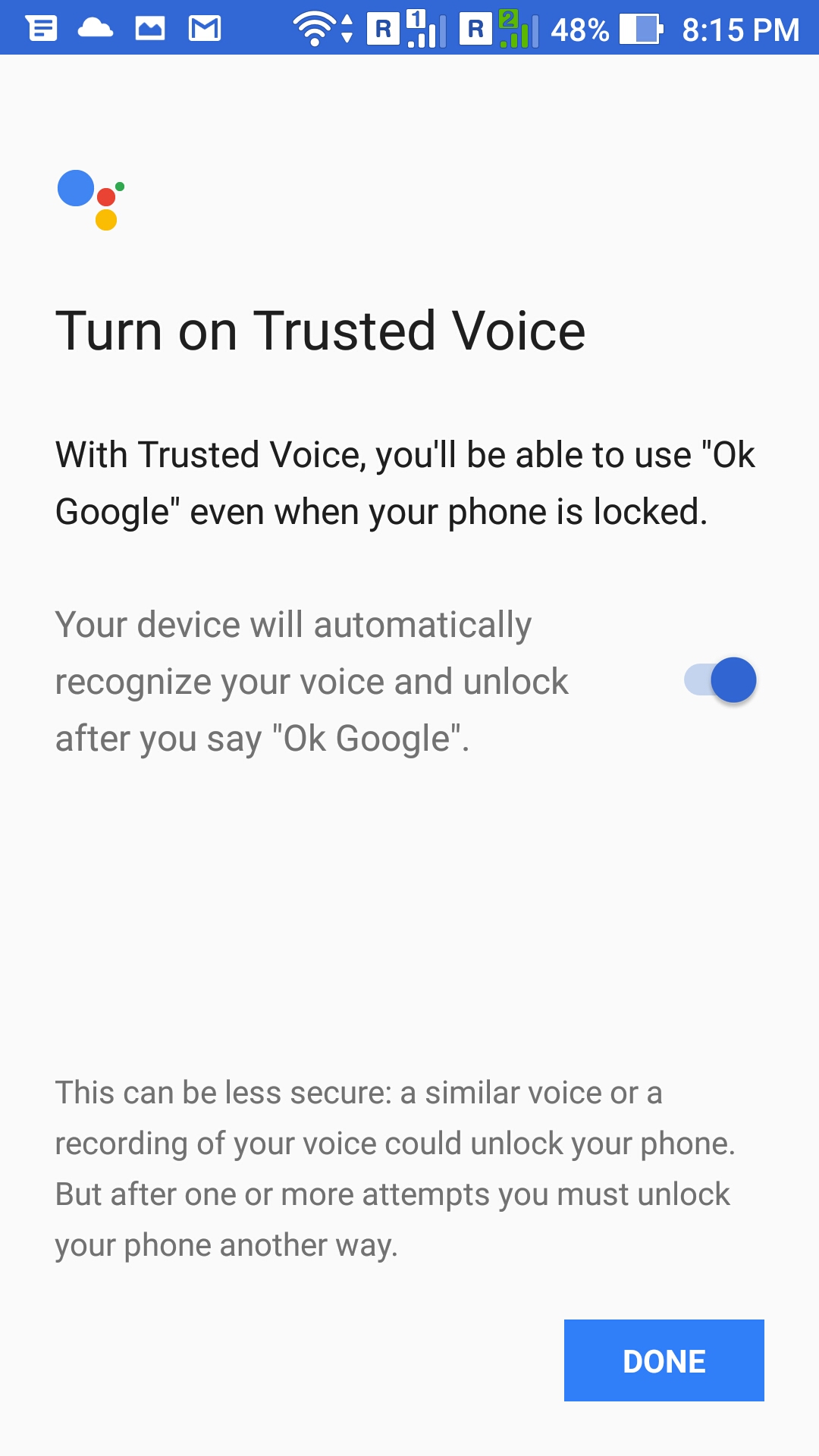
Now you can start using Google Assistant to perform several tasks.
How to disable Google Assistant
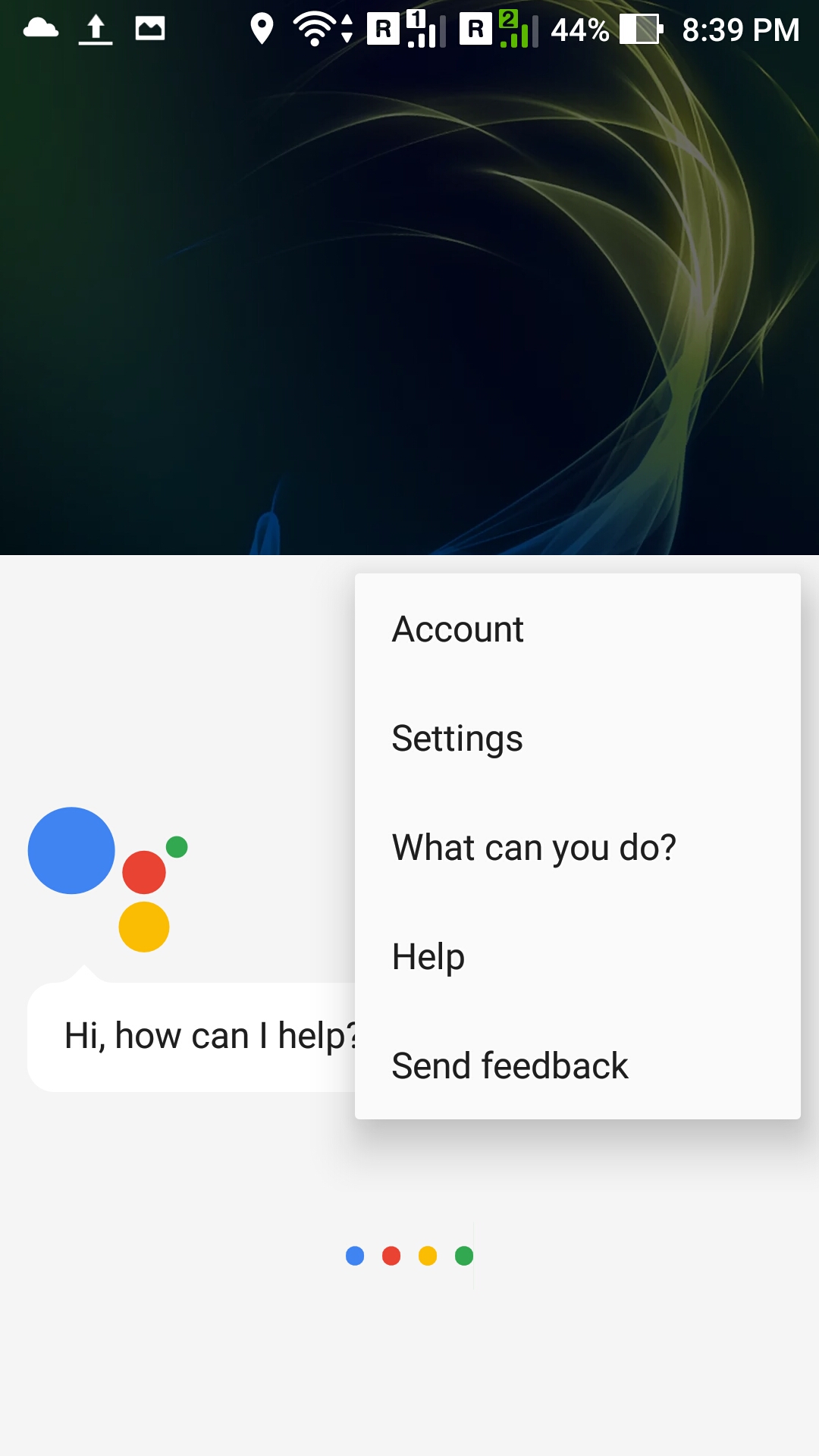
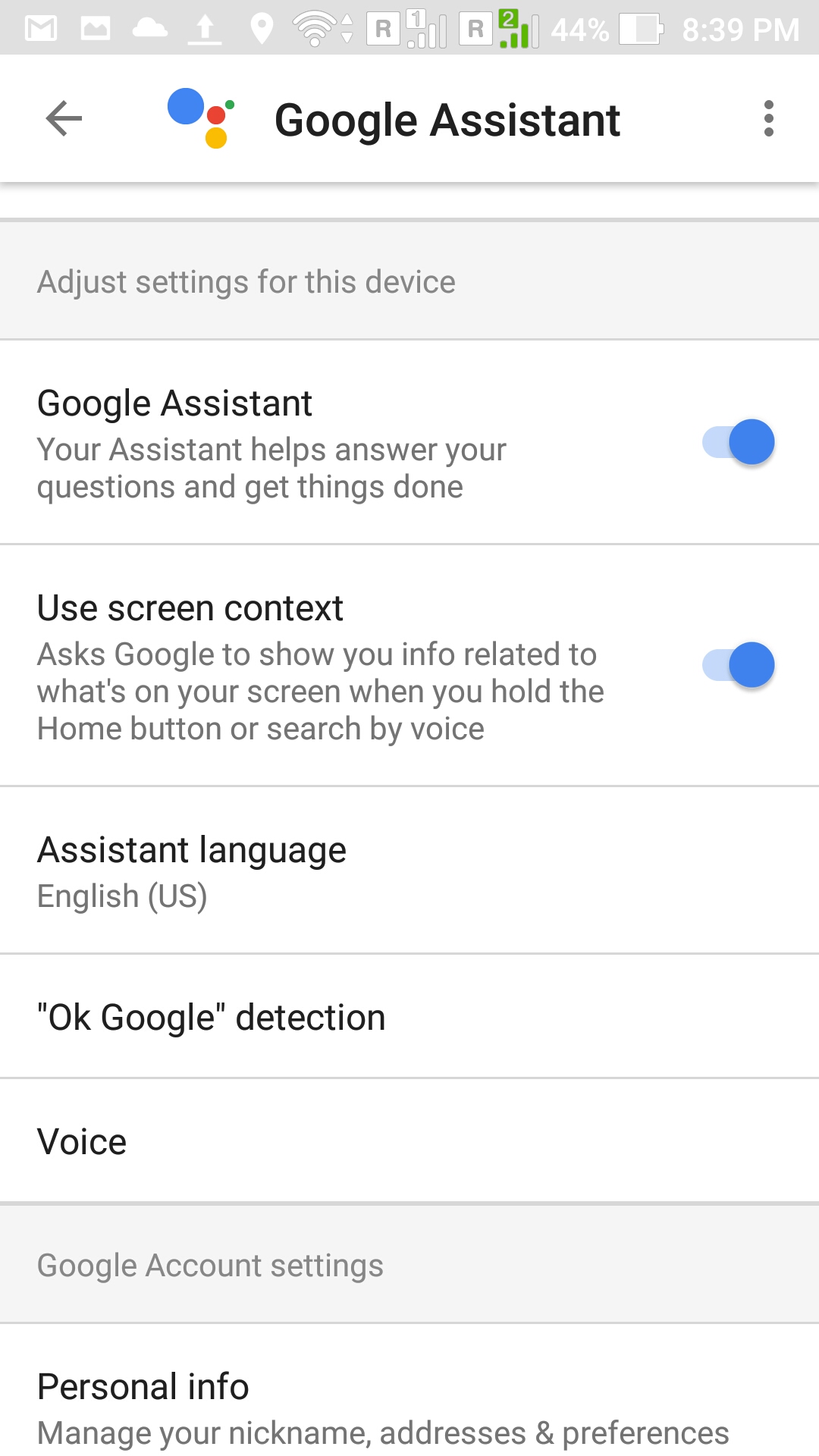
Google has also made it easier to disable the Google Assistant in case you do not want to use it. For this, go to Google Assistant settings and disable it. To open the Google Assistant settings, Tap and hold the home button to bring up Google Assistant. Then click on three vertical dot icons and select the ‘Settings’ from the menu.
Final Words
Google Assistant is a useful tool and Google has started integrating it with its home automation tools. It will soon come to Android TV. So, you should start using Google Assistant as soon as possible.