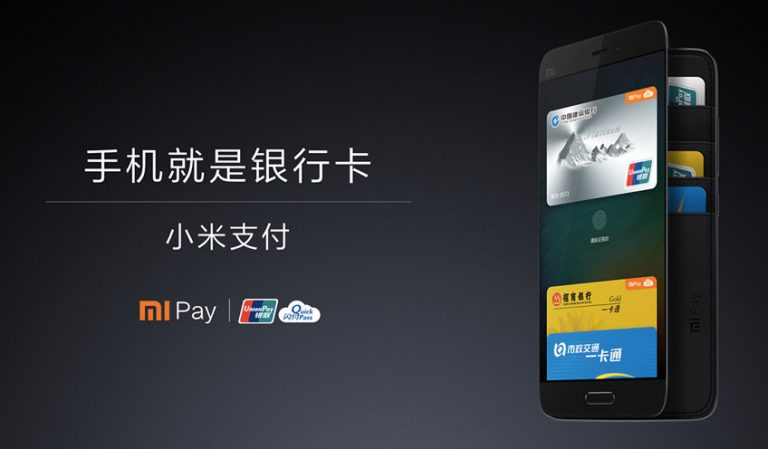

As already confirmed, Xiaomi has announced MI Pay, an NFC-based mobile payment service in China in the partnership with China UnionPay. My Pay supports debit and credit cards from 20 banks.
Xiaomi also announced that it now supports public transportation cards from 6 cities across china. Xiaomi has become the first smartphone company in the world to support contactless payments both bank cards and public transportation cards.
One only need to add China UnionPay and public transportation cards in the Mi Wallet app. After this, use your smartphone and fingerprint to authorize payments.
Xiaomi founder and CEO Lei Jun said: “China UnionPay is a leader in the payments industry with global influence. In the field of mobile payments, China UnionPay has been committed to collaborating with various stakeholders to build a structured and sustainable ecosystem. After cooperating with China UnionPay over the past three years, Xiaomi is now truly excited about our joint partnership to launch Mi Pay. We believe that Mi Pay will be a key driving force in promoting the development of China’s mobile payments industry, and deliver much more convenience to our users.”
Adding card is also an easy 4 step process. Users can open Mi Wallet app, select the option to add back card, enter the bank details and verify bank via SMS. Users can add up to eight different cards to any device. Users will also get rewards by the bank for using Mi May.

Once you have started using this, you do not need to swipe your card. Just hold your device near China UnionPay’s QuickPass-enabled POS terminals and the bank details will automatically popup. After fingerprint verification, the device will be activated and can be used or payment.
Xiaomi has also taken care for security. Mi Pay uses tokenization to protect plain text credit card information and authorize fingerprint for maximum security. In case you lost your device, Mi Pay can be turned off from the official website and locate the device using Mi cloud.