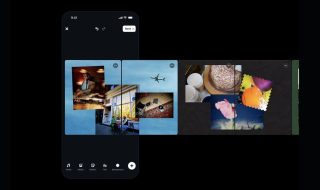
GIF’s are the next big thing in the chatting and other social media platforms. A photo is able to capture a moment, but a GIF is able to do much more. Google has taken that to heart and has launched Motion Stills, a new iOS app that takes photos from the Live Photos app and converts them into looping animations.
After you are done capturing a live photo from your iPhone, the app will then choose optimal start and end points and remove the background and the foreground from it to ensure that the frame doesn’t look out of place.
Through this app, you can not only convert the images to GIFs but, also to movie montages. It also includes the option to share what you have created on various social media platforms. Another interesting addition includes the fact that you can view motion still from other users as well.
According to Google, the technology allows you to use the same image stabilization technology that helps create animations from photo bursts, without the need for you to rely on data centers in the cloud.
The company further added that they have created this app as an experiment. If the users approve of its functionality, then they would think of adding the same features to the Google Photos and other such applications.
From what we could make out of the application, the overall usability is definitely much more interesting than that of Instagram’s Boomerang app. The overall productivity options are also much better.
You can download the Motion Stills app directly from the App store.
What do you think of the application? Would you download it? Do you agree with us that it has better productivity options than Boomerang? We would like to hear from you in the comments section below.
Photo Credits: Google