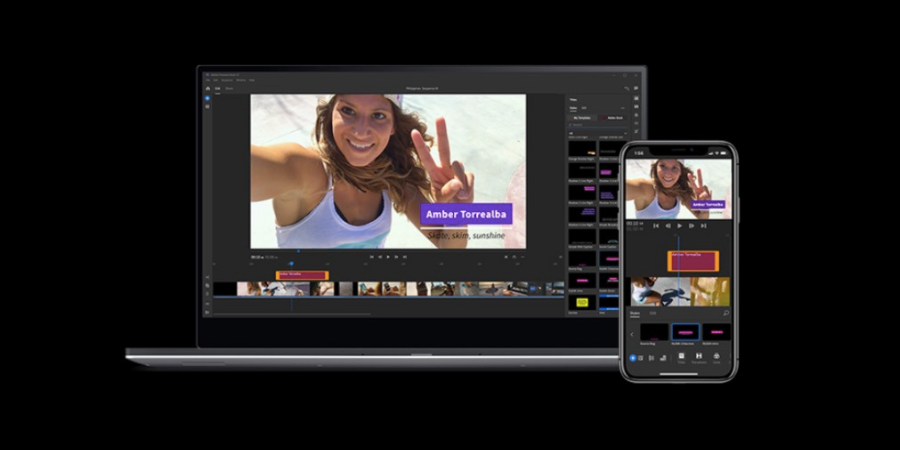
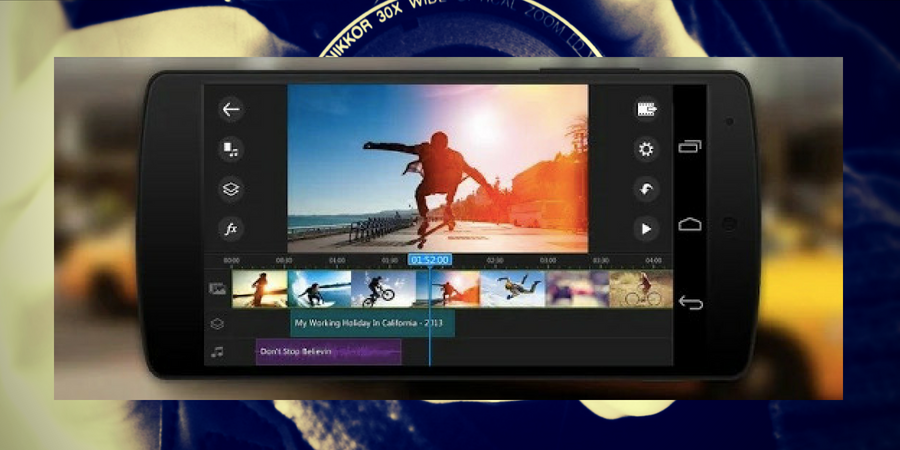
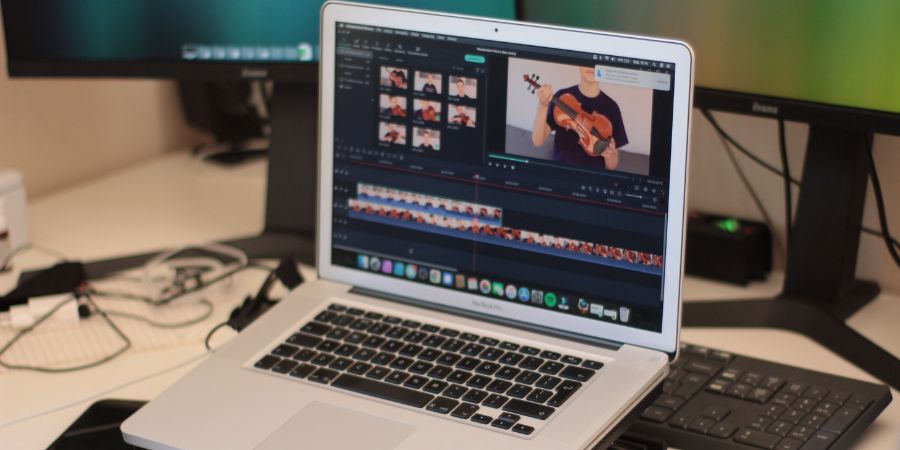
Video content is more popular than ever. People make videos for YouTube, Instagram, TikTok, Facebook, and other platforms. Not everyone has powerful software installed on their computer. Sometimes you need to edit a video quickly without installing a video editing app or program.
This is where online video editors come in. You can edit videos directly in your web browser from any device. They are useful when you are away from your main computer or need to make fast changes before posting.
Here is a list of the best free online video editors you can use in 2026.
Also see: Free video editing apps for Android
Best Free Online Video Editors
In this article, I am sharing a list of the best online video editors where you can edit videos without installing any software or app on your device. If you were searching for the best movie maker online, this is the list for you.
1. Canva
Canva is no longer just a graphic design tool—it has become one of the most user-friendly online video editors. With Canva, you can upload videos or images, add music, apply animations, and create polished social media content in minutes. Its drag-and-drop interface is perfect for beginners.
Canva uses a slide-based editing approach instead of a timeline, which makes it very easy to organize your video scenes. It comes with a large library of templates, stock music, and effects. The free version does not add watermarks, and you can export videos in high quality. For Instagram Reels, TikTok videos, or YouTube shorts, Canva is especially useful because of its pre-sized templates.
2. Clipchamp
Clipchamp is a versatile browser-based video editor that balances ease of use with advanced features. You can trim, crop, rotate, adjust brightness, and add text and transitions easily. Clipchamp also allows webcam recording directly from the browser.
The free plan lets you export videos without watermarks, though resolution is limited to 480p for some exports. Premium features include access to a stock library of over 40,000 assets, 4K exports, and advanced audio editing. Clipchamp is ideal for users who want more control over their edits while keeping things simple.
3. Kapwing
Kapwing is designed for fast and creative online video edits. It works on any device, including tablets and smartphones, making it perfect for on-the-go editing. The editor includes a timeline, text tools, filters, effects, subtitles, and the ability to add music.
Kapwing is especially strong for creating videos with captions or social media content where text overlay is important. The free plan exports videos with a small watermark, but it allows unlimited uploads and edits. Its simple interface makes it a great choice for beginners or anyone making quick social videos.
4. WeVideo
WeVideo provides an experience similar to desktop software but in the browser. It supports multi-track editing, so you can layer videos, music, and images just like in professional editing programs.
WeVideo includes a wide range of effects, transitions, and video themes. You can record video and audio directly from your webcam and microphone. The free plan lets you export videos up to 5 minutes in length at 480p resolution with a watermark. Premium plans unlock higher resolutions, longer export times, and cloud storage. This editor is suitable for anyone looking to produce longer or more complex videos online.
5. VEED.io
VEED.io is focused on making social media video creation simple. Its tools include text overlays, subtitles, translations, filters, and quick trimming. It also supports screen recording and webcam recording.
One standout feature is automatic subtitles, which saves time for social media videos that require captions. The free plan includes a watermark, but it is minimal compared to other tools. VEED.io is perfect for content creators who need fast results with a polished finish, especially for TikTok, Instagram, and YouTube.
6. FlexClip
FlexClip is a solid choice for short videos, marketing content, or slideshow-style videos. It offers ready-made templates, stock images, and music, making video creation quick and easy.
The free plan allows you to create videos up to 1 minute in length and export in 480p. FlexClip is ideal if you want a no-fuss editor for social media posts or promotional videos. Its intuitive design ensures beginners can produce professional-looking videos without a learning curve.
7. InVideo
InVideo focuses on templates and creative tools. It has a huge library of pre-designed templates for ads, social media posts, YouTube intros, and promotional videos. You can drag and drop media, add text, animations, music, and transitions with ease.
The free plan includes a watermark, but it gives access to most editing tools. InVideo is perfect for small businesses, content creators, and marketers who want to produce videos quickly without needing professional editing skills.
8. Clipify Online
Clipify Online is a simpler, lightweight editor that works entirely in the browser. It focuses on basic editing tasks like trimming, joining clips, and applying simple effects.
While it does not have advanced features or templates like other tools, its simplicity makes it a good choice for users who want quick edits without learning a complex interface. It is ideal for beginners or anyone who needs a no-frills, fast solution.
Tips for Choosing an Online Video Editor
- For social media videos: Canva, InVideo, and VEED.io are excellent choices.
- For more control: WeVideo and Clipchamp offer multi-track editing and more advanced options.
- For quick edits: Kapwing and Clipify Online are easy to use and fast.
- For marketing content: InVideo and FlexClip provide templates and stock media.
Final Words
Online video editors are a great solution when you need to create videos without installing software. Whether you are a beginner or a small business owner, there are free tools in 2026 that cover everything from simple cuts to full-featured social media videos. Explore these editors, find what works for your workflow, and start creating professional-looking videos directly in your browser.
Also see: Best Video Editing Software