
Microsoft’s built-in Notepad app on Windows 11 is set to receive a new feature that many users have been eagerly waiting for. We are talking about character count. The addition comes as part of Microsoft’s ongoing efforts to enhance the functionality of Notepad on the latest Windows operating system.
Also see: Notepad++ Keyboard Shortcuts
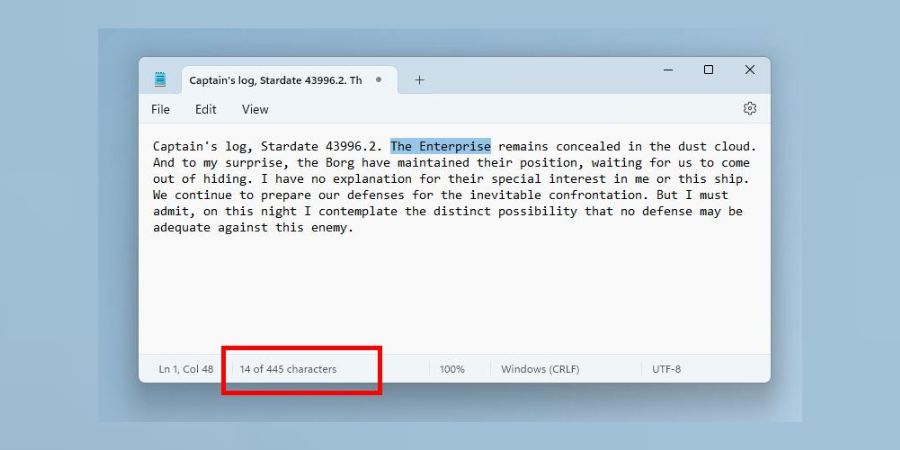
In the latest test version available in the Canary channel of Windows 11, users will now find a character count displayed at the bottom of the screen. It provides users with a quick reference to the number of characters in both selected text and the entire document.
Explaining the update, Microsoft’s Windows Insider team shared in a blog post, “When text is selected, the status bar shows the character count for both the selected text and the entire document. If no text is selected, the character count for the entire document is displayed, ensuring you always have a clear view of your document’s length.”
This new feature joins a series of improvements Microsoft made to NotePad in recent months. Notepad for Windows now comes with an autosave option, tabs, a dark mode, and a virtual fidget spinner.
The feature is currently in testing and is expected to be available in early 2024.
Also see: Online Notepad