Home » News » Google adds new camera and mic switch in Chromeboo...

Google adds new camera and mic switch in Chromebook

Google adds new camera and mic switch in Chromebook

Add Techlomedia as a preferred source on Google. Preferred Source

Google has added new systemwide camera and microphone access toggles in ChromeOS settings. These toggles can instantly block all apps and sites from using camera and mic. If the toggles are off and app tries to access to access either device, it will say, “Your mic is muted by your system settings.”

This aims to offer the software replacement to the physical camera and mic kill switch on Chromebooks.
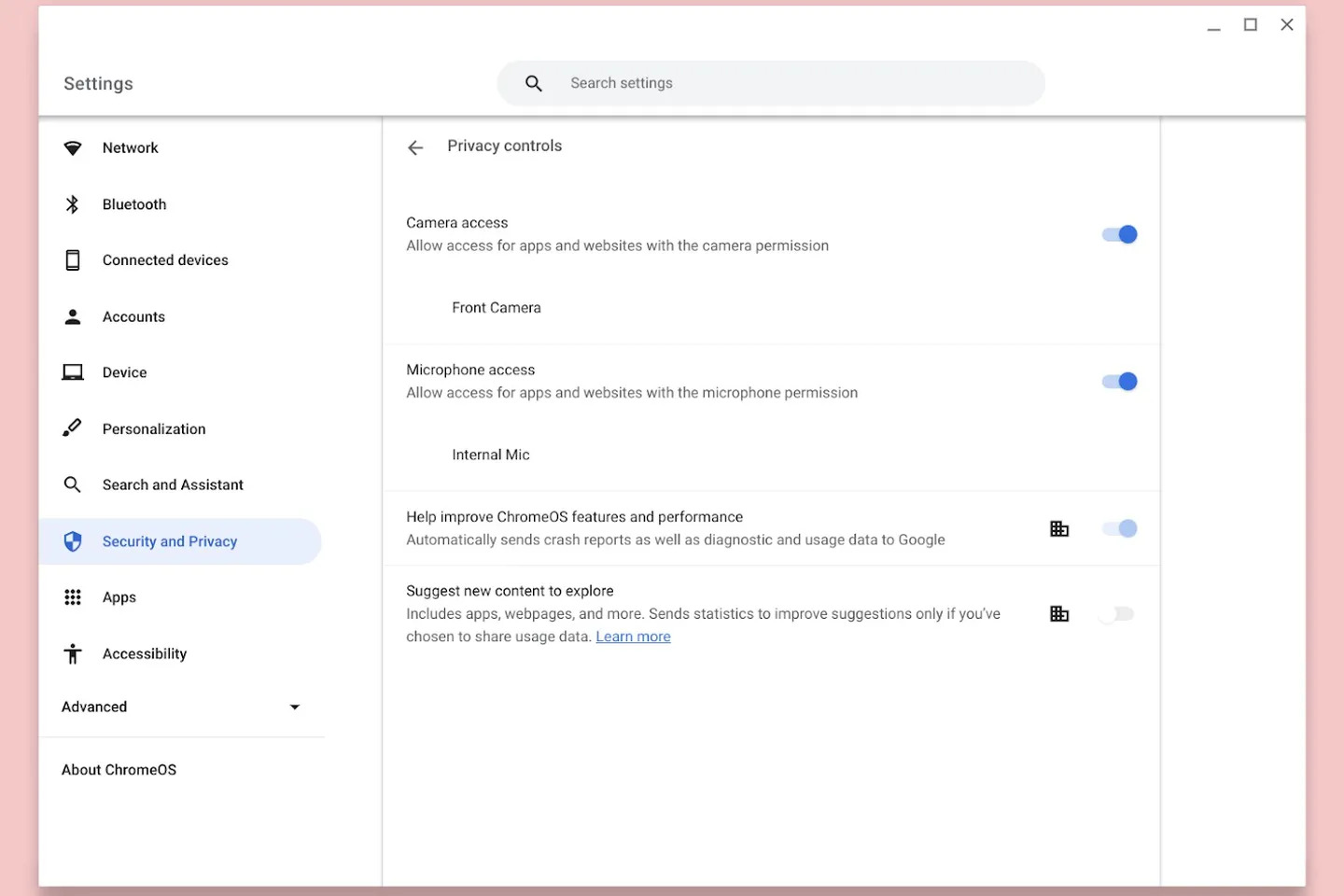
camera and mic switch in Chromebook

Google confirmed that camera and mic toggles will be added to ChromeOS in unspecified future software update “later this year.” These toggles will be found under Settings > Security and Privacy.

Google also announced a few security announcements for enterprise environments. It will let admins prevent copy/paste, screenshots, video recordings, screen sharing, and printing.

Chromebooks are popular among students for being relatively cheap and these laptops saw surge in sales during the Covid pandemic. With new update, Google wants Chromebooks friendly for business users.

Follow Techlomedia on Google News to stay updated. Follow on Google News

Affiliate Disclosure:

This article may contain affiliate links. We may earn a commission on purchases made through these links at no extra cost to you.

Deepanker Verma

About the Author: Deepanker Verma

Deepanker Verma is the Founder and Editor-in-Chief of TechloMedia. He holds Engineering degree in Computer Science and has over 15 years of experience in the technology sector. Deepanker bridges the gap between complex engineering and consumer electronics. He is also a a known Security Researcher acknowledged by global giants including Apple, Microsoft, and eBay. He uses his technical background to rigorously test gadgets, focusing on performance, security, and long-term value.

Related Posts

Stay Updated with Techlomedia

Join our newsletter to receive the latest tech news, reviews, and guides directly in your inbox.