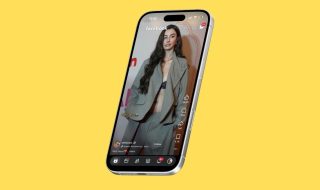
Opera browser is getting a new Lucid Mode that enhances the online video experience. The feature improves low-quality videos in one click for free. The feature also improves image quality and webpage graphics for a better view of content.
“The feature is available for all videos on, for example, YouTube, TikTok, Instagram, Facebook, and Twitter and can be enabled with a single click of the magical floating button! When activated, Lucid Mode adds a sparkle of sharpness and clarity to your content, allowing you to enjoy it in comfort and relaxation,” says Opera.
When you are playing a video on the Opera browser, hover your mouse over the video player and click the Lucid Mode button to improve video quality.

Lucid Mode basically applies CSS sharpening filters to videos and other graphics on web pages. The feature uses GPU acceleration. So, you may notice performance impact depending on the system’s specifications. The feature is easy to set up from opera://settings. Then you will be able to change the settings from the context menu while watching a video.
Lucid Mode is now available in the latest version of Opera browser on the desktop.