In past, we have reviewed few Kingston’s USB drive. Today, we have another Kingston product DataTraveler Vault Privacy 3.0 USB Flash Drive. This USB flash drive aims to give your a device which protects your data privacy. It offers end-to-end encryption to protect your data saved in this flash drive. It provides business-grade security with 256-bit AES hardware based encryption that offers high level of protection.

Design:
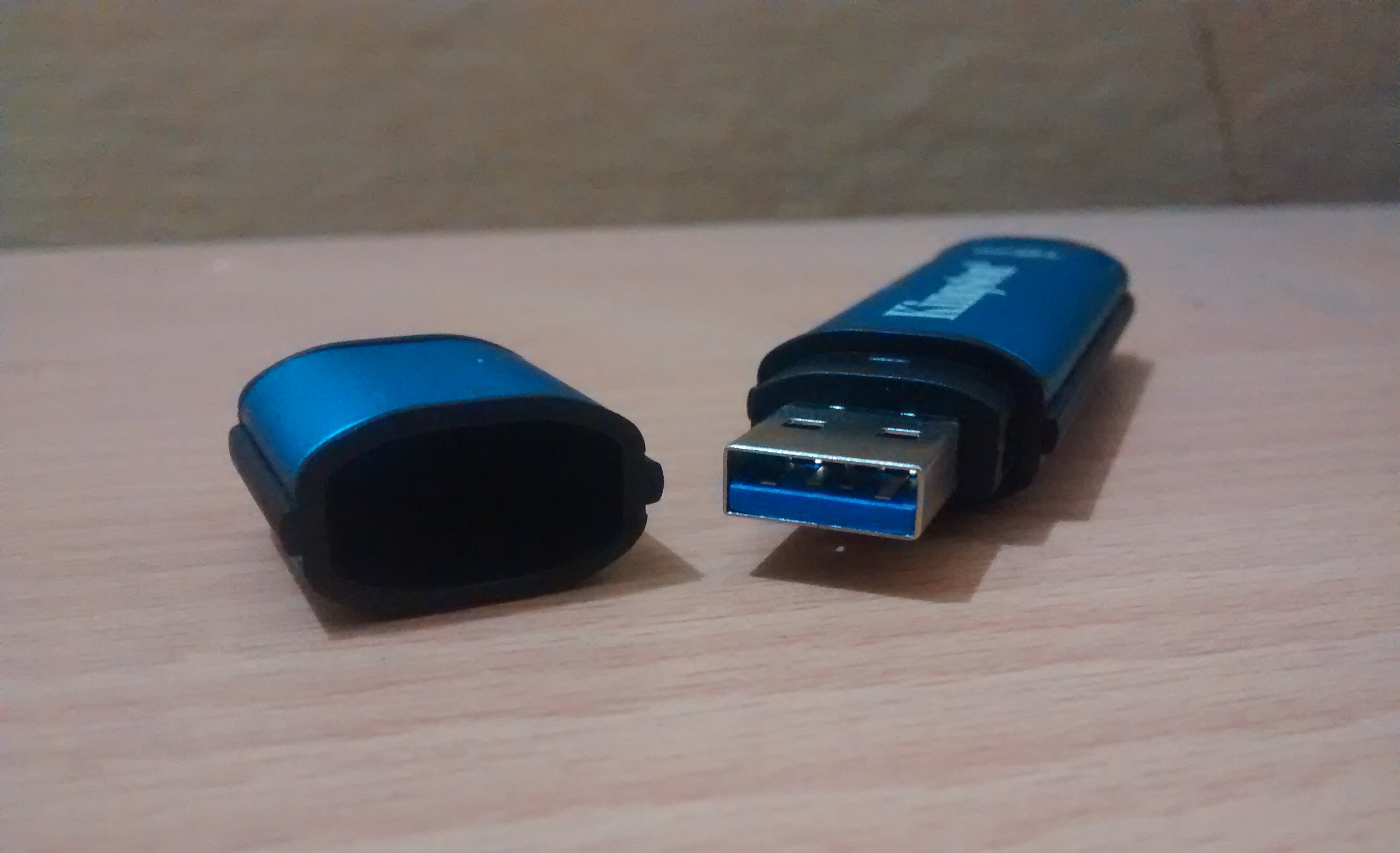
Design of the device seems good. Although, it is big in size as compared to many other flash drives available in market. But the color scheme of the device is good. Dimensions of the device are 77.9 mm x 22.2 mm x 12.05 mm. It has a cap which can be mounted at the back. So, you will never loose the cap.
System Requirements:
System requirements are very low. So, you can use it on almost all kind of desktop of laptop computers available. It supports Windows XP SP3, Windows Vista SP2, Windows 7 SPI, Windows 8 (Windows 8 RT not supported), Mac OS X 10.6.x – 10.8x and Linux v2..6+ kernel. For Windows, it requires Manual two available consecutive drive letters after the last physical drive, Pentium III or faster processor and 15 MB free disk space. For Mac an Linux, only 5 MB free disk space needed.
This device supports USB 3.0 for faster data transfer. But it is also backward compatible to USB 2.0. So, you can also use this device via USB 2.0 ports. This device comes with a small piece of software program and a manual with instruction. Manual contains the guide of setting up the device on various supporting platforms including Windows, Mac and Linux.
This device also comes with easy to deploy antivirus protection from popular security software company ESET. So, the content of the drive will be protected from viruses, trojans and other security threats. This Antivirus protection does not need any installation and comes with a 5 year pre-activated licence.
You need to use the Launcher.exe file to start using the program on Window. For Linux and Mac, refer to the manual inside the flash drive. I am writing the steps for Windows. At first run, it asks you to setup the password for this flash drive. In this process, first it asks to agree the licence, then create password and password hit and at last submit contact information. Then you are ready to use this device. Every time you want to use this drive, run the exe file and submit the password.
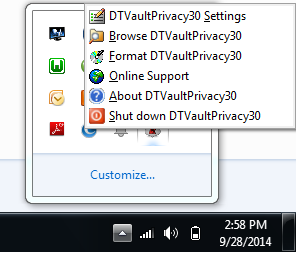
 Only after submitting the password, you will be able to access the flash drive. Once you have opened the drive, you can also see an icon in the system tray. On clicking this icon, it opens a context menu where you will see various options like change password, contact information and shutdown the device. To stop using this device, you will have to shut down the device from this option.
Benchmark tests:
In USB 2.0 it claims to offer
8GB – 64GB: 30MB/s read, 20MB/s write
It was confirmed with the benchmark test by using the device on USB 2.0 port.
 See details on Kingston’s website