

Brave is adding a useful privacy feature to its browser. Starting with desktop version 1.94, users can now create Email Aliases and use them instead of their real email address when signing up for websites.
Your email address is increasingly being used as an identifier, not just a way to contact you. Companies can use it to connect information about you across services, and customer email lists can also be uploaded to advertising platforms such as Google, Meta and LinkedIn for audience matching.
A browser can block cookies and other trackers, but it cannot stop a website from using the email address you give it.
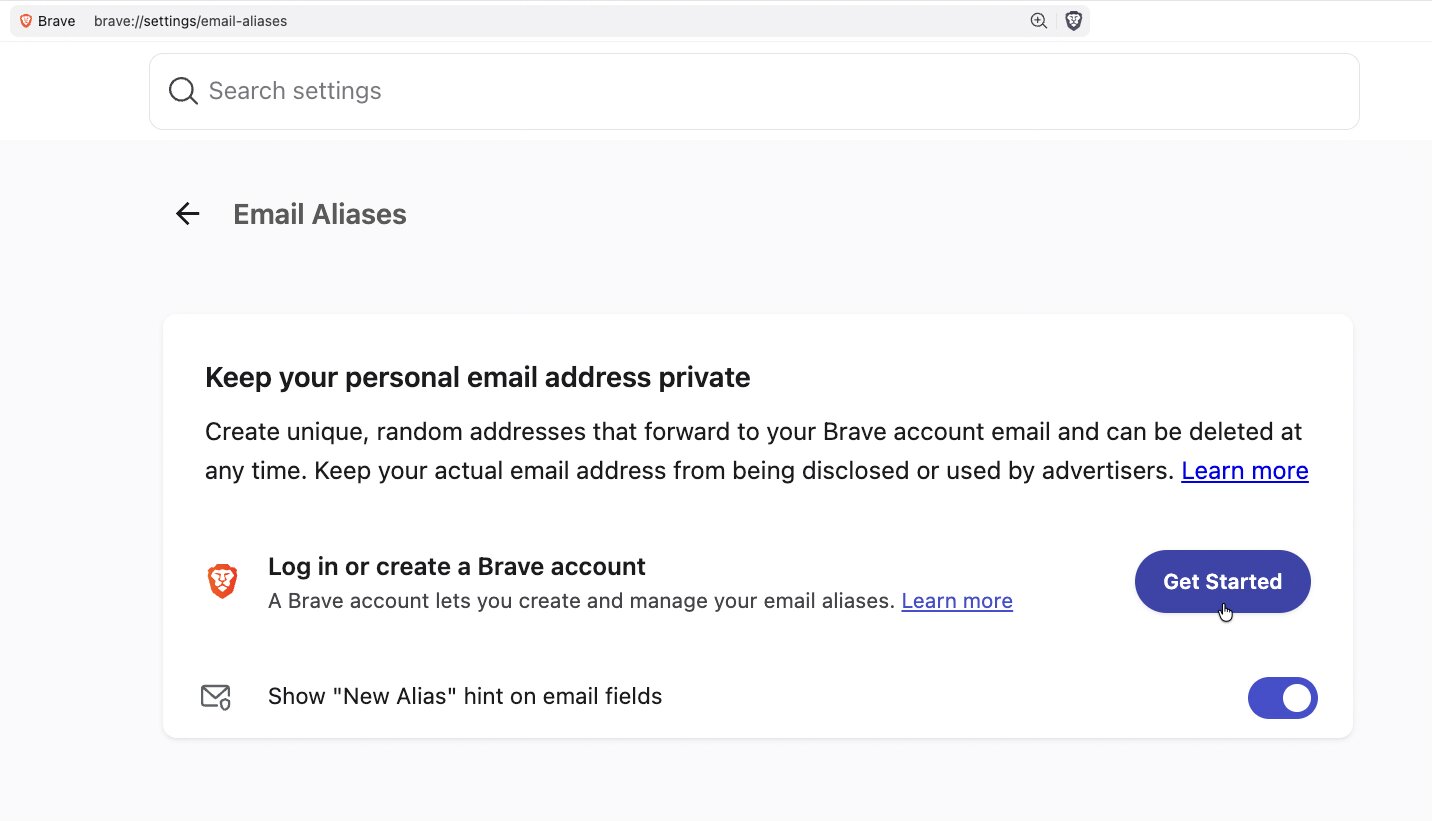
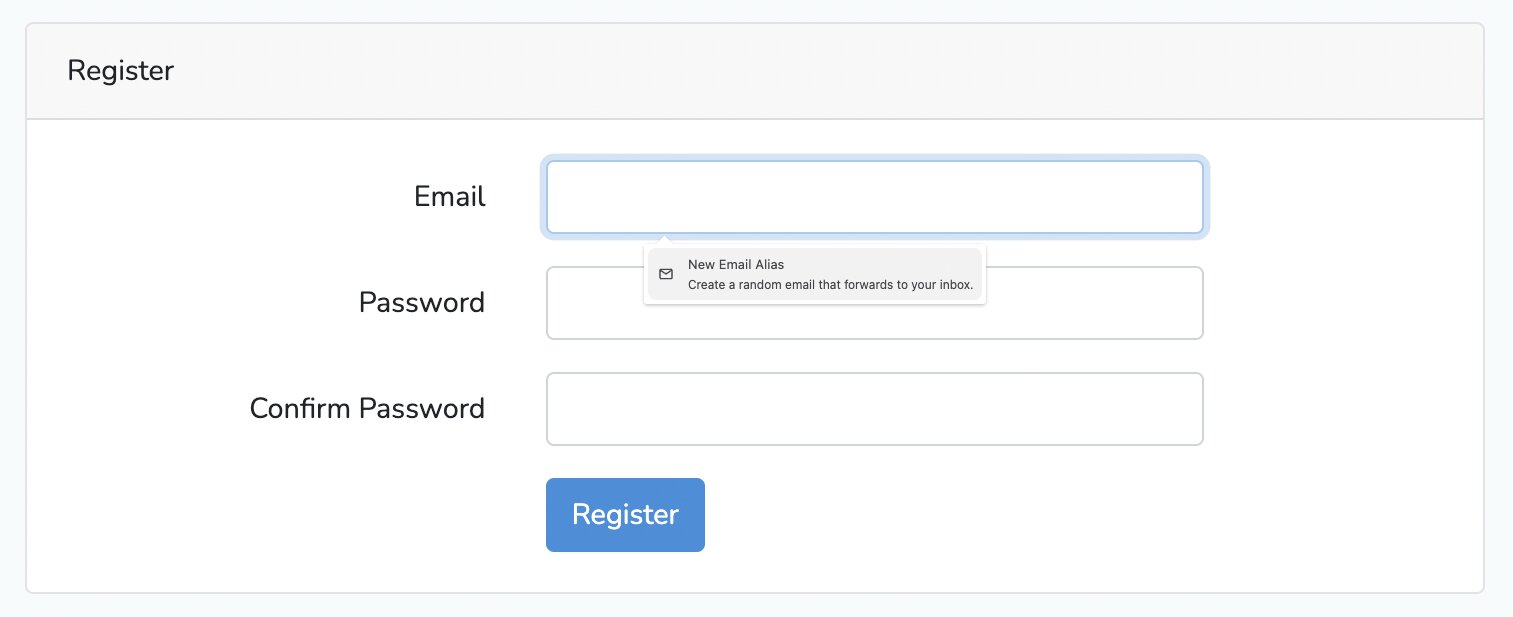
Brave’s Email Aliases are designed to solve that problem. After creating a Brave Account, you can generate an alias directly from an email field on a website. The website receives the alias instead of your primary address, while emails sent to the alias are forwarded to your normal inbox.
This also gives you more control if something goes wrong later. If a company starts sending too many promotional emails, or its database is breached, your primary address remains hidden. You can also deactivate the alias, which stops future messages sent to that address from reaching you.
There is one limitation. Brave does not automatically filter newsletters or marketing emails. They will continue reaching your inbox as long as the alias remains active.
The free version currently includes five aliases, with a Premium option and mobile support planned for the future.
Brave is also not the first company to offer this kind of protection. DuckDuckGo has its Email Protection service, while Mozilla offers email masks through Firefox Relay. Firefox Relay’s free tier currently supports up to 50 masks.
So the technology itself is nothing new. What makes Brave’s implementation interesting is its integration with the browser. You do not have to visit another service every time you want to create an alias. It becomes part of the signup process, alongside the other privacy protections Brave already offers.
I think that makes this more useful than it sounds. Most people are not going to manually create an alias every time they visit a website. But if the browser makes the process almost effortless, more users may actually use the feature. I would use it for websites I do not expect to use regularly, online stores, newsletters and services where I do not want my primary email address sitting in another database.
It is also worth keeping expectations realistic. An email alias does not make you anonymous. Websites can still collect other information about you, including your IP address, browsing activity and device details. But privacy does not have to be all or nothing.
Brave’s Email Aliases are not revolutionary, but they are genuinely useful. They give users another simple way to control how widely their primary email address is shared, and putting that control directly inside the browser is probably the best part of the feature.