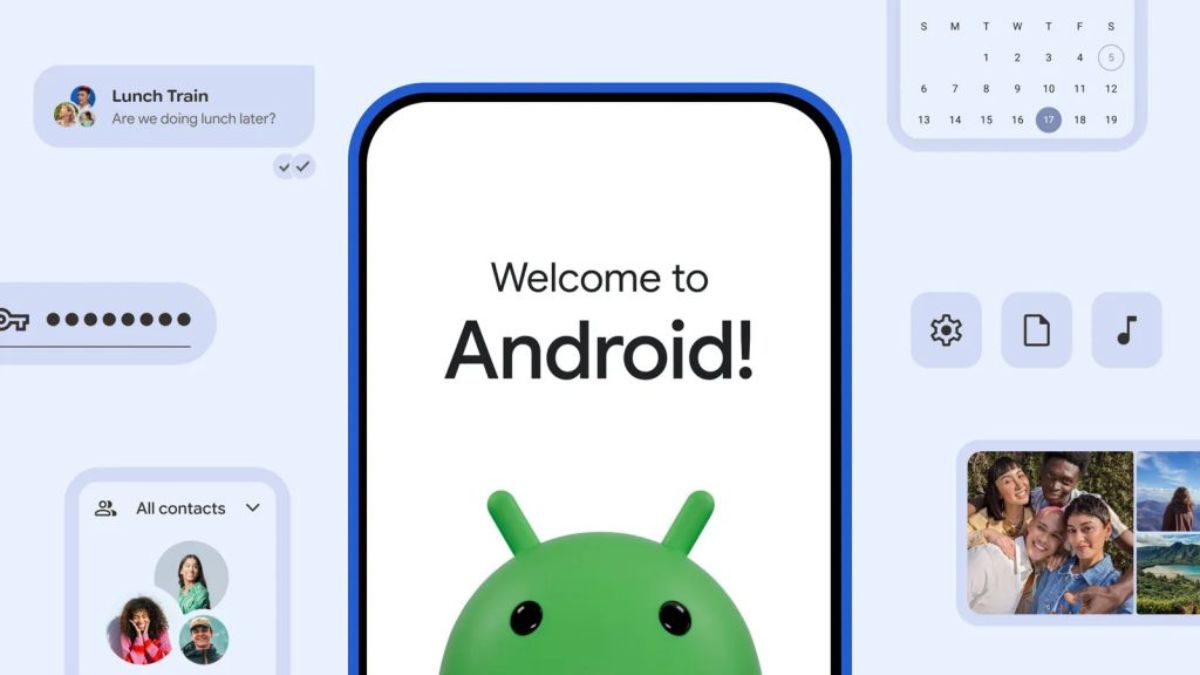

Google has introduced a new data migration system in Android 17 that makes switching from an iPhone to an Android phone much easier. The new feature was announced alongside Samsung’s Galaxy Z Fold8 and Galaxy Z Flip8 at the Galaxy Unpacked event.
With Android 17, users can now transfer more of their data wirelessly from an iPhone without downloading a separate app.
What Can You Transfer?
The new migration tool lets users move most of their important data from an iPhone to an Android device during setup.
Supported data includes:
- Photos and videos
- Contacts
- Messages
- Calendar entries
- Google Account details
- Saved passwords
- Wi-Fi passwords
- eSIM data
This means users can set up a new Android phone more quickly without manually moving important information. One of the biggest changes is that the migration process is now built directly into Android 17. Earlier, users often had to install a separate app to transfer their data from an iPhone. The new built-in system simplifies the process and supports more types of data than before.
Google says the feature is already rolling out to select Pixel smartphones. It is also available on the newly launched Samsung Galaxy Z Fold8 and Galaxy Z Flip8. Support for more Android devices is expected in the coming months.
Samsung Smart Switch Gets More Features
Samsung has also updated its Smart Switch app to make switching from an iPhone even easier.
The updated app now supports:
- QR code pairing for wireless transfers
- Password migration
- Passkey transfer
- Call history transfer
- Accessibility settings
- eSIM profile transfer
Users can simply scan a QR code displayed on their new Galaxy phone to start transferring data from their iPhone.
Quick Share Now Works Better With iPhone
Samsung has also improved file sharing between Galaxy devices and iPhones. Quick Share now supports file transfers with Apple’s AirDrop, allowing users to send and receive files between Galaxy and iPhone devices more easily without relying on third-party apps or complicated workarounds.