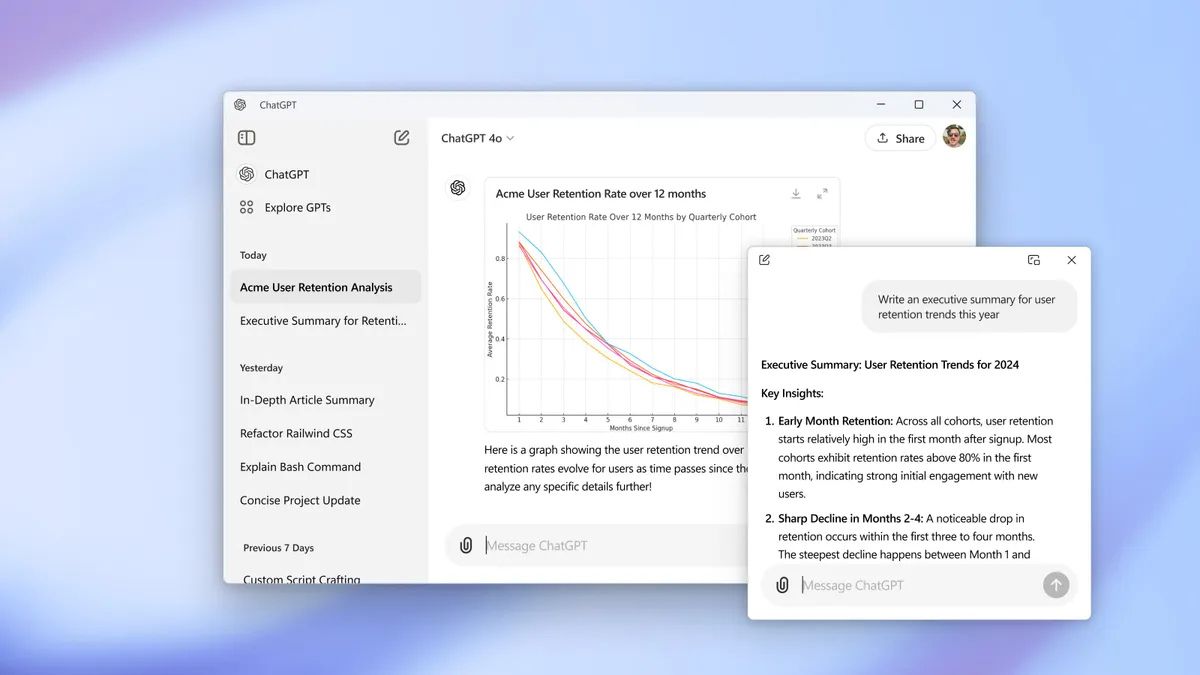
Last month, OpenAI released ChatGPT app for Windows users. However, the app was limited to only premium subscribers. Now the company has rolled out the access to all ChatGPT users.
The ChatGPT desktop app for Windows is now available for all users 🖥️
Get faster access to ChatGPT with the Alt + Space shortcut, and use Advanced Voice Mode to chat with your computer and get hands-free answers while you work.https://t.co/UzTM7ZGRptpic.twitter.com/hQ2kyUELpI
ChatGPT app makes it easier to access the AI chatbot quickly on your Windows PC. If you have the app on your PC, you can quickly access the app by pressing ALT+Space keyboard shortcut. Users can also adjust text scaling using Ctrl + or Ctrl – keyboard shortcuts.
The app also supports Advanced Voice Mode. So, you can have a natural, real-time conversations with the AI chatbot. The app also keeps a record of chat history.
Follow Techlomedia on Google News to stay updated.
Affiliate Disclosure:
This article may contain affiliate links. We may earn a commission on purchases made through these links at no extra cost to you.
About the Author: Deepanker Verma
Deepanker Verma is the Founder and Editor-in-Chief of TechloMedia. He holds Engineering degree in Computer Science and has over 15 years of experience in the technology sector. Deepanker bridges the gap between complex engineering and consumer electronics. He is also a a known Security Researcher acknowledged by global giants including Apple, Microsoft, and eBay. He uses his technical background to rigorously test gadgets, focusing on performance, security, and long-term value.