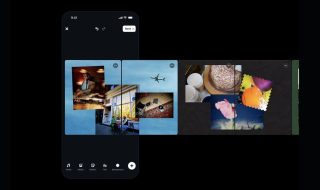
Evernote is well known as note taking app. It has gained a good reputation and now it has released a scanning app called “Scannable”. This Scannable app turns your iOS Device to a scanner. Evernote Scannable helps you scan any document and it also identifies the type of document.

Evernote Scannable gives you the clear scanning image and you can even crop or enhance it further as required by you. It allows you to scan business cards, visiting cards, receipts and more. An important feature here is, it scans the entire card and you can save the contact information to your device. You can save that contact number to your contacts list, complete with Linked data and you can have scanned image as contact’s photo.

Sharing is also possible with Evernote Scannable. You can share the scanned copy with others through email, messengers or can even save them as normal photos. You can use your phone camera or ScanSnap of Evernote, which can be controlled via Wi-Fi with Scannable. As of now, it is available only for iOS users.
Download: Scannable
Source: Evernote
Have anything to add regarding Evernote Scannable? Please, do share with us through comments.