
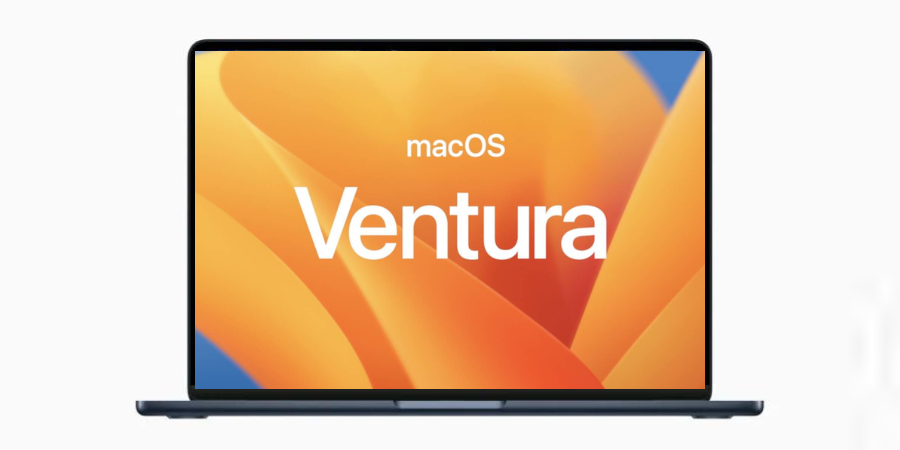

At WWDC 2022, Apple introduced the newest version of macOS dubbed macOS Ventura for its desktop and laptop computers. The company has added several new features, performance improvements, Continuity Camera, support for iPhone as a webcam, Ultra Wide lens, Center Stage, and Studio Light. There are also a lot of features that make macOS Ventura interesting.
The macOS Ventura will be available this fall but the beta version is already available for people who want to try features before it is available for all. Have a look at macOS Ventura supported devices. macOS Ventura device support is limited The system requirements for the upcoming macOS are strict and it requires extensive hardware use. That could be the reason why the list is short.
- iMac (2017 and later)
- MacBook Pro (2017 and later)
- MacBook Air (2018 and later)
- MacBook (2017 and later)
- Mac Pro (2019 and later)
- iMac Pro
- Mac mini (2018 and later)
I have taken the list directly from Apple’s website.

The current version of macOS dubbed macOS Catalina supports devices launched back in 2015. In Mac Mini and Mac Pro, it supports devices launched in 2013. The newer macOS drops several older devices.
If you are thinking to try macOS Venture, you need to make sure your device supports macOS Ventura. So, check the list of macOS Ventura supported devices before downloading the beta.







