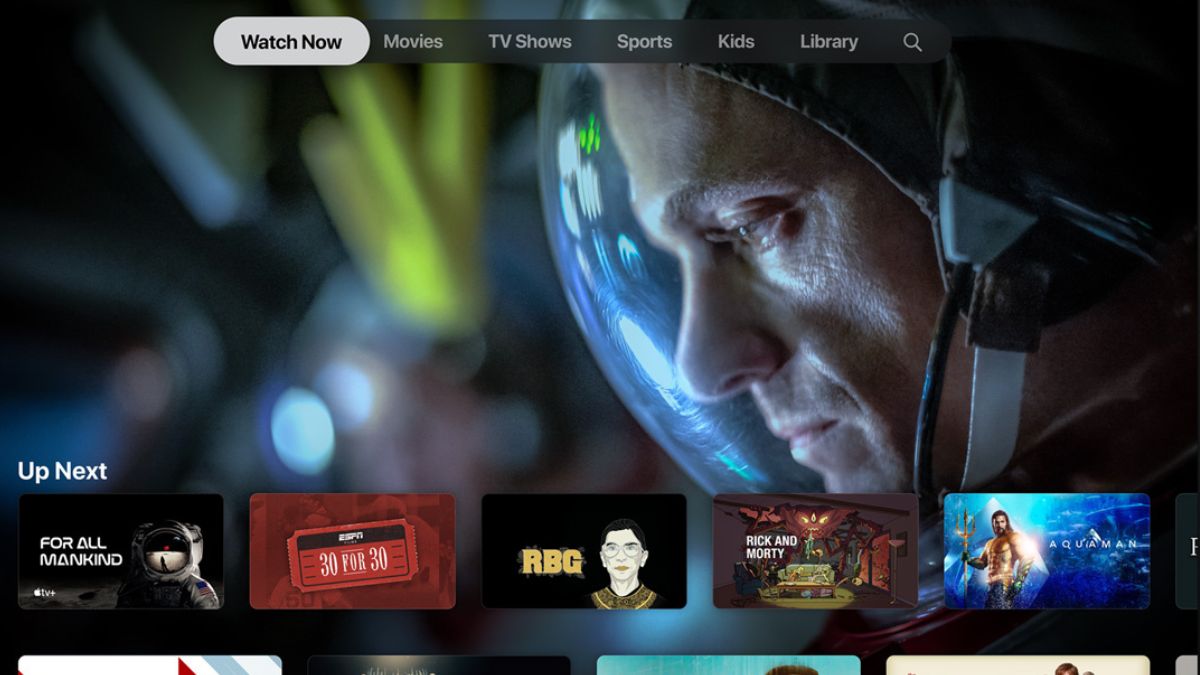

Apple TV Plus, Apple’s own streaming service, is known for offering quality originals. But it has been out of reach for Android users for years. Android users usually ask about how they can access Apple TV on Android. Before I go into that, it is important to note that Apple has now started referring to the service simply as Apple TV, while keeping the same content and subscription model. This change in naming has created some confusion. It is important not to mix this up with the Apple TV streaming box, which is a separate hardware product used with televisions. You do not need the Apple TV device to watch Apple’s streaming content on an Android phone or tablet.
To be clear, this article is about watching Apple’s streaming service on Android, not about the Apple TV streaming box. In this article, I will explain how to watch Apple TV (Formerly known as Apple TV+) on Android smartphones and tablets.
What Apple TV Means Today
Apple TV is now the name used for Apple’s streaming platform and app. Inside this app, Apple offers its paid streaming service, which was earlier branded as Apple TV Plus. The content remains the same. It includes Apple Originals, movies, and TV shows. Only the naming has become simpler, and slightly more confusing for new users.
The Apple TV streaming box is a separate device that connects to your television. It is not required to watch Apple TV content on Android phones or tablets.
Watch Apple TV on Android Using the Official App
As of early 2025, Apple has released an official Apple TV app for Android smartphones and tablets. This was not available earlier, and Android users had to rely on browsers or smart TV apps.
To get started, open the Google Play Store on your Android device. Search for the Apple TV app and install it.
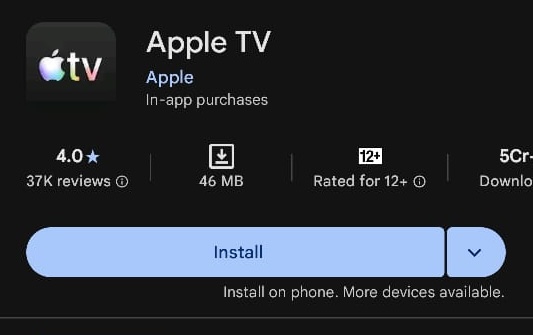
Once installed, open the app and sign in using your Apple ID. If you already have an active subscription, you can start watching immediately. If not, you can subscribe from within the app.
Apple’s streaming service requires a monthly subscription. Apple usually offers a free trial for new users. You may also get longer free access if you have recently purchased Apple hardware or if you are using an Apple One subscription.
Watch Apple TV on Android Using a Web Browser
If you do not want to install the app, Apple TV also works through a web browser. Open any browser on your Android phone, such as Chrome. Visit tv.apple.com and tap on the Sign In option. Enter your Apple ID email and complete the sign-in process. Once logged in, you can stream content directly in the browser.
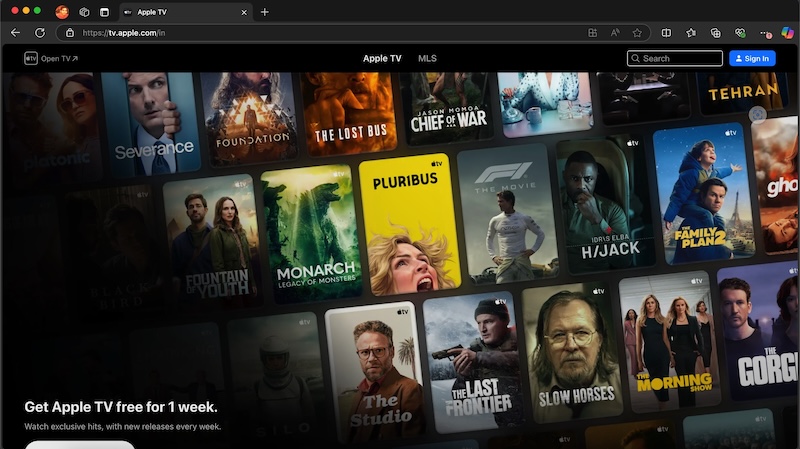
This method works well for casual viewing, although the app provides a smoother experience.
Watch Apple TV on Android Using Amazon Prime Video
Apple TV content is also available through Amazon Prime Video as an add-on subscription. This option is useful if you already use Prime Video regularly and want everything in one place.
First, open the Amazon Prime Video website in a browser and sign in. Go to the subscriptions section and look for Apple TV. Start the free trial or subscribe. This step cannot be completed from the Prime Video app.
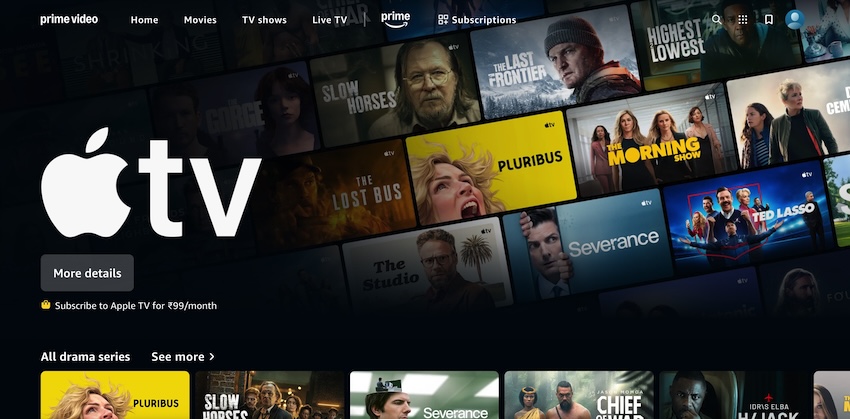
After that, open the Amazon Prime Video app on your Android device. Go to the subscriptions section, select Apple TV, and start watching.
Which Option Is Best for Android Users
The official Apple TV app is the most straightforward option for Android users who watch regularly. The browser method is useful if you want quick access without installing another app. The Amazon Prime Video route works well if you prefer managing all subscriptions in one place.
The important thing to remember is this. Apple TV is now available on Android as a streaming service, and you do not need the Apple TV streaming box to watch it. With the official app finally here, Android users can access Apple’s content without workarounds or limitations.