
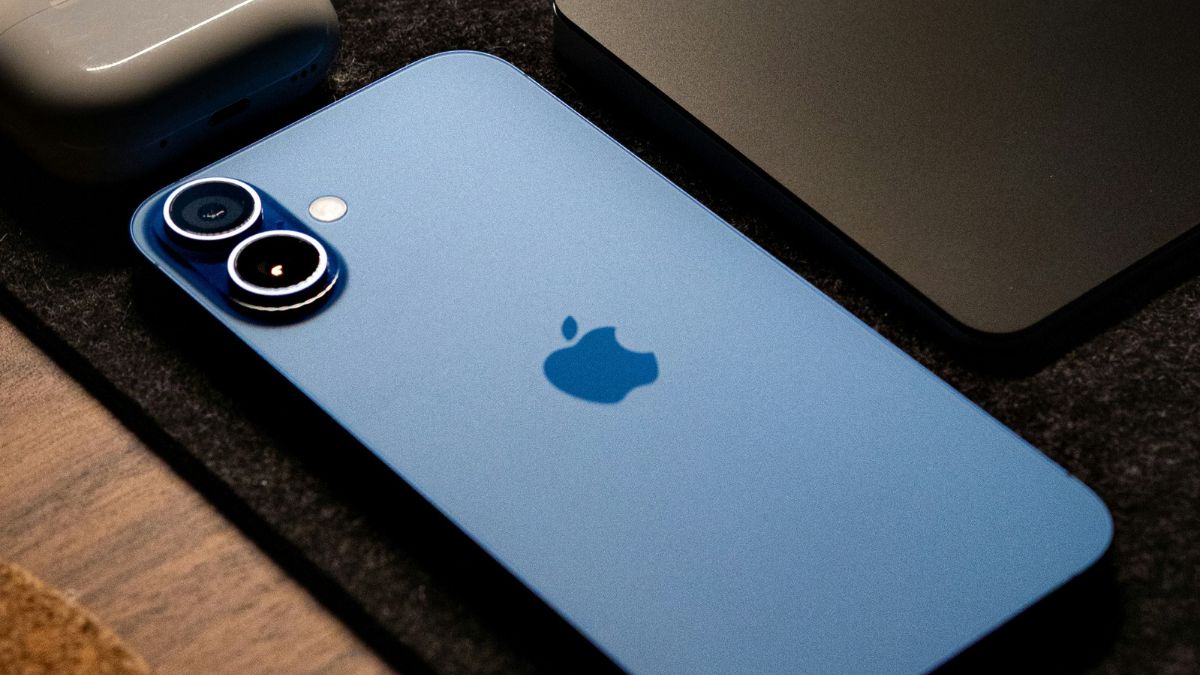

In today’s fast-paced digital world, multitasking is a necessity for many. One feature that enhances multitasking on devices is split-screen functionality. It allows users to run two apps side by side. While this feature has been available on many tablets and Android phones, iPhone users often wonder if they can split screens on their devices. In this article, I will explain whether split-screen is available on iPhones.
Split-Screen on iPhone: Is It Possible?
As of iOS 18, Apple does not offer native split-screen functionality on iPhones. This means you cannot run two apps side by side in the same way you can on an iPad The iPad’s Split View feature allows users to use two apps simultaneously. However, on the iPhone, this feature has not been extended, likely due to the smaller screen size and usability considerations.
Even though iPhones do not support traditional split-screen functionality, there are several features and tricks that can help you multitask effectively:
Picture-in-Picture (PiP)
PiP allows you to watch videos in a floating window while using other apps. When watching a video in a compatible app like Safari or Apple TV, you can swipe up or press the home button (on devices with a Home button) to keep the video playing in a small window while you navigate other apps.
App Switcher
You can use App Switcher to quickly switch between apps. Swipe up from the bottom of the screen (or double-press the Home button on older models) to access the App Switcher. You can then tap on the app you want to switch to.
Why No Native Split-Screen on iPhone?
Apple’s decision not to include a split-screen feature on iPhones might be influenced by several factors:
Screen Size: iPhones, even the larger models, have relatively small screens compared to tablets, making split-screen usage potentially cumbersome and less practical.
User Experience: Apple prioritizes a seamless user experience. A split-screen feature on smaller screens could lead to a cramped interface, detracting from the overall user experience.
Battery Life: Running two apps simultaneously could impact battery performance, which Apple meticulously manages to ensure optimal battery life.
Wrap Up
While iPhones do not support traditional split-screen functionality like iPads, there are a few multitasking features and third-party apps that can help users achieve a similar experience. However, Apple should now include the split-screen feature. Most iPhone users want this feature badly. For those who need true split-screen multitasking, an iPad might be a more suitable choice







