Internet censorship is frustrating. If you cannot access a web page or website due to restrictions, most people search for different ways to unlock websites. The most popular way to unblock websites is VPN. If you do not want want to pay for VPN, you can try Bit Browser. Bit Browser is a good way to unlock websites and get access to it. It also offers a fast and secure way to access different websites.
Bit Browser is mainly for Chrome OS but now it is also available as a Chrome extension and An Android app.
The primary reason to use Bit Browser is to unlock web pages that are blocked in your regions. You can safely unblock the content without giving up your online privacy. Bit Browser doesn’t track your web browsing. It doesn’t save browsing data. It also lets you open multiple tabs and manage multiple social media accounts anonymously.
How to download Bit Browser?
Bit Browser is available as a Chrome extension. You can download Bit Browser from the Chrome web store.
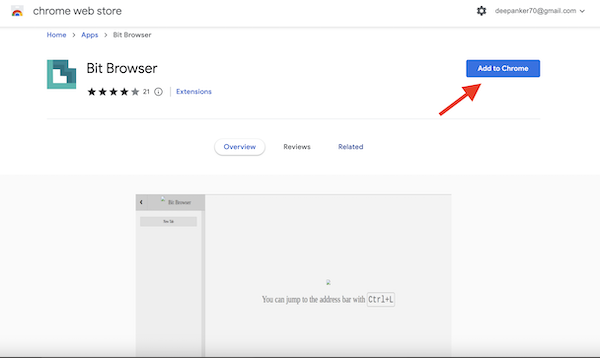
After downloading the Bit Browser extension, Click the Extensions Manager in the top-right corner and select Bit Browser. Now select the New tab, or press Ctrl + L to open the new tap. Here, enter the blocked site’s URL and press enter.
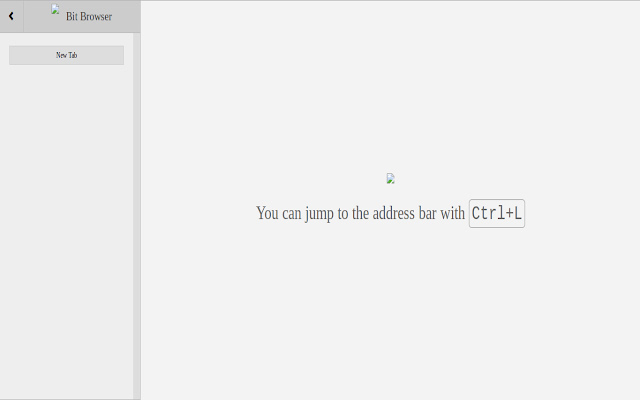
Although the extension is available on the Chrome extension, you can use it with any other Chromium-based browser like Edge, Opera, Brave, and others.
Bit Browser for smartphones
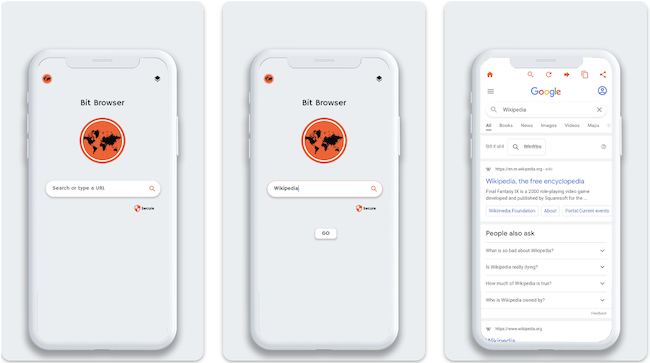
Bit Browser is available on the Play Store for Android devices. Download Bit Browser from the Play Store. Then use it as a web browser on your Android phone. Bit Browser for Android also provides a news feed section where you get access to trending news directly on the browser. The app also promises not to track users. You also get other features like quick search and bookmarks.
Wrap Up
Now you know how to use Bit Browser. I have already mentioned how to download the Bit Browser extension. If you want to use it on your Android phone, download the Bit Browser app on your phone. I have already explained the reason why to use Bit Browser. If you really care for your privacy and want to access blocked websites, start using VPN.
Bit Browser is a browser that lets you access restricted web pages and unblock websites. It is available as a Chrome extension and mobile app.