


The Apple Watch is more than just a gadget; it’s a fashion statement. With its customizable watch faces, you can tailor your Apple Watch to suit your mood, personality, or even your outfit of the day. One of the easiest and most effective ways to make your Apple Watch truly yours is by adding a unique wallpaper.
From elegant minimalist designs to vibrant abstract art, the right wallpaper can transform your watch into a stylish accessory that reflects your individuality. Whether you’re looking to add a touch of sophistication, showcase your love for nature, or keep a cherished memory close, there’s a wallpaper out there that’s perfect for you.
In this article, we will explore some of the best Apple Watch wallpapers across various styles and themes. I will guide you through the simple steps to set these images as your watch face, ensuring your Apple Watch always looks its best.
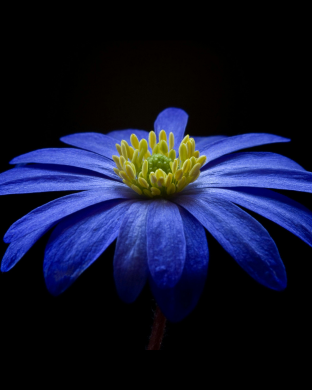
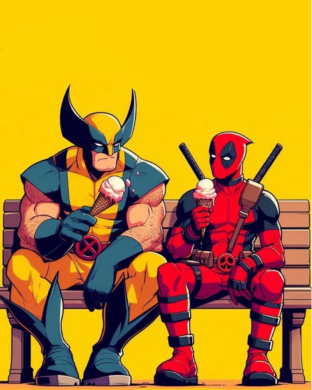
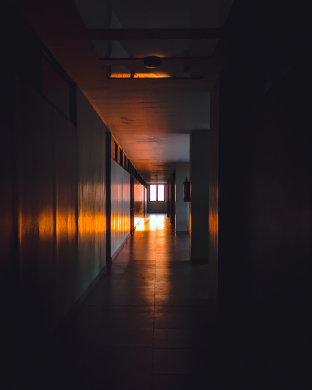
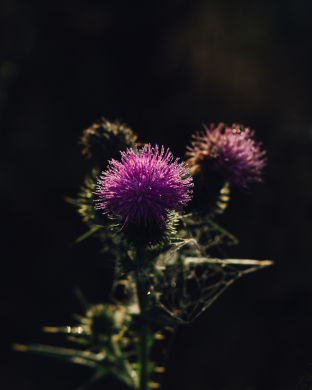
Top Picks for Apple Watch Wallpapers



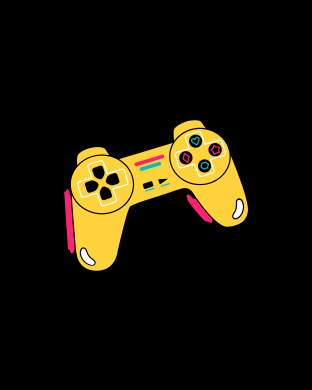



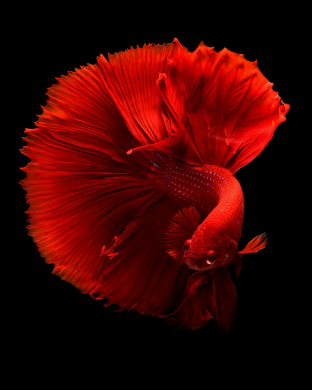
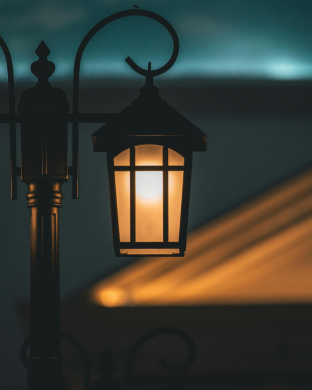
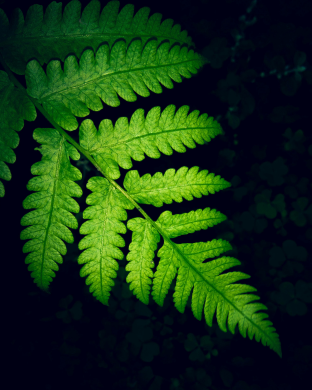










How to Set an Image as Your Apple Watch Wallpaper
Once you have chosen your favorite wallpaper, follow these steps to set it up:
On Your iPhone
- Download the Wallpaper: Save the wallpaper image to your iPhone’s Photos app.
- Open the Watch App: On your iPhone, open the Watch app.
- Go to Watch Faces: Tap the “Face Gallery” tab at the bottom of the screen.
- Choose the Photos Face: Scroll down and select the “Photos” watch face option.
- Select Your Image: Under “Content,” tap “Photos.” Select the wallpaper image you downloaded.
- Customize Settings: Adjust the position, time style, and complications as needed.
- Add to Watch: Tap “Add” to send the customized watch face to your Apple Watch.
Directly on Your Apple Watch
- Open the Photos App: Browse through your synced photos on your Apple Watch.
- Force Touch: Press firmly on the photo you want to use.
- Create Watch Face: Tap “Create Watch Face” and select your preferred style.
Tips for Choosing the Perfect Apple Watch Wallpaper
- Resolution: Use high-quality images to ensure they look sharp on your Apple Watch screen.
- Contrast: Opt for images with good contrast to make the time and complications easier to read.
- Avoid Clutter: Choose images that are not overly detailed to avoid visual distraction.







