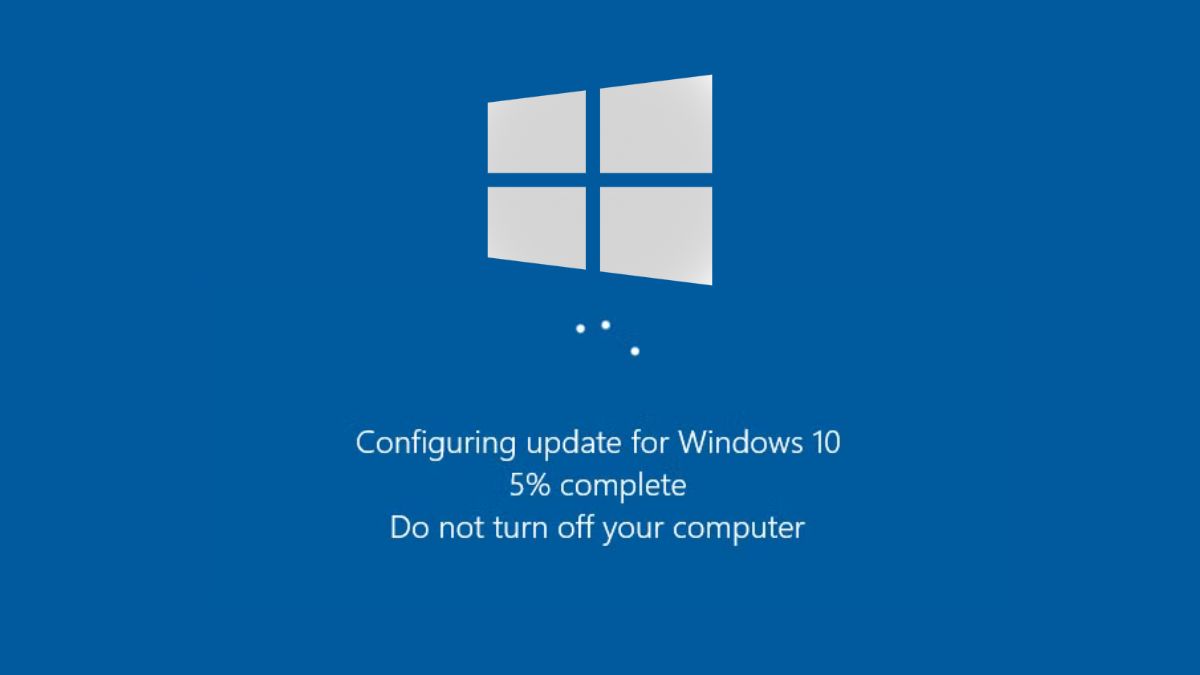

Microsoft has released emergency updates for Windows 11 and Windows 10 to fix serious problems caused by the January 2026 security updates. These fixes are important for users who rely on Remote Desktop or are facing shutdown and hibernation issues on their systems.
Earlier this month, Microsoft rolled out the first Patch Tuesday updates of 2026. These updates were released under KB5074109, KB5073455, and KB5073724. Soon after installing them, many users started reporting problems that affected daily usage.
One of the biggest issues was related to Remote Desktop. After installing the January security update, some users were unable to sign in during Remote Desktop sessions. The problem affected different Remote Desktop apps on Windows, including the Windows App. For work-from-home users and IT teams, this quickly became a major concern.
Another issue affected power management. On devices with Secure Launch enabled, systems restarted instead of shutting down or entering hibernation. This behavior was unexpected and frustrating, especially for laptop users.
Microsoft later confirmed both issues and decided to release emergency fixes instead of waiting for the next regular update.
Microsoft has released out-of-band updates for both Windows 11 and Windows 10. These updates focus only on fixing the reported problems and do not add new features.
- For Windows 11 version 25H2 and 24H2, the emergency update is KB5077744.
- For Windows 11 version 23H2, the update is KB5077797.
- For Windows 10 users, Microsoft has released KB5077796 and KB5077795 for different editions.
According to Microsoft, the emergency updates fix two key issues.
The first fix resolves Remote Desktop sign-in failures that started after installing the January 2026 security update. This restores proper authentication during Remote Desktop connections.
The second fix addresses a power issue on devices with Secure Launch enabled. After installing the update, affected systems should shut down and enter hibernation normally instead of restarting.
These emergency updates are not being pushed automatically through Windows Update. Users need to download them manually from the Microsoft Update Catalog.
Microsoft has published separate support pages for each KB update with instructions on how to install them. Users should make sure they download the correct update based on their Windows version and build.


![Mivi DuoPods Vibe Earbuds [New Launch], 60 Hours Playtime, AI-ENC for HD Calls, 13mm Drivers, IPX 4.0, BT v5.3, Made in India True Wireless Bluetooth Ear Buds](https://m.media-amazon.com/images/I/41t+S6k05XL._SL160_.jpg)