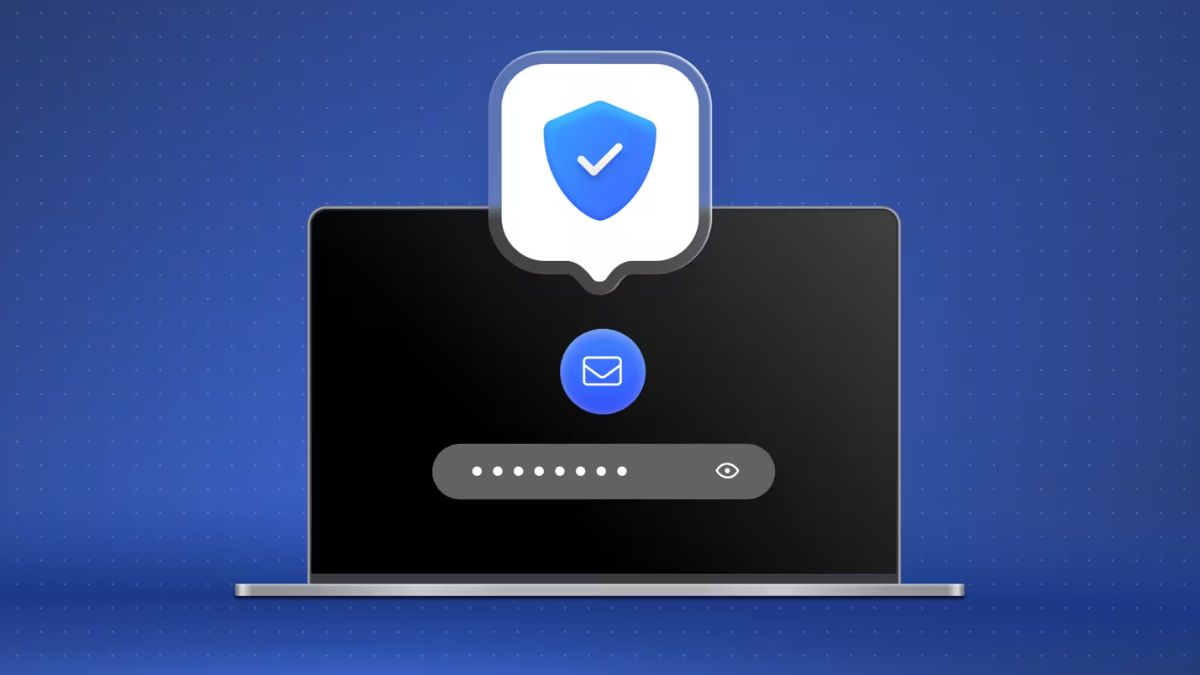

NordVPN has quietly rolled out a useful new security feature that tackles one of the most common online threats today: malicious links in emails. The company has added automatic email link scanning to its Threat Protection Pro suite on Windows and macOS.
When you open an email in a supported browser, NordVPN checks every visible link in real time. If a link is known for phishing, malware, or scams, you will see a red shield icon right next to it. A short warning banner also appears, clearly telling you what the risk is. For example, it may say the link leads to a scam site or contains malware.
This approach makes a lot of sense, especially now when fake delivery messages, banking alerts, and “urgent” emails are getting harder to spot. Many people do not fall for bad emails because of the message itself, but because they click a link without thinking. Catching the threat at that exact moment can prevent serious damage.

The company confirmed that it scans only the links and does not read the email content. In most cases, the check happens directly on your device. Only the URL is sent for reputation checks when required. This keeps personal emails private while still offering protection.
The feature is built directly into Threat Protection Pro and is available for users on the Plus, Complete, and Prime plans. Once you update NordVPN to the latest version, email link scanning turns on automatically. If you want control, you can open the shield icon in the app menu and adjust the settings or disable it completely.
It seems very useful update. Email remains one of the biggest attack points for hackers, and most people still rely on basic instincts to stay safe. Having a trusted tool quietly checking links in the background adds an extra layer of confidence, especially for work emails, online shopping, and banking-related messages.
If you are already using NordVPN, this feature comes at no extra cost with supported plans. If you are not, this is another strong reason to consider it. NordVPN is no longer just about hiding your IP or unlocking content. With tools like Threat Protection Pro and now email link scanning, it is becoming a full online safety package.
Also Read: