
Online video content is growing at a massive pace. People consume videos every day for entertainment, learning, news, and work. Platforms like YouTube, Instagram, Facebook, X, and many others are now video first platforms. While streaming is convenient, it always depends on internet speed, data limits, and platform restrictions. This is why many users still look for an easy and reliable way to download videos for offline access.
Vidmate is built to solve this exact problem. It is known as a powerful YouTube video download app, but many users do not realize that it also works as a full web based video downloader. It lets users download videos directly through a browser without installing anything. The best thing about it that it supports many websites such as YouTube, TikTok, Instagram, Vimeo, Metacafe, Pinterest, Facebook, and many other streaming websites.
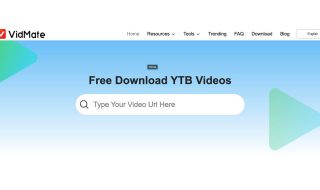
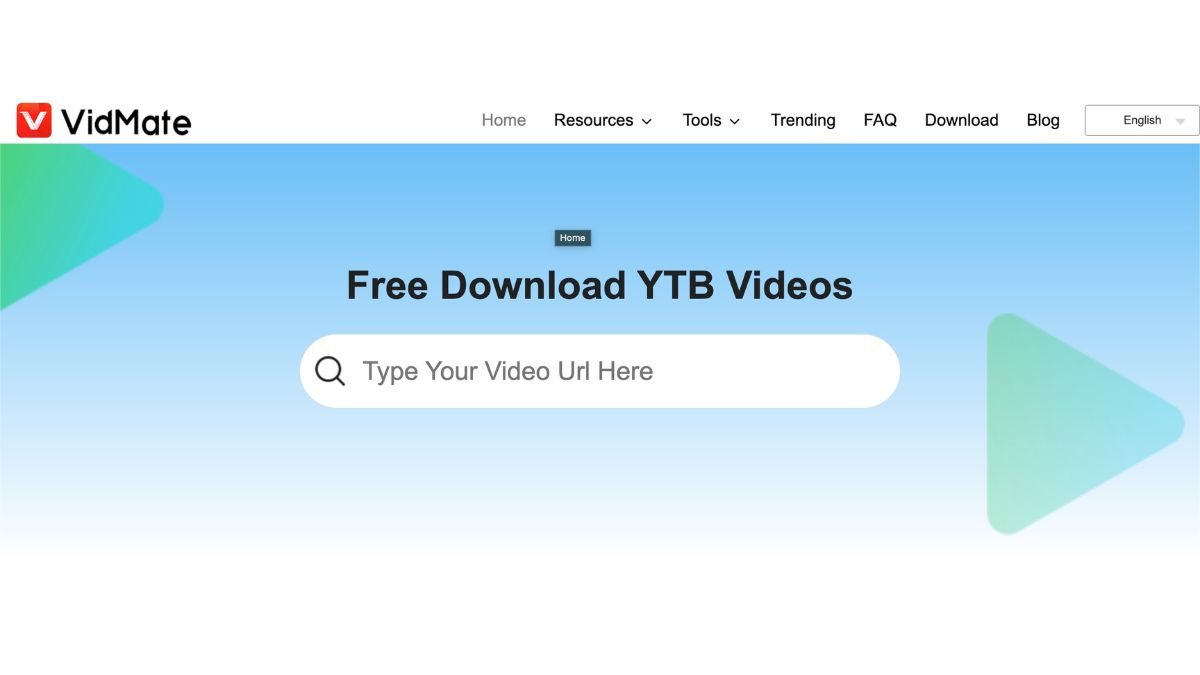
Users simply need to copy a video link from a supported platform and paste it into the Vidmate website. The tool then processes the link and shows available download options. These options usually include different video resolutions and audio formats. Users can choose between video files or audio only files, depending on what they need. Once selected, the file downloads directly to the device.
The process is quick and does not require account creation or login. This keeps things simple and beginner friendly.
The website is easy to use and has straightforward options. This simplicity makes it suitable even for first time users. There is no need to deal with settings, plugins, or complicated instructions. Because it runs inside a browser, it works across devices. Users can access it on Windows, macOS, Android browsers, and even tablets however, you can also download its app from official website.
One of the strongest points of Vidmate is how many platforms it supports. This wide support makes it useful for different types of users. Content creators can save reference clips. Students can download educational videos. Casual users can keep videos for offline viewing while traveling.
Like most free online tools, users should stay alert while using Vidmate. Free services often rely on ads, and some ads may look like download buttons. Users should avoid clicking pop ups or unrelated links. It is always safer to focus only on the main download button and ignore anything that looks suspicious.
Vidmate is intended for personal and fair use only. Users should download only content they own or have permission to use. Downloading copyrighted videos without authorization may violate copyright laws or platform terms.
Whether someone needs a quick download on a laptop or prefers using a YouTube video download app on Android, Vidmate covers both needs. It stands out as a flexible and easy to use video downloader. Support for a wide range of websites make it good and it doesn’t ask to create an account. When used responsibly, it can be a practical tool for saving online videos for offline access.