
Adobe is bringing Photoshop, Adobe Express, and Acrobat to ChatGPT. It allows users to edit photos, design graphics, and manage PDFs without opening any separate apps. These tools now work inside ChatGPT through simple text prompts. It makes creative work and document tasks much easier for millions of users.
This integration uses Adobe’s agentic AI system and the Model Context Protocol. The idea is simple: instead of switching between apps, users can perform edits and design tasks inside their chat window. ChatGPT handles the instructions, and Adobe’s tools process the output in the background.
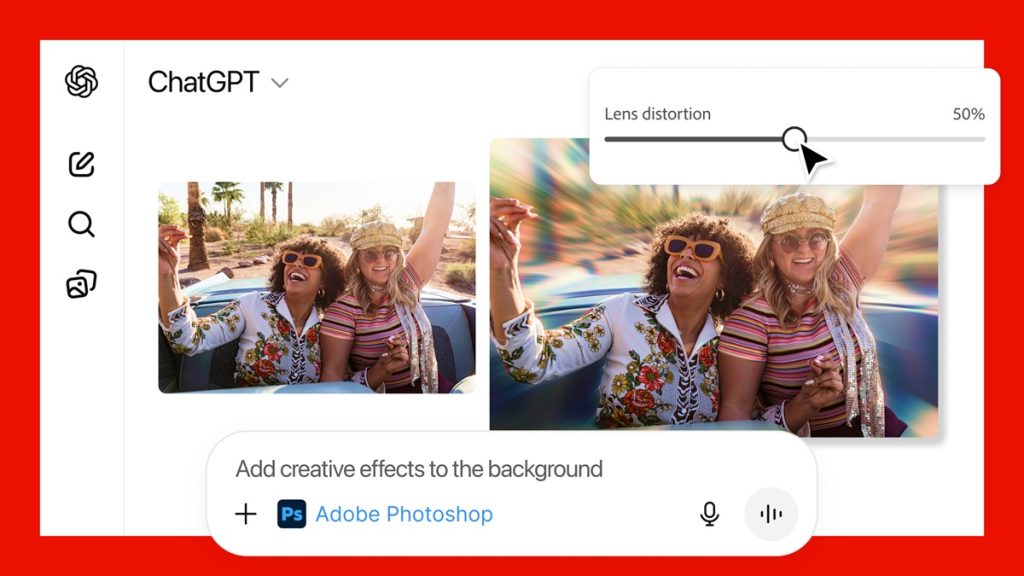
Photoshop inside ChatGPT can adjust lighting, fix specific parts of a photo, or apply creative effects. Users can tweak brightness, contrast, or exposure with simple commands. There are also sliders inside the chat interface for precise control, which feels similar to using the full app but in a much simpler form.
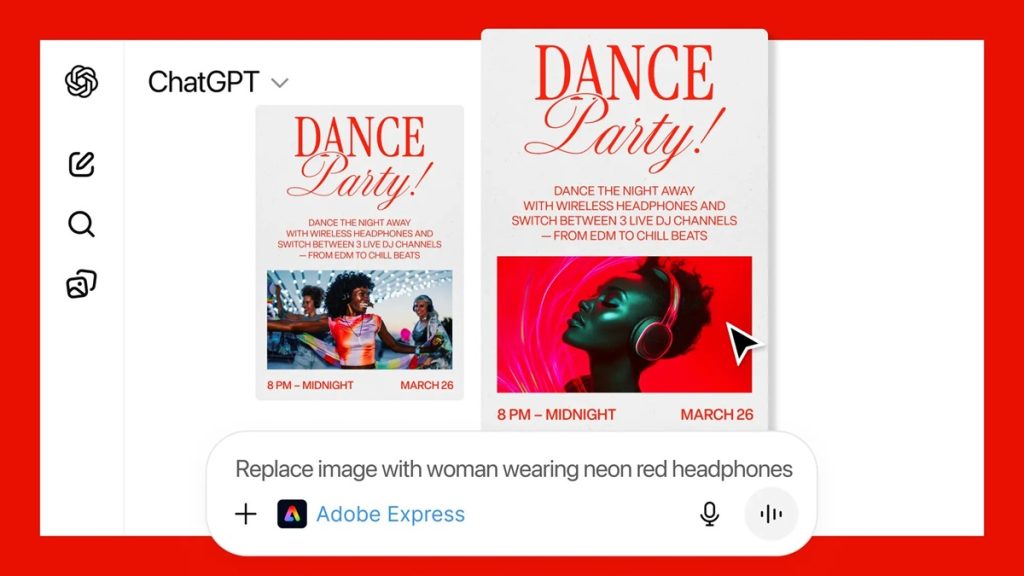
Adobe Express brings its large template library into ChatGPT, making it easy to design posters, invitations and social media graphics. Users can replace images, update text or animate elements without moving away from the chat window.
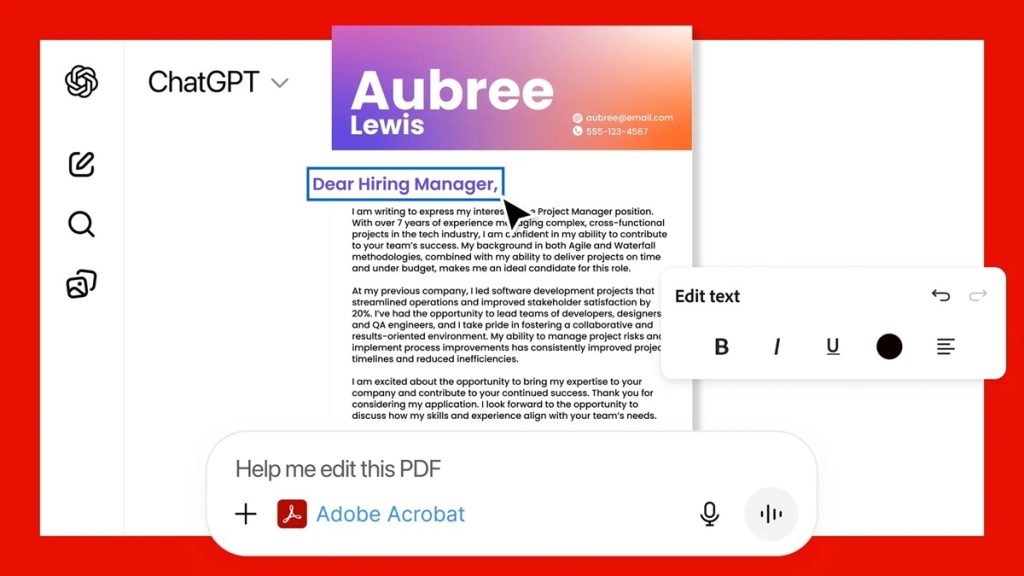
Acrobat also gets deep integration. Users can edit PDFs, combine files, compress documents, or convert them into different formats. Sensitive information can be redacted right inside ChatGPT, which could be very useful for office work, students, and professionals who handle paperwork frequently.
Adobe says users will get the best results by giving clear instructions and breaking tasks into smaller steps. Prompts start with the app name, followed by the action you want. For example, a Photoshop edit can begin with “/AdobePhotoshop” and a short description of the change needed.
The best part is that all three tools are free for ChatGPT users. They work globally on desktop, web, and iOS. Android users will get Photoshop and Acrobat support soon, while Adobe Express is already available.