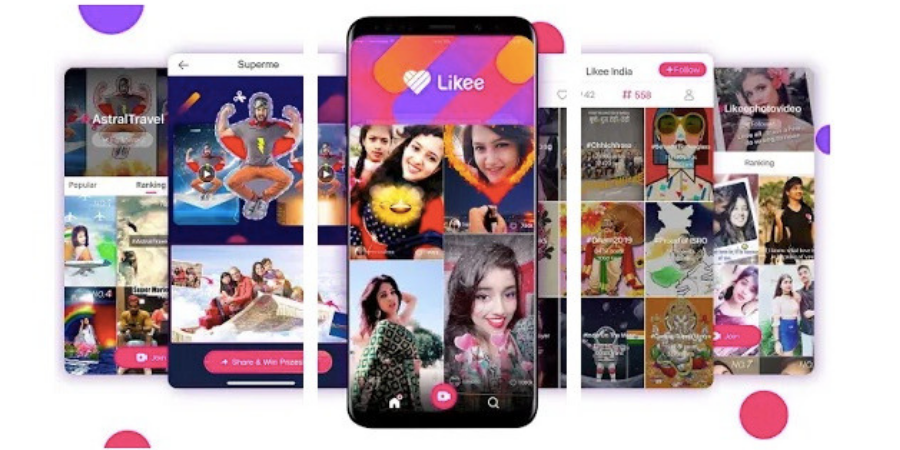
Like, the popular short video creation app, has added the Parental Controls feature in the app. After the addition of this feature, parents can apply filters on content for their children.
Also see: Likee Review
Likee is experiencing massive growth in India and most of the active users are teens. So, the Parental Control option was needed to protect kids from unsuitable content. Here are the options available under Parental Controls.
- Block live-streaming videos and news pushing.
- Block viewing of profiles and subscription of users located nearby.
- Users who have turned into Parental Controls mode will not be searched by others.
- Block incoming and outgoing messages.
- Block pop-up messages so as not to attract the attention of the child.
- Limit the purchase of the application’s internal currency – diamonds and beans.
Also see: Best Face Swap Apps for Android and iOS
To enable Parental control feature, open the settings in the app and tap on Parental Controls. Here, tap on ‘Enable Parental Controls.’ It will ask you to set a password to enable the Parental Controls. This password will be asked to change or disable parental control. This password is also required to be changed every seven days.
Related Posts