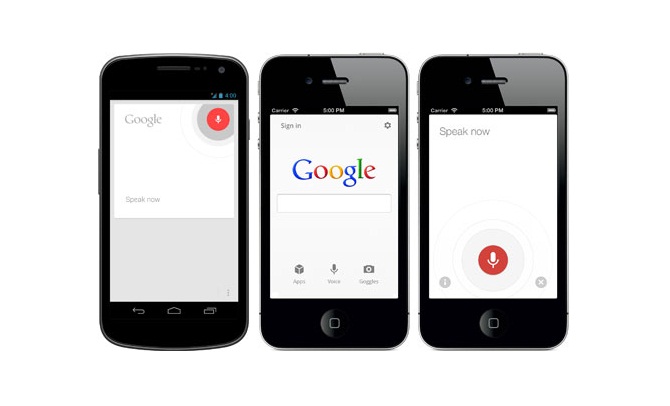
After bringing support for Indian accents in English language and Google Maps in Hindi, Now Google has started rolling out Hindi Voice search on Android. You can search by speaking in Hindi and get results in the same language
Back in June, Google already confirmed that Google Voice is now ready for India. At that time, Google Voice search could only understand Indian accents of English.
Google has also added Hindi (Bharat) language in Android. You can change the language from settings. Go to “Google Settings” -> “Voice” -> “Language”. Change this to “Hindi (Bharat)”. After saving the language to Hindi, you will be able to search by speaking in Hindi.


The only problem is that it tries to find out results in Hindi. And there are very few results in Hindi languages. So, you are very less likely to get desired results.
If you don’t see the Hindi language option, you need to wait for few more weeks.
Try this new language option and share your views with us via comments.
Related Posts