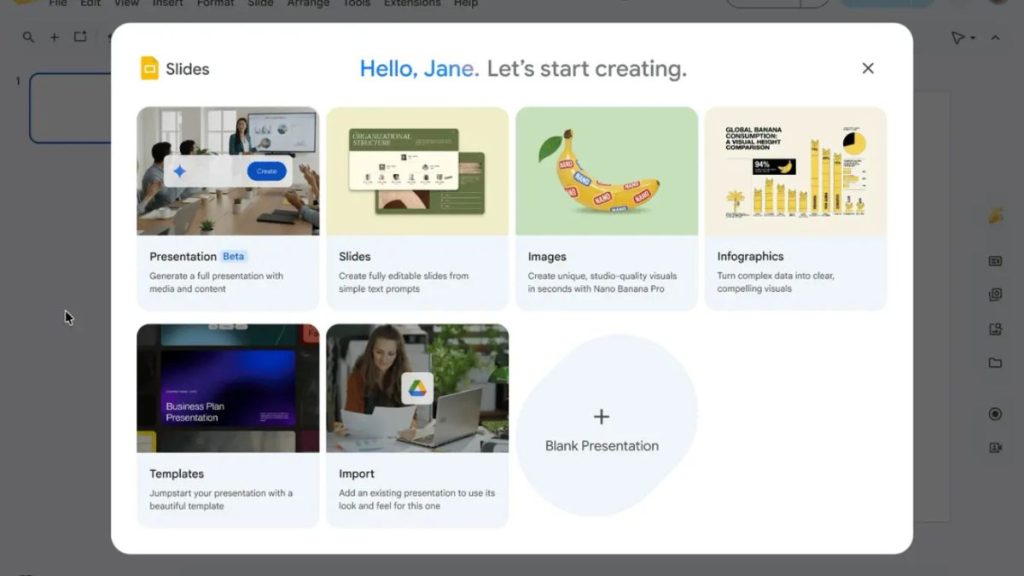
Google has announced a major upgrade for Gemini in Google Slides. The new feature can now generate an entire multi-slide presentation from a single prompt, making it much easier for users to create presentations with AI.
Until now, AI presentation tools mainly helped users create a few slides or generate content for specific sections. With this update, Gemini can build a complete presentation from start to finish. Once the presentation is generated, users can edit every slide, change the text, modify layouts, and customize the design just like any other Google Slides presentation.
One of the biggest improvements is that Gemini can use existing files as context. Users can attach documents, spreadsheets, or other files from Google Drive to help the AI create a more accurate presentation. It can also use an existing presentation as a style reference to match a company’s branding or preferred design.
Google has also added a planning step before generating the presentation. After entering a prompt, Gemini may ask follow-up questions about the target audience, presentation tone, or other details. Users can review and edit the presentation outline before the slides are created, giving them more control over the final result.
Another useful addition is file suggestions. Gemini can recommend relevant Google Drive files, emails, and chats that may help improve the presentation. This feature is part of Google’s broader Personal Intelligence strategy, which aims to make Gemini more useful by allowing it to access relevant information from a user’s Workspace data. Currently, the feature supports only English.
The rollout has already started for both Rapid Release and Scheduled Release domains, with the extended rollout beginning on June 29, 2026. Google says there are no administrator controls for enabling or disabling the feature.
Related Posts