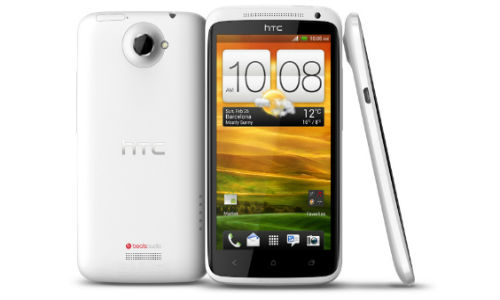
If you want to refresh your smartphone back to its default setting, you need to hard reset it. This is the solution of many smartphone problems. But hard reset will erase all data from your smartphone and take it back to the original settings and data as you had purchased. So you need to take a backup of all your important data.
If you just want to soft reset the device without erasing data, simply hold the Power button down until it powers off.
From Android OS
- Slide down the notification bar and select the gear.
- Select Storage.
- Choose Factory data reset.
- Select Reset Phone.
- Select Erase everything.
Wait for some moment while the device performs the reset.
From Start-up
- Power the HTC OneX off.
- Press and hold the Volume Down button, then press and hold the Power button.
- Continue to hold both buttons until you see an Android logo.
- Toggle the selection to the Factory Reset option using the Volume Down button.
- Press Power to choose the selection.
Wait a few moments while the reset completes. You have successfully erased all data from the HTC OneX.
Related Posts