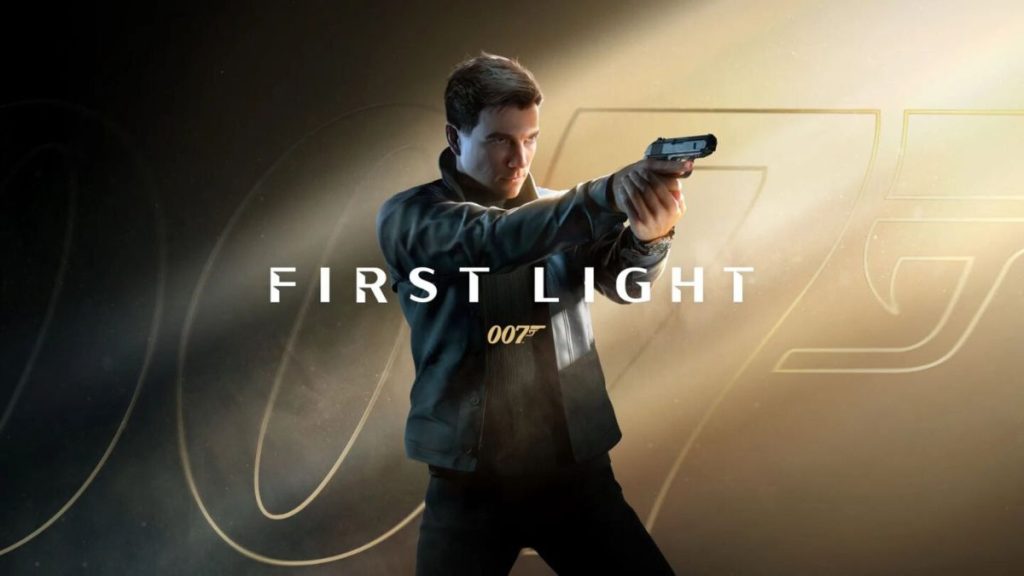
007 First Light is finally here, and the game does a good job of delivering the cinematic spy adventure fans expect from a James Bond title. While it may not push graphical boundaries like some of the latest AAA games, it still looks impressive and offers enough settings to fine-tune both visuals and performance.
The game is also not extremely demanding on PC hardware. You do not need a flagship graphics card just to enjoy the experience. At the same time, enabling a few advanced settings can make the game look much better, especially during action sequences and cinematic moments.
Here are the best settings to use in 007 First Light for a balanced mix of graphics quality and smooth gameplay.
Best 007 First Light Settings for PC
- Resolution: Native monitor resolution
- Display Mode: Fullscreen
- V-Sync: On
- V-Sync Interval: 1
- Transfer Function: 2.2
- Gamma: 1
- Resolution Scaling: Nvidia DLSS or AMD FSR
- DLSS/FSR Mode: Quality
- DLSS Frame Generation: Dynamic or 2x
- Texture Quality: High
- Texture Filter: 8x
- Terrain Quality: High
- Shadow Quality: High
- Volumetric Fog Quality: High
- Global Illumination Quality: High
- Reflection Quality: Ultra
- Motion Blur: On
- Fullscreen Blur Effects: On
- Radial Blur Effects: On
- Wobble Distortion Effects: On
- Film Grain Effects: On
- Chromatic Aberration Effects: On
007 First Light focuses heavily on cinematic presentation. The gameplay is slower and more story-driven compared to competitive shooters, so ultra-low latency is not the top priority here. That is why settings like motion blur, film grain, and blur effects actually improve the overall experience instead of becoming distracting. They help create the stylish spy-thriller feel the game is aiming for.
The game also feels better with a controller. Gunplay and movement are designed in a way that allows players to sit back and enjoy the story without needing highly precise controls.
DLSS and Frame Generation Improve Performance
Players using Nvidia RTX graphics cards should enable DLSS and Frame Generation for the best experience. The game supports Nvidia’s Dynamic Multi Frame Generation technology, which automatically adjusts frame generation when needed. This helps improve frame rates during demanding scenes while keeping gameplay smooth.
RTX 5000 series GPU owners can safely use the Dynamic option and let the game manage performance automatically. AMD users can still achieve solid performance using FSR in Quality mode.
Performance on High-End Hardware
Testing on a PC powered by an AMD Ryzen 7 7800X3D and Nvidia RTX 5080 delivered around 92 FPS average at 4K resolution with 2x frame generation enabled.
Even if your system is less powerful, the game remains playable at lower frame rates. Since this is a cinematic single-player game, stable 30 FPS gameplay still feels smooth enough.
Low vs Ultra Graphics Comparison
The visual difference between Low and Ultra settings is not massive in every scene. Character models and environments still look decent even at lower settings. However, higher settings noticeably improve:
- Reflections
- Lighting quality
- Shadows
- Volumetric fog
If you need extra FPS, reducing shadow quality and reflections first is usually the best option.
Does 007 First Light Need an SSD?
An SSD is not mandatory, but using one is highly recommended. Running the game on a traditional hard drive can lead to slower loading times. Thankfully, you do not need an expensive premium SSD. Even a standard NVMe SSD can improve loading performance significantly.
How to Monitor FPS in 007 First Light
Players can monitor FPS and system performance using built-in GPU overlays.
For Nvidia GPUs:
- Open the Nvidia overlay
- Press Alt + R during gameplay
For AMD GPUs:
- Open Radeon Overlay
- Press Ctrl + Shift + O
You can also use third-party monitoring tools like CapFrameX or Nvidia FrameView.
Wrap Up
007 First Light is a visually impressive game with solid PC optimization. It may not become a benchmark title for graphics technology, but it delivers a polished and cinematic James Bond experience. With the right settings enabled, players can enjoy smooth gameplay, strong visuals, and the stylish spy atmosphere the game is built around.
Related Posts