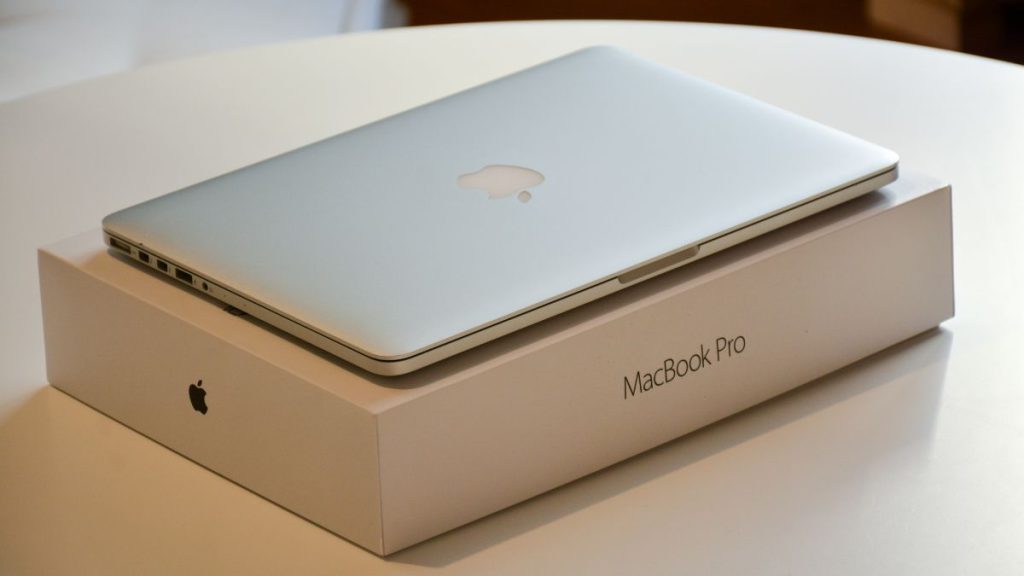
Apple could soon bring one of the biggest changes to the MacBook Pro in years. The company has confirmed its October 28 event, called “Pro and tell,” where it is expected to introduce its first touchscreen MacBook Pro. Reports suggest the new models will also feature OLED displays, marking another major change to Apple’s professional laptops.
The move raises an important question. Why does the MacBook Pro need a touchscreen when Apple already sells the iPad Pro, a powerful tablet with an M-series chip, Apple Pencil support, and a display designed for direct interaction?
Apple has spent years keeping the Mac and iPad separate. The MacBook is built around a keyboard, trackpad, and desktop software, while the iPad focuses on touch and portability. Both devices now offer powerful hardware, but they serve different purposes. Adding a touchscreen to the MacBook could make it more versatile, but it could also blur the line between two products Apple sells to the same customers.
The question is not whether Apple can add touch to a MacBook. It is whether users actually need it.
The iPad Pro is no longer just a device for browsing the web, watching videos, and reading documents. Apple’s M-series chips allow it to handle demanding creative workloads, while iPadOS 26 brings improved window management, file handling, and background tasks.
Users can pair it with a Magic Keyboard for a laptop-like experience or use an Apple Pencil for drawing, handwritten notes, and document annotation. The hardware is powerful enough for many professional tasks, although software limitations and application availability still make the Mac a better choice for some workflows.
An M-series chip does not make macOS and iPadOS interchangeable. The operating system determines how applications work, how users manage files, and how effectively they can handle complex tasks.
A touchscreen MacBook would not automatically make the iPad redundant. But Apple needs to explain why people should touch a MacBook screen when the iPad already offers a more natural way to interact directly with content.
The biggest problem with a touchscreen MacBook Pro is its conventional laptop design. Unlike convertible laptops from Lenovo and HP, the MacBook is not expected to feature a 360-degree hinge that lets users fold the display into tablet mode.
This matters because touch works best when the device is designed around it. A convertible laptop can switch between laptop and tablet modes. This makes it easier to draw, annotate documents, and interact with the screen using a stylus.
On a traditional MacBook, users must reach over the keyboard to touch an upright display. Occasional taps are convenient, but frequent interaction can become uncomfortable. The keyboard and trackpad are already positioned close to the user’s hands, which makes them more practical for many everyday tasks.
Apple could improve the experience with a touch-friendly macOS interface and a hinge designed to minimise screen movement when tapped. However, these changes would not solve the basic ergonomic problem of reaching forward to use the display.
A 360-degree hinge is not essential for every touchscreen laptop. Touch can still help with scrolling, zooming, and selecting objects. But without a convertible design, Apple needs to show why these benefits justify adding touch to a conventional laptop.
A touchscreen MacBook could be useful for photographers, designers, and video editors. Directly selecting objects, moving elements around a canvas, adjusting controls, and zooming into images can feel more natural than using a trackpad.
Everyday tasks such as scrolling through documents and navigating maps could also benefit. Touch would give users another way to interact with macOS without forcing them to abandon the keyboard and trackpad.
However, touch is not automatically better for every workflow. Writing code, managing spreadsheets, editing long video timelines, and working across multiple windows can still be easier with traditional input methods.
Software support will also matter. If macOS applications retain small buttons and menus designed for a pointer, users may find them difficult to operate with their fingers. Apple needs to adapt the interface rather than simply add a touch-sensitive layer to the existing display.
Reports suggest Apple is working on touch-friendly controls and gestures while retaining the traditional macOS experience. If implemented well, this could make touch useful without turning the MacBook into an oversized iPad.
If Apple believes touch is important enough to bring to macOS, why not introduce a MacBook with a 360-degree hinge?
Such a design would give users a clearer reason to use touch. They could fold the screen into tablet mode, draw with a stylus, read documents, or use the laptop in different positions.
Apple may prefer to keep the MacBook focused on traditional computing and the iPad focused on touch. A convertible MacBook would also need to balance weight, hinge durability, cooling, and other design requirements associated with a professional laptop.
A conventional touchscreen MacBook could be Apple’s compromise. It would add direct interaction without requiring a complete redesign of how people use the device. But that approach also makes it harder to justify touch as a major upgrade.
A touchscreen MacBook could create an awkward situation for Apple’s product lineup. The iPad Pro becomes considerably more expensive when users add a Magic Keyboard and Apple Pencil. For people who mainly use the tablet for productivity, a touchscreen MacBook could offer a more complete computing experience in one device.
Some customers who currently buy both products might decide they no longer need an iPad. Others would continue to prefer the tablet’s lighter design, portability, and stylus support. The overlap is not necessarily bad. Customers could benefit from more choices. But Apple would need to explain the distinction between a touchscreen MacBook running macOS and an iPad offering an increasingly capable multitasking experience.
The touchscreen is expected to arrive alongside an OLED display, which could bring deeper blacks and improved contrast compared with the mini-LED LCD panels used in current high-end MacBook Pro models. However, OLED and touch are separate upgrades. A better display can improve the MacBook experience even for users who never touch the screen.
The touchscreen could also add hardware complexity and contribute to a higher price. Apple has not officially confirmed the final specifications or pricing of the reported models, so it is too early to judge the cost of the upgrade.
For a premium laptop, the feature needs to offer more than novelty. If most users continue to rely on the keyboard and trackpad, Apple could end up adding a feature that looks impressive but makes little difference to everyday work.
A touchscreen MacBook Pro could make sense if Apple treats touch as an additional input method rather than a replacement for the keyboard and trackpad. The company could improve certain creative workflows and make everyday navigation more flexible without turning macOS into iPadOS.
But Apple needs to answer a simple question: what does touch do better than the trackpad?
The lack of a 360-degree hinge makes that question even more important. A convertible design would give users more reasons to interact directly with the screen. A traditional MacBook needs a stronger case for why reaching forward to tap the display is better than using the trackpad below it.
The iPad already offers a powerful touch-first experience, while the MacBook remains the better choice for many desktop workflows. Bringing touch to the Mac could narrow that gap, but it could also make Apple’s product lineup more confusing.
Apple may have a convincing answer. Until the company demonstrates how touch improves real workflows, however, the touchscreen MacBook Pro risks feeling like a feature added because the competition already offers it, rather than an upgrade users genuinely need.
Related Posts