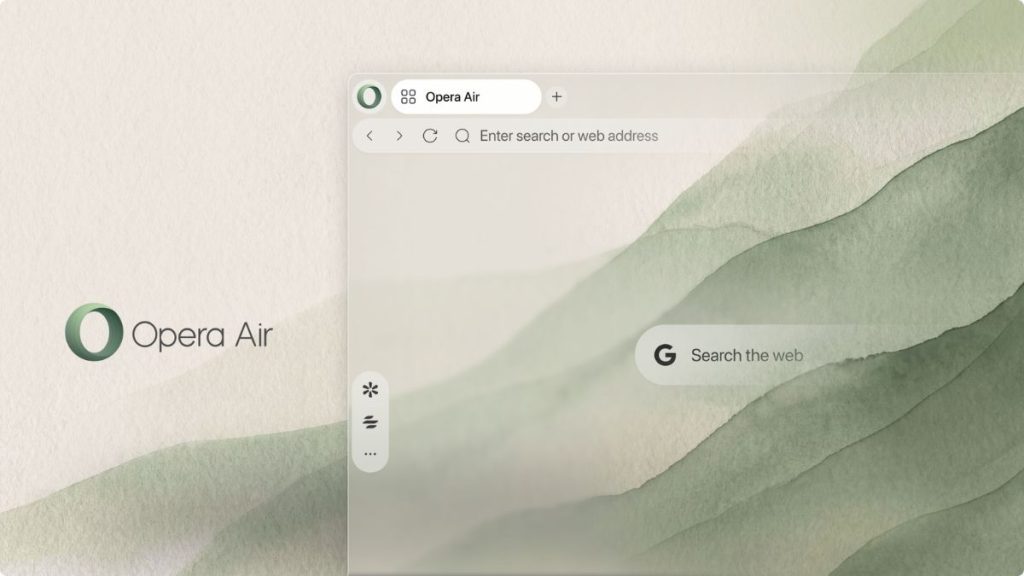
Opera is redesigning its Air browser around a simple idea: spending time online should not always mean dealing with distractions. The latest update removes several elements from the browser interface and adds more tools to help users focus, relax, and take breaks.
Unlike traditional browser updates that focus on new features and productivity tools, Opera Air is taking a different approach. It wants users to spend less time looking at unnecessary interface elements and more time doing what they came to the browser to do.
The updated browser removes Speed Dials, widgets, predefined shortcuts, promotional tips, and Opera system notifications by default. Users can restore these elements if they prefer the older interface, but the new default experience is designed to feel less cluttered.
I think this is an interesting direction for a browser. Modern browsers have become more than tools for opening websites. They now include AI assistants, sidebars, shopping features, notifications, and other additions that compete for attention. Some of these features are useful, but not everyone needs them. A simpler interface can make a browser feel less overwhelming, especially for people who spend most of their working day online.
Opera Air is also updating its visual design with new wallpapers based on perspectives, fractals, and textures. The wallpapers adapt to Light and Dark Mode, which gives users a more consistent appearance when switching between the two themes.
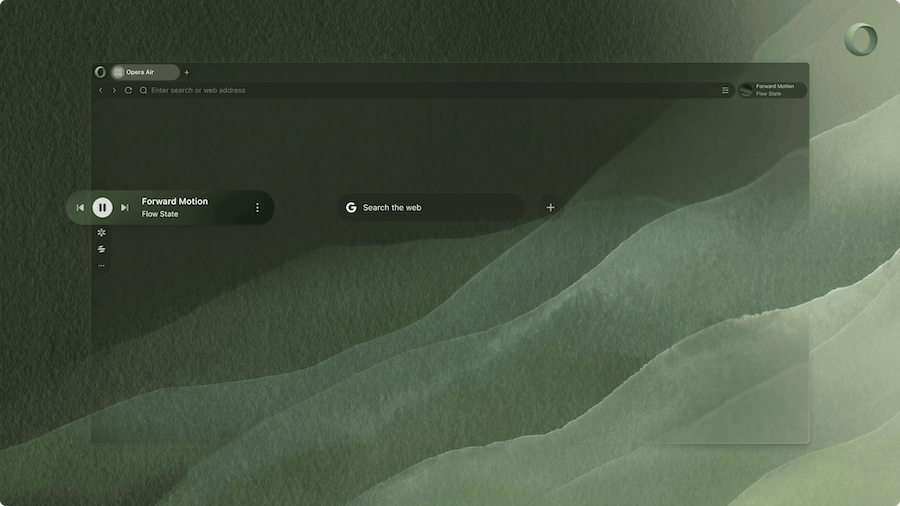
The bigger changes, however, are in the browser’s focus and wellness features.
Opera has expanded its soundscape options with four categories: Focus, Work, Relax, and Ambience. These include background sounds such as Sea Waves and Spring Forest, along with five new tracks, including Hyperfocus.
Users can also enable binaural beats, which are intended to support different listening experiences. The feature is optional and turned off by default. There are also timer and repeat controls to allow users to decide how long a soundscape plays.
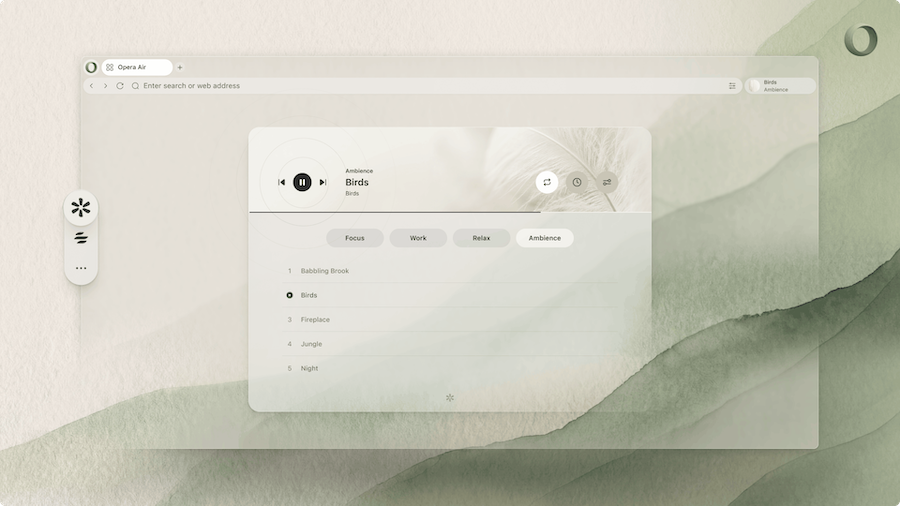
These features are not entirely new to the browser, but the expanded selection gives users more ways to customize their listening experience. Whether background sounds actually improve concentration depends on the person and the task. Some people find them helpful, while others work better in silence. Opera’s approach makes more sense when these tools remain optional rather than becoming another distraction.
The update also expands Opera Air’s break features. Users can choose from four breathing exercises: Destress, Refresh, Box, and Relax. Each session lasts between three and five minutes.
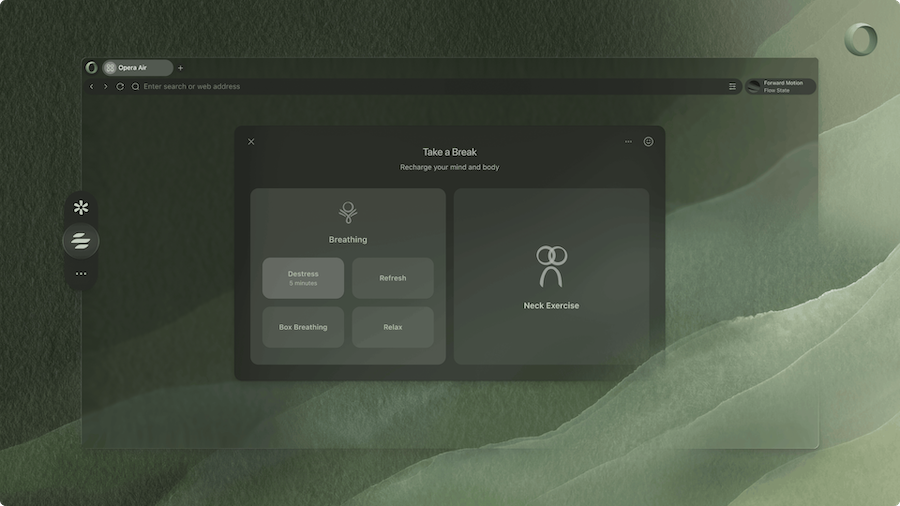
There are also four neck exercise routines: Unwind, Pain Relief, Loosen Up, and Tension Release. These sessions last between five and 14 minutes and are intended to help users take a break from sitting in front of a screen.
Opera has added an optional camera feature that lets users compare their neck movements with an on-screen model while following an exercise. Voice guides, music, and ambient sounds can also be customized. Exercise guides are available in English, German, Portuguese, and Polish.
The browser can remind users to take breaks at intervals ranging from 45 to 180 minutes. Break reminders are disabled by default, so users need to enable them if they want regular prompts.
I believe these reminders could be useful for people who spend hours working at a desk and often forget to take breaks. However, their usefulness will depend on how well they fit into someone’s routine. A reminder every 45 minutes might interrupt some people, while a longer interval could work better for others. Giving users control over the timing is the right approach.
Opera Air’s latest update does not introduce a single feature that will convince everyone to switch browsers. Instead, it builds on the idea that a browser should help users manage their time online rather than constantly compete for their attention.
That idea is worth exploring. Browsers are where many people work, study, communicate, and consume content, making them an obvious place to address digital distractions. Still, a cleaner interface and relaxation tools cannot solve every problem associated with spending too much time online. Users will need to change their habits, too.
Related Posts