


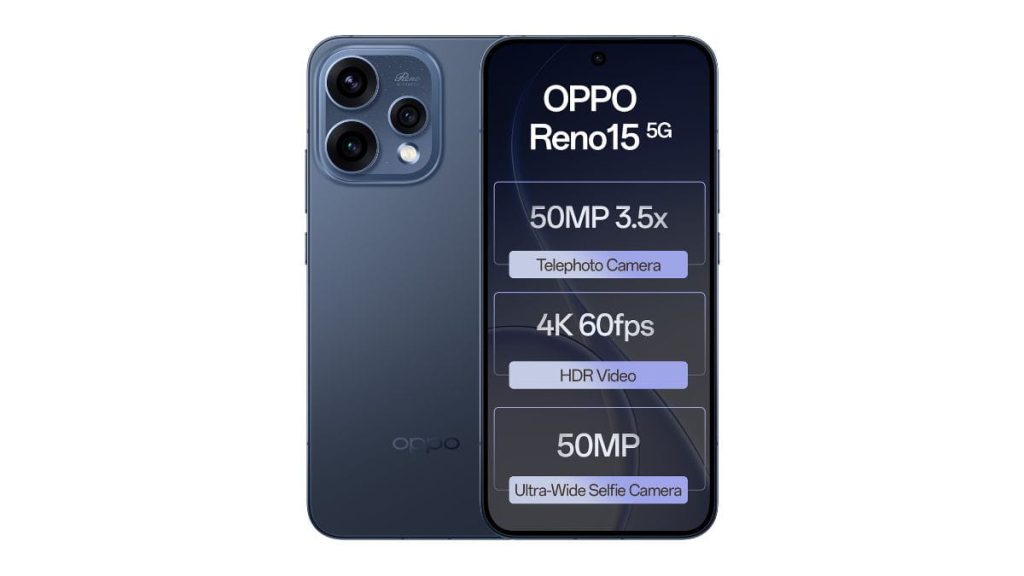
More and more users are starting to use their smartphones to document their lives, share opinions, and even build personal channels. So, what capabilities should a truly vlog-ready smartphone have?
This article provides a systematic analysis of the OPPO Reno15 5G from four dimensions: imaging system, video performance, creative features, and real-world usage scenarios.
1.Core Standards for Vlog Shooting
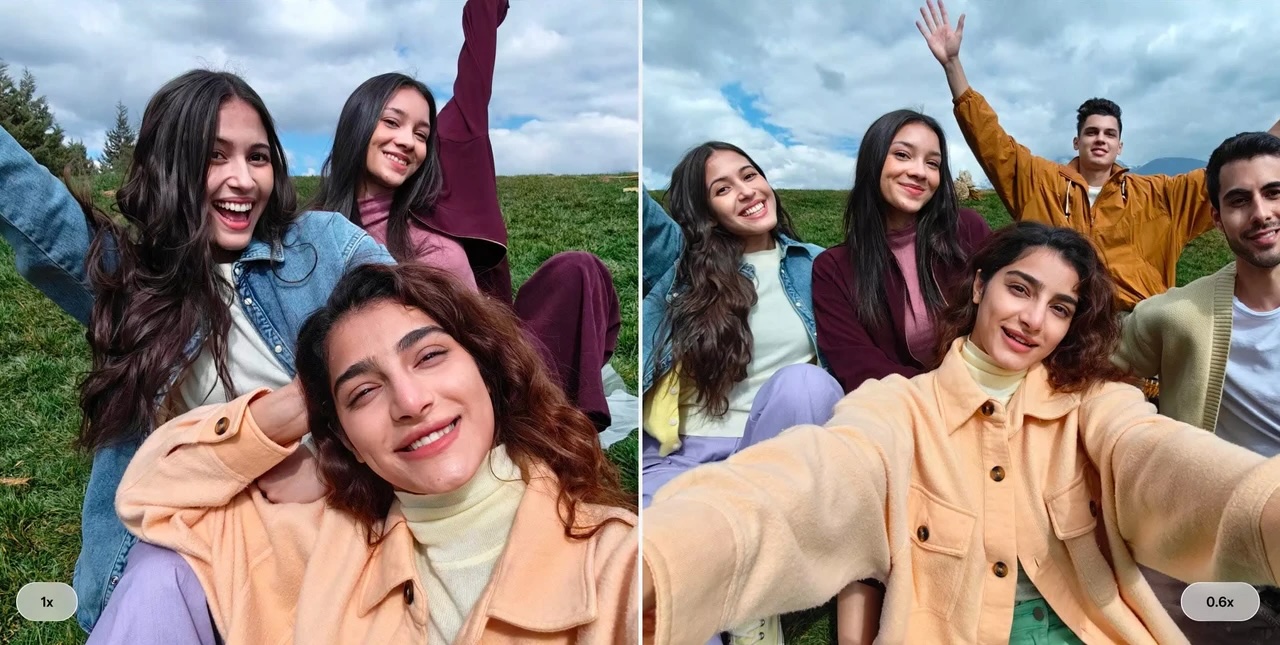
Front Ultra-Wide Portrait Video is one of the most practical features for vlog creators. It allows you to enable portrait mode while recording selfies, creating a naturally blurred background while keeping the subject sharp and prominent.
Combined with a 100° ultra-wide angle, even when holding the phone at arm’s length, you can easily include both yourself and the surrounding environment—no selfie stick required, no need to step out of frame.
2.Stabilization and HDR — Shoot While Moving, Stay Smooth
One of the biggest challenges of handheld vlogging is shaky footage. The OPPO Reno15 5G’s 4K HDR Ultra-Steady Video solves three problems at once: stability, image quality, and dynamic range.
- Stability: The stabilization algorithm is deeply optimized. Whether you’re running, turning, or walking while talking, the footage remains smooth.
- Image Quality: 4K resolution preserves ample detail, allowing for cropping or zooming in post-production without losing clarity.
- HDR: Even in backlit or high-contrast scenes, both facial details and background elements (like the sky) are well preserved.
3.Seamless Perspective Switching
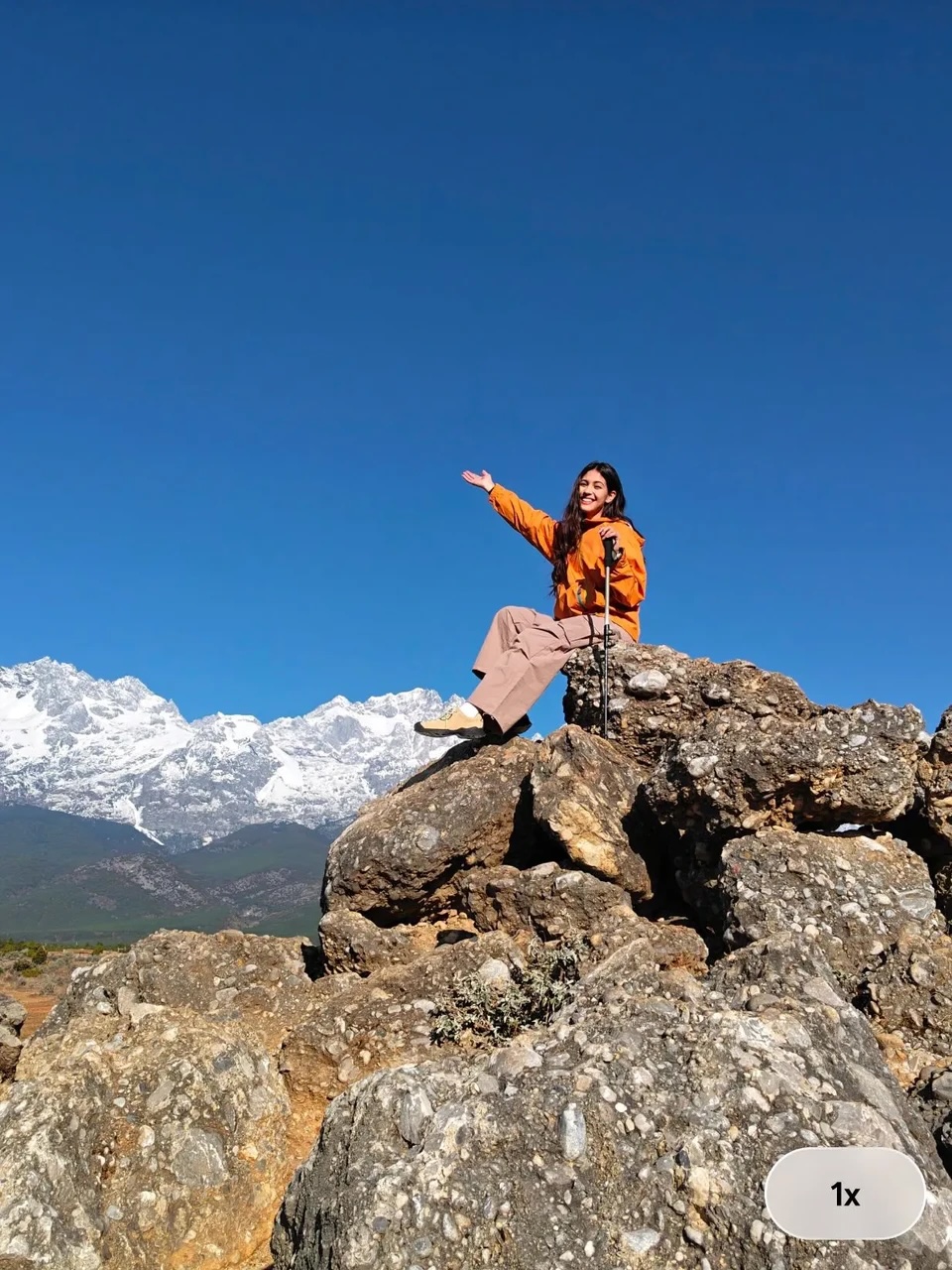
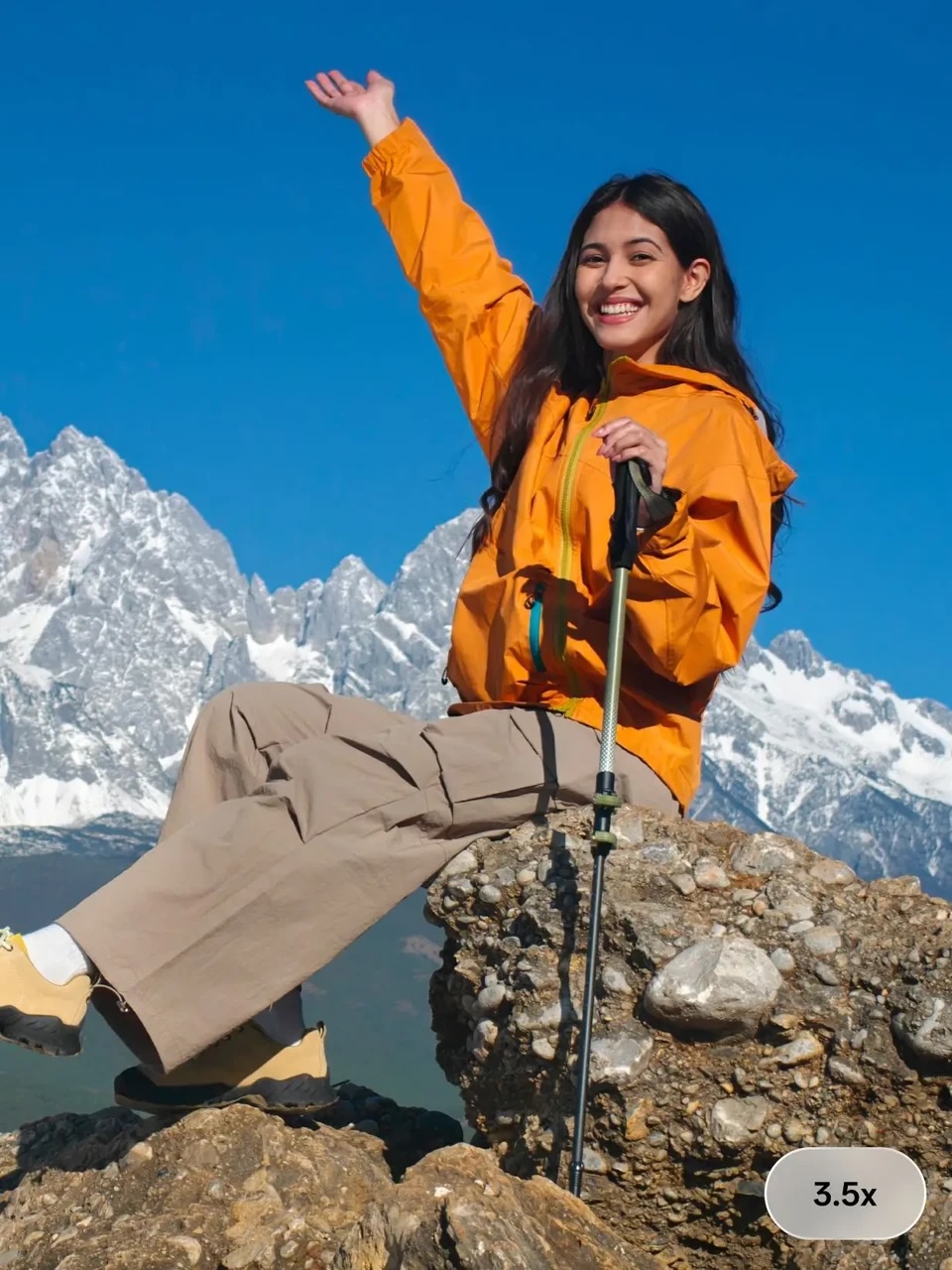
- Seamless Camera Switch: During recording, you can smoothly switch between rear and front cameras without noticeable jumps or interruptions
- Dual-View Video: Record simultaneously with both front and rear cameras, generating two perspectives in a single take—no need for syncing in post
- AI Motion Photo Slow-Mo: Moments like fireworks or powder bursts can be slowed down with one tap, enhancing emotional impact
- AI Motion Photo Eraser: Random passersby in street shots? Remove them with one tap—background is automatically filled in
4.Creative Editing and Extensions
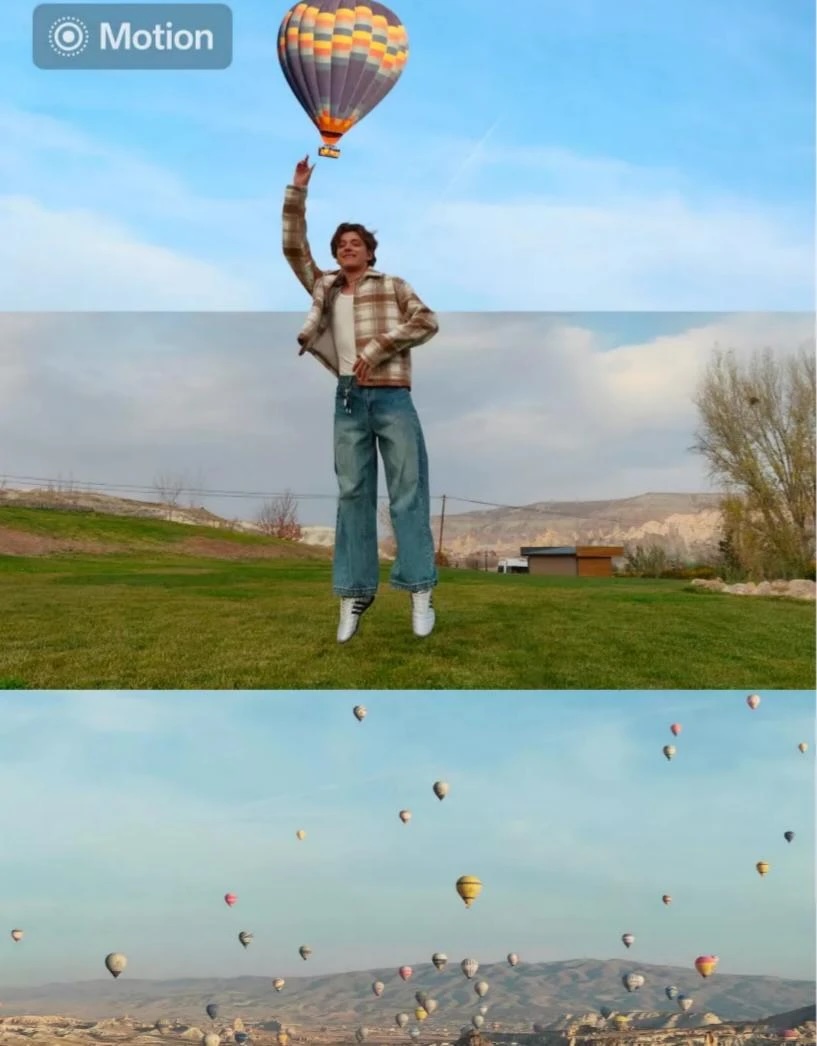
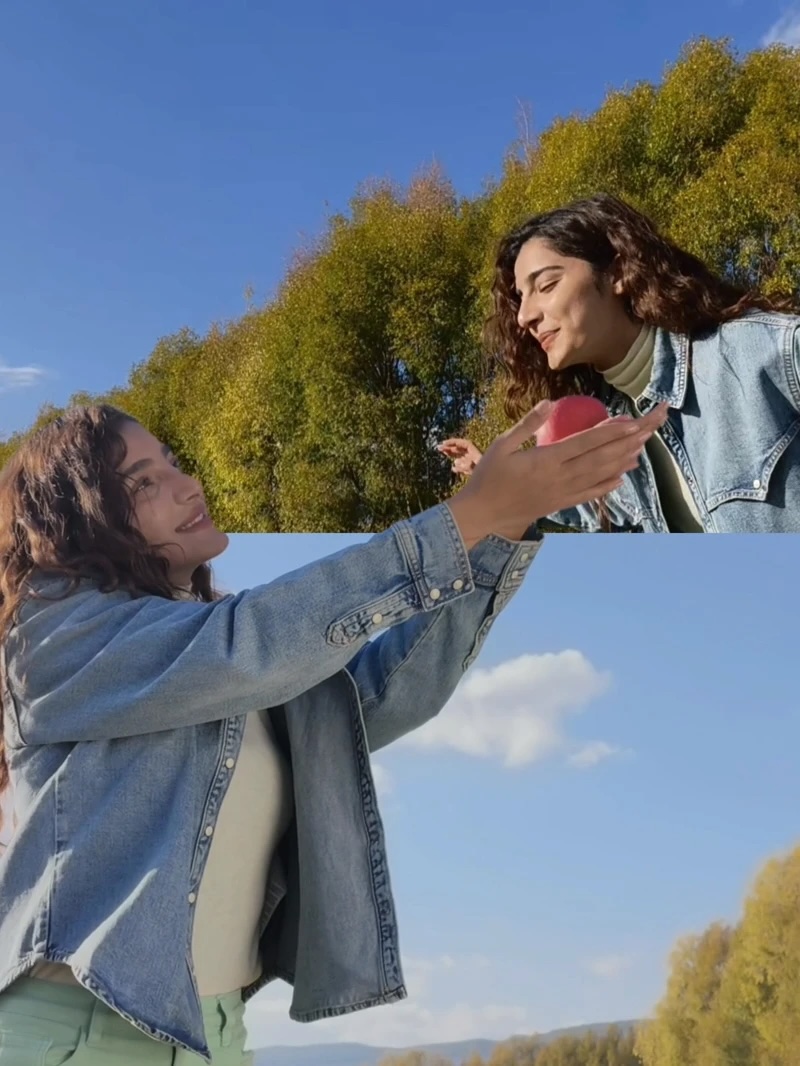
Popout (Out-of-Frame Collage): Select 2–9 photos → Tap “Collage” → “Live Collage” → “Out of Frame” → In just 5 seconds, generate a 3D-style image where the subject pops out of the frame.
You can use this for video covers, series intros, or holiday previews—all without third-party apps and without quality loss.
The final step of vlog creation is editing. With Video Editing 2.0, the OPPO Reno15 5G brings the entire editing workflow onto your phone.
FAQS
Q: Can I blur messy backgrounds in selfie videos? A: Yes. Front Ultra-Wide Portrait Video supports portrait mode, providing natural background blur with a clear subject.
Q: Do I need to record twice to capture both myself and the environment? A: No. Dual-View Video records both front and rear perspectives simultaneously—no need for post-syncing.
Q: Will switching cameras during recording cause jumps? A: No. Seamless Camera Switch ensures smooth transitions with no frame drops or visible cuts.
Q: Do I need a computer to edit my vlog? A: No. Video Editing 2.0 allows you to trim, add music, and insert subtitles directly on your phone.
Q: How do I remove unwanted people from street shots? A: AI Motion Photo Eraser removes them with one tap and automatically fills the background.
Q: How can I quickly create an eye-catching vlog cover? A: Use Popout to select 2–9 photos and generate a 3D out-of-frame collage in 5 seconds.
Conclusion
The OPPO Reno15 5G delivers equally powerful specifications for both front and rear cameras—4K HDR, ultra-wide angle, portrait mode, and stabilization, all included.
Combined with features like Dual-View Video, Seamless Camera Switching, Video Editing 2.0, and Popout creative tools, it covers the entire vlog creation process from shooting to publishing.
For beginners who want to start vlogging without being limited by equipment, it is undoubtedly one of the best choices available.
Related Posts


