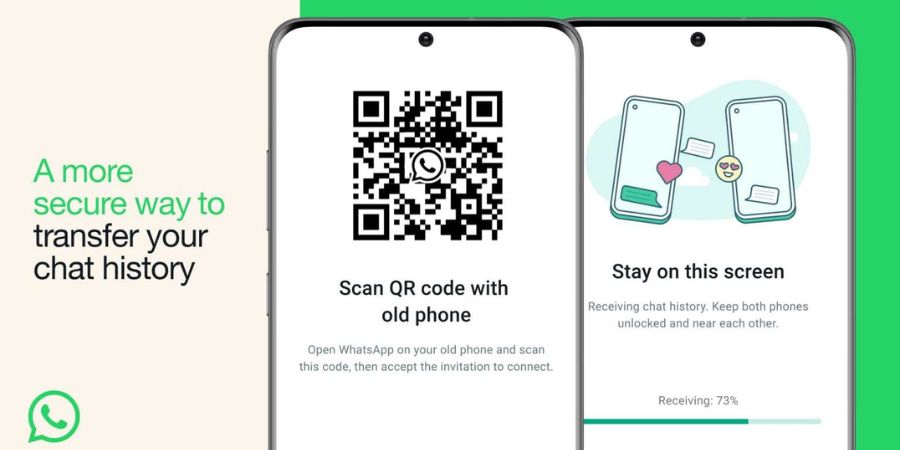
WhatsApp today introduced a new way to transfer chat from your old phone to a new phone using QR-code scanning. You just need to scan the QR code using the new phone to transfer WhatsApp data from one phone to another using WiFi Direct.
To transfer chat history from one phone to another, make sure both phones are connected to the same Wi-Fi network. Now open WhatsApp on the old device. Go to Settings > Chats > Chat transfer. It shows you a QR code.
Scan this QR code from the new phone to initiate the chat transfer process.
Meta claims that the process uses a fully encrypted connection to transfer the data. And the data is only shared between the two devices.
Until now, WhatsApp was offering a cloud backup option to transfer data from one device to another. This method was also restricted to the same operating system. There is also a way to transfer data from iOS to Android and Android to iOS, but it is also complicated.
Related Posts