


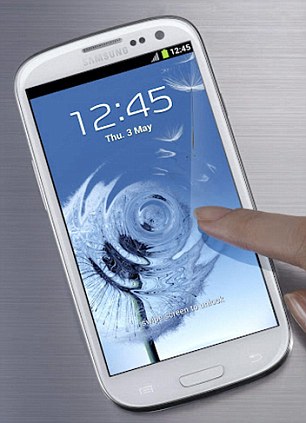
Samsung Galaxy S3 is really a nice smartphone. But every gadget create problems. If it’s frozen and not responding, you will want to soft reset it. If problems are bigger and normal troubleshooting does not fix problem, you can go for hard reset.
Here are quick ways to perform this
Soft Reset:
If you want to perform soft reset, simply press and hold the Power button on the device for about 10 to 20 seconds. Screen will turn off and then you will be able to turn on device back.
hard reset: There are two ways to perform hard reset on Samsung Galaxy S3. You can do it either from Android menu or from startup.
Note: hard reset will erase all your data. Please backup your device first.
From Android OS: navigate your device as per given below:
Tap Settings –> Back up and reset –> Factory data reset –> Reset device –> Reset everything.
Now you have performed hard reset to your Samsung Galaxy S3.
From Startup
- Turn of your device.
- With the device powered off, press and hold both Volume buttons, then press and hold Power.
- Hold all three buttons until you see the screen come on.
- From the recovery screen, use the Volume Down button to toggle the selection to wipe data / factory reset.
- Press the Home button to select the highlighted option.
If you have any problems in performing these steps, you can comment below to get help.
Related Posts


