

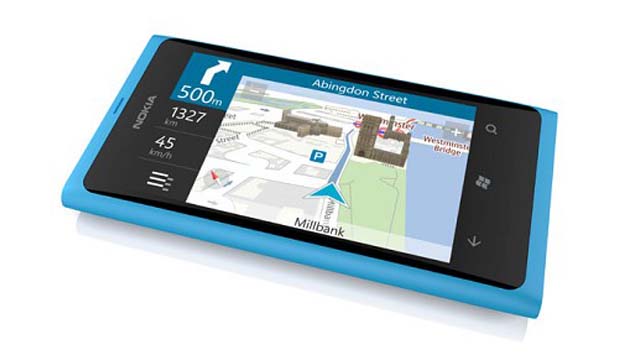
But take the full backup of all your phone data because hard resetting your phone mean you lose all data stored on it.
Method 1
- From the main menu either swipe right-to-left on the touchscreen or press the right arrow button on the top right of the interface.
- Scroll through the icons until you get to the ‘Settings’ menu. Then, tap the ‘Settings’ icon.
- Scroll down to the ‘About’ menu which should be second from the bottom. Tap it.
- Press the ‘Reset Your Phone’ button.
- The phone will reset itself and return you to the main menu.
Method 2
- Switch the phone off.
- Press and hold the Volume Down, Power and Camera buttons at the same time.
- When the phone vibrates release the Power button but keep the Camera and Volume Down buttons held for a further five seconds.
The phone will now be reset.
Related Posts


